Notice with Desk Mode
With your iPhone propped up and the front camera active, Desk Mode can signal when your hand stays near your mouth.
Small gestures. New habits.
nail biting tracker and habit support
For iPhone · In-app purchases

NailSafe
Original promotional artwork. Ratings, user counts, rankings, statistics and before/after results shown in these images are unverified illustrations, not factual evidence. NailSafe does not guarantee a result or recovery time.
Illustrative screens. Features and appearance may vary by version.
Preview unavailable. Please try again.
What you can do
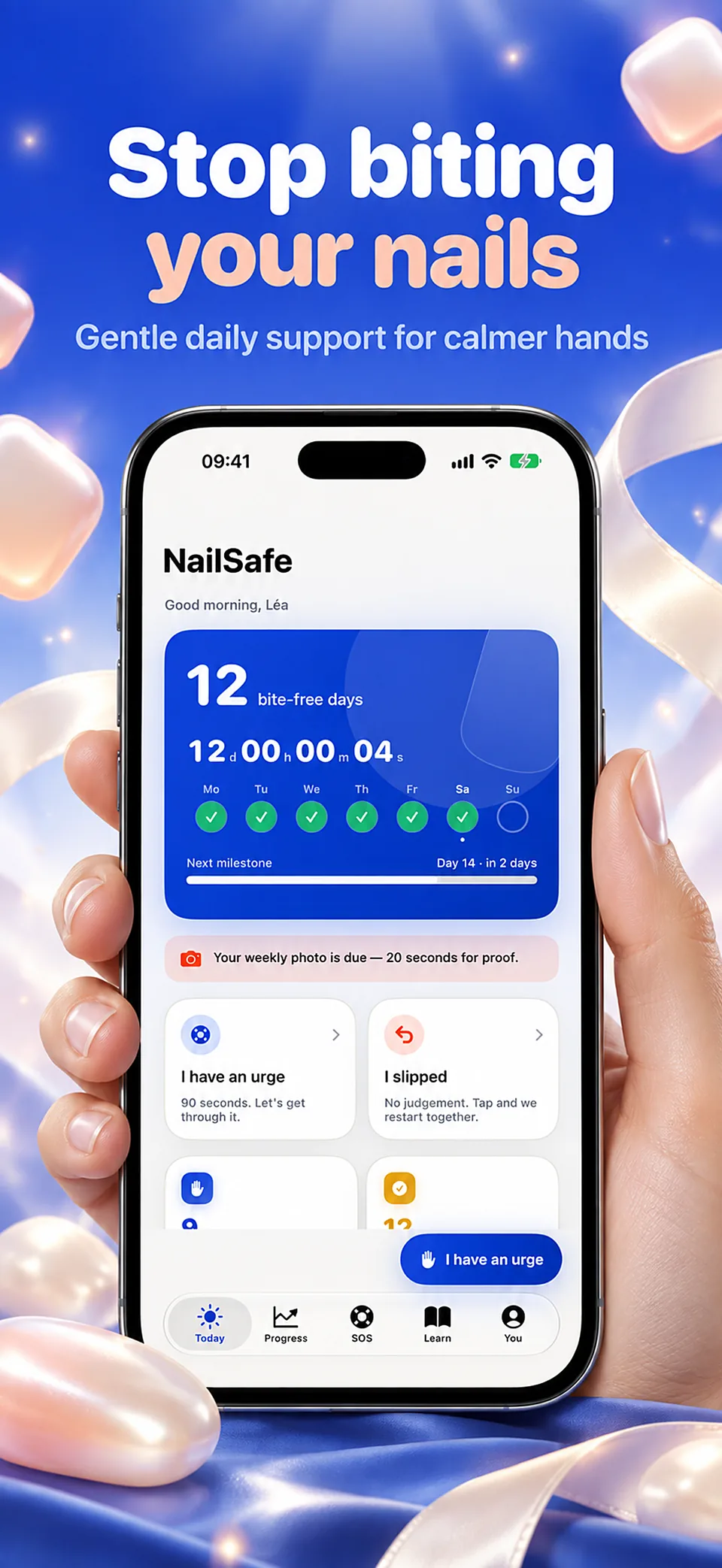
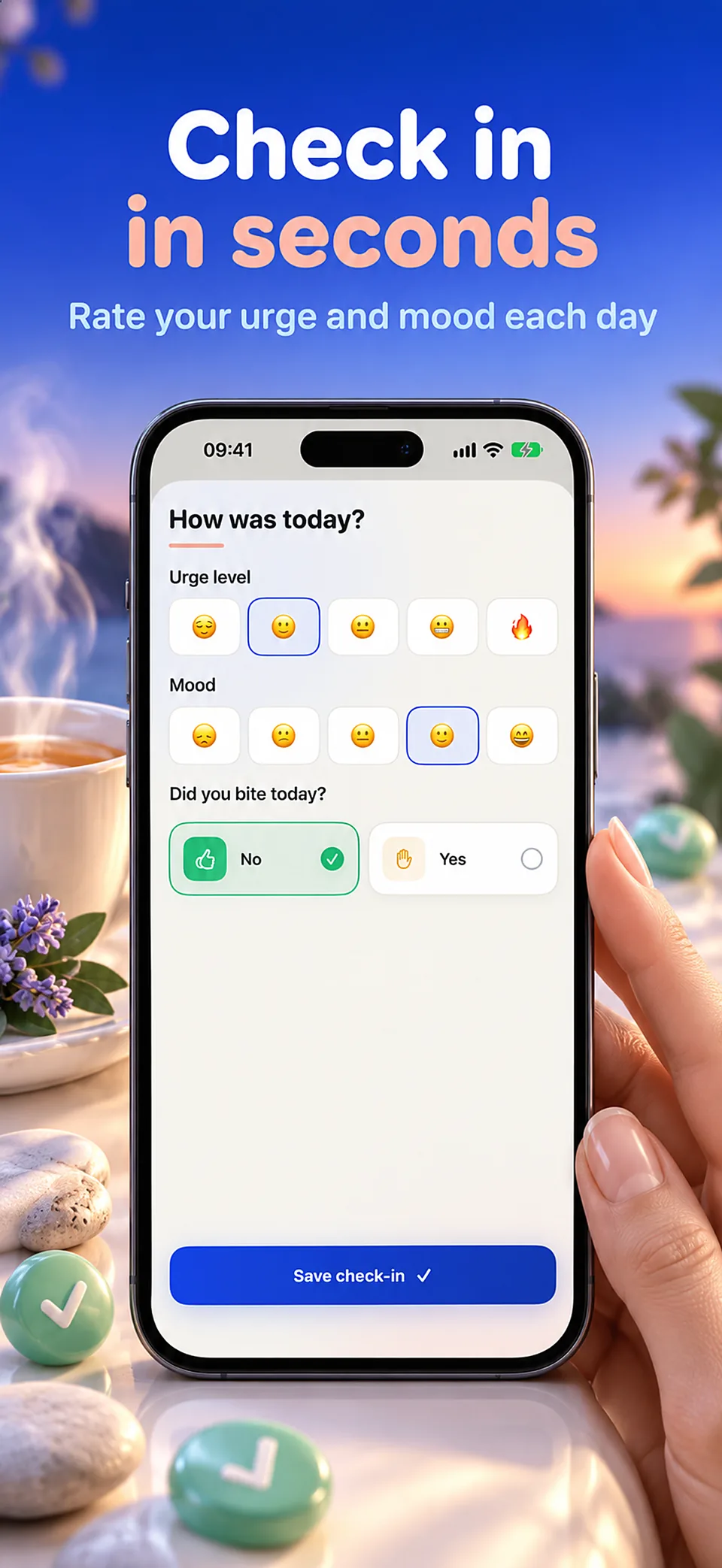
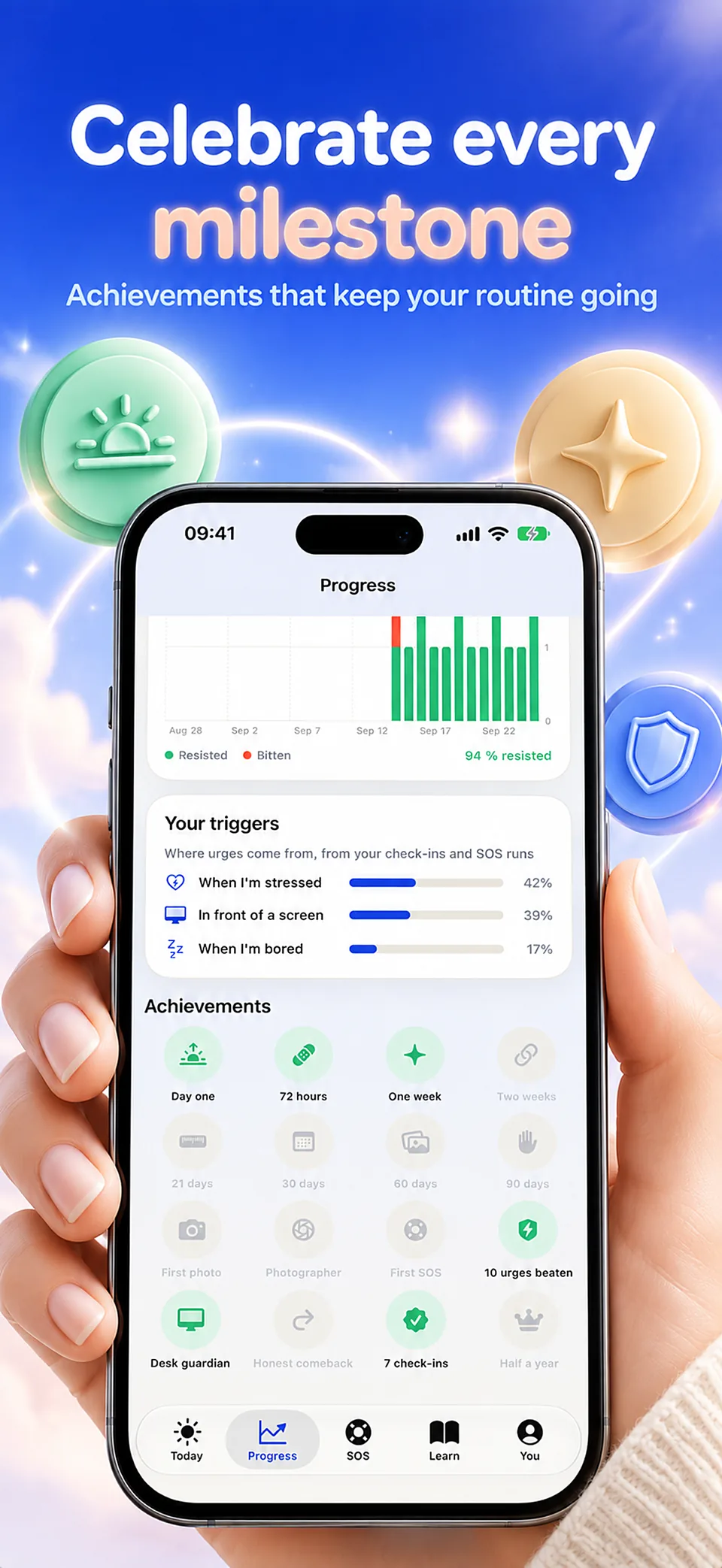
Notice the gesture. Give your hands another option. NailSafe brings desk reminders, craving support and a photo journal into your daily routine.
With your iPhone propped up and the front camera active, Desk Mode can signal when your hand stays near your mouth.
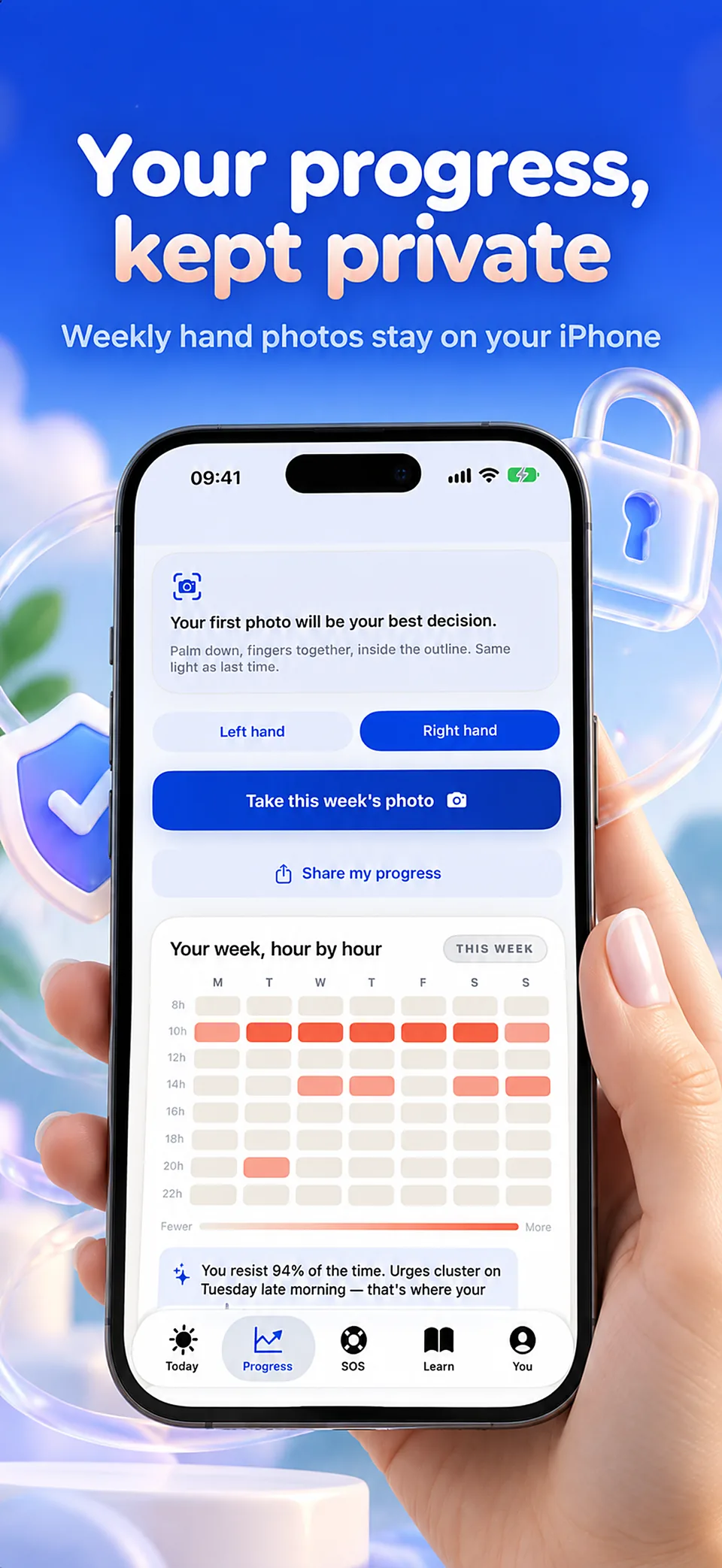
Take regular photos with consistent framing. Compare your own pictures over time without a promised recovery deadline.
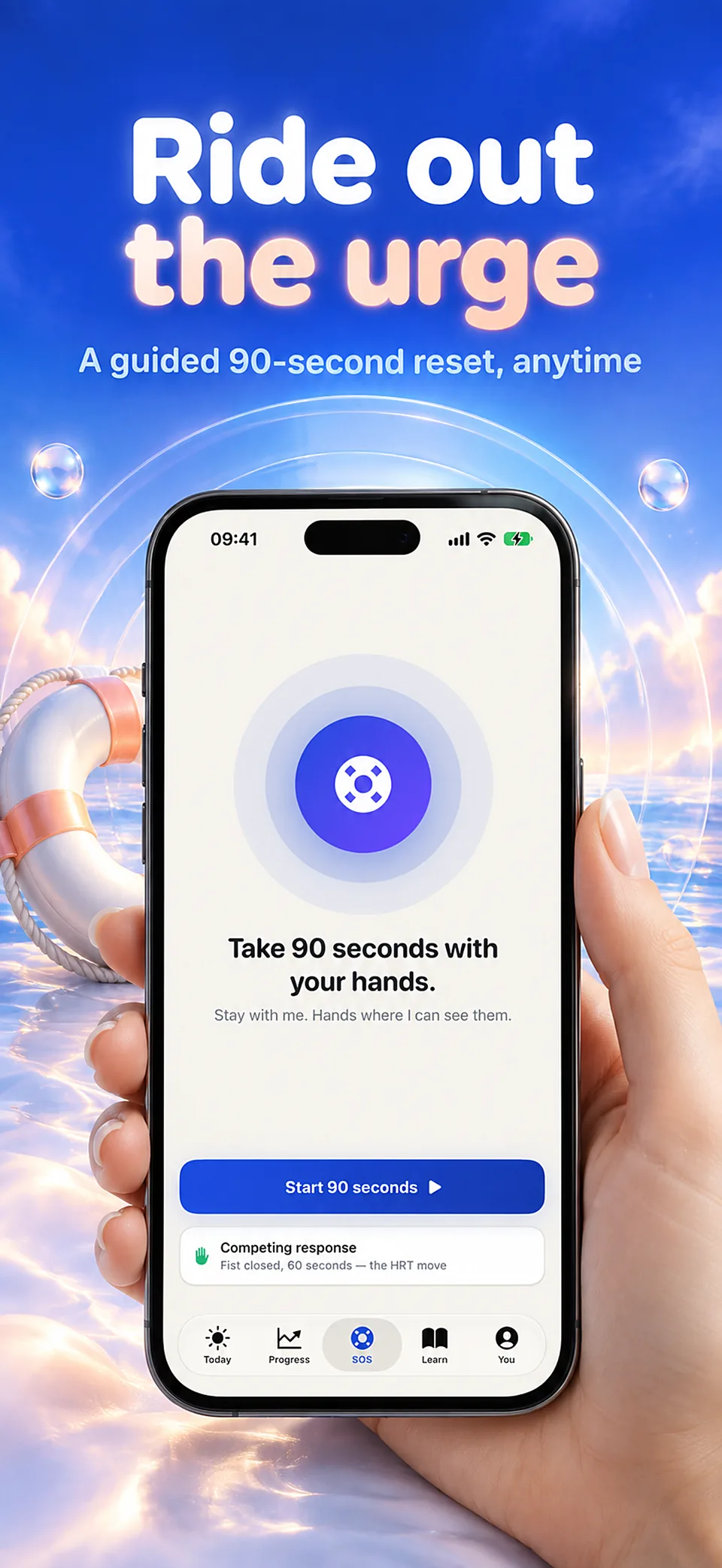
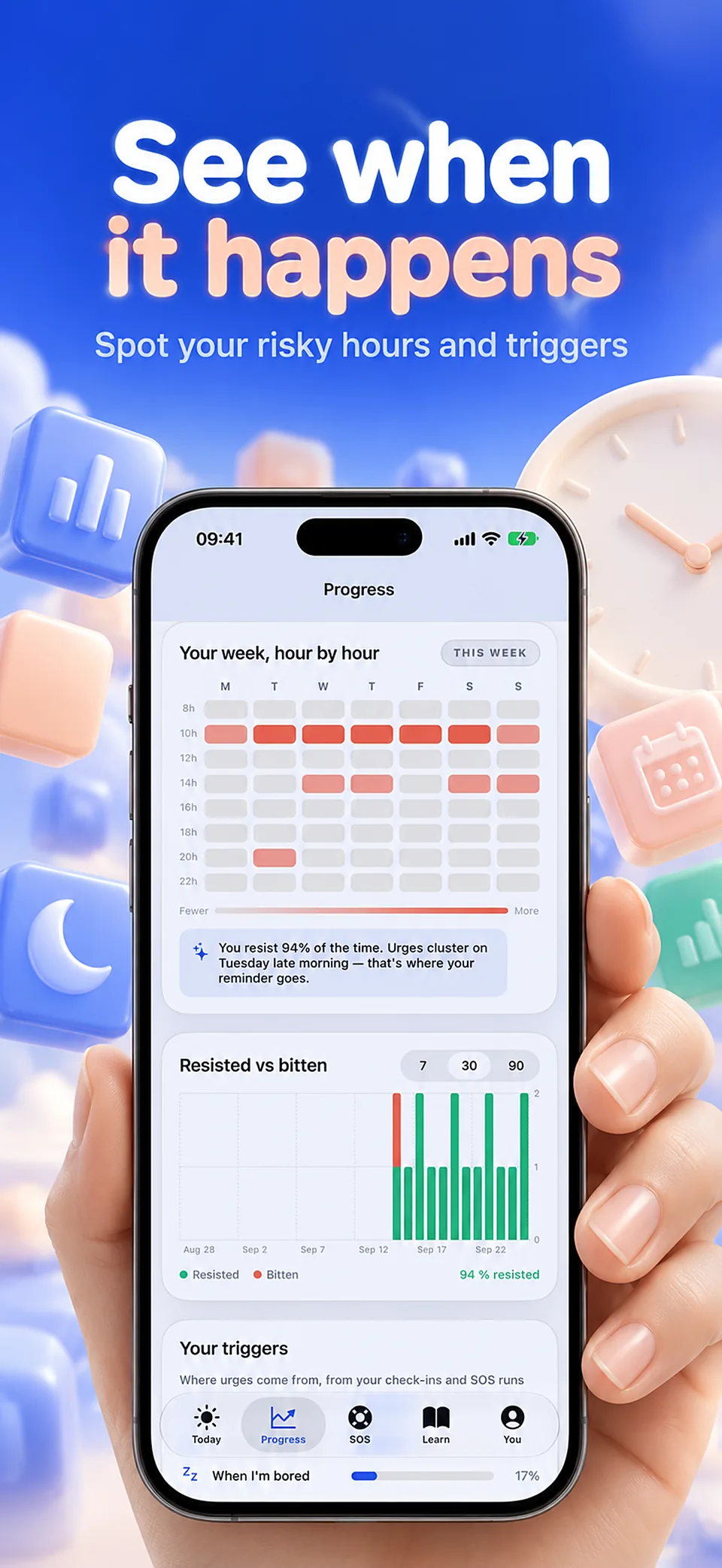
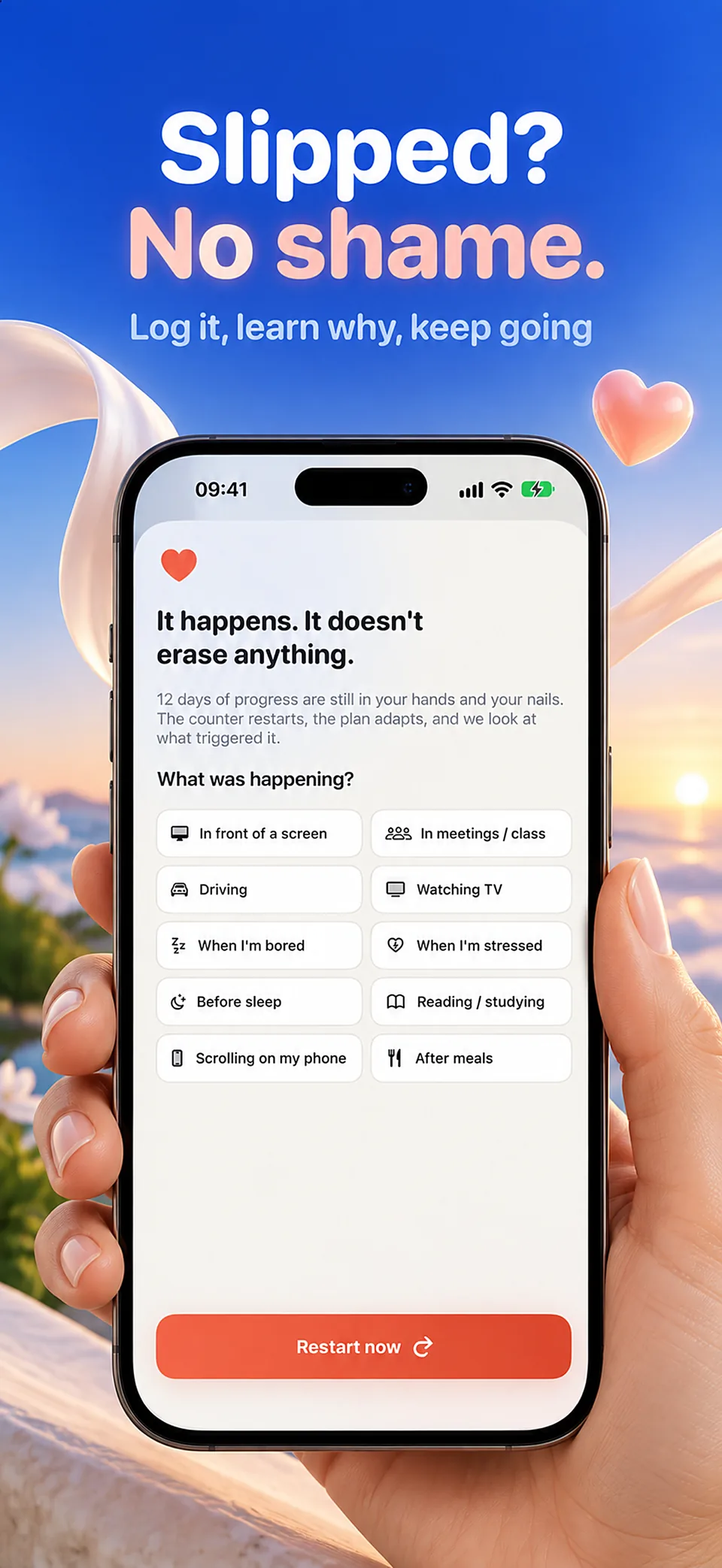
Open a short SOS routine and record the moments that trigger the habit. Return to your routine after a slip.
NailSafe is a habit-support tool, not a diagnosis or treatment. Seek professional help for injury, infection or significant distress.
Guides
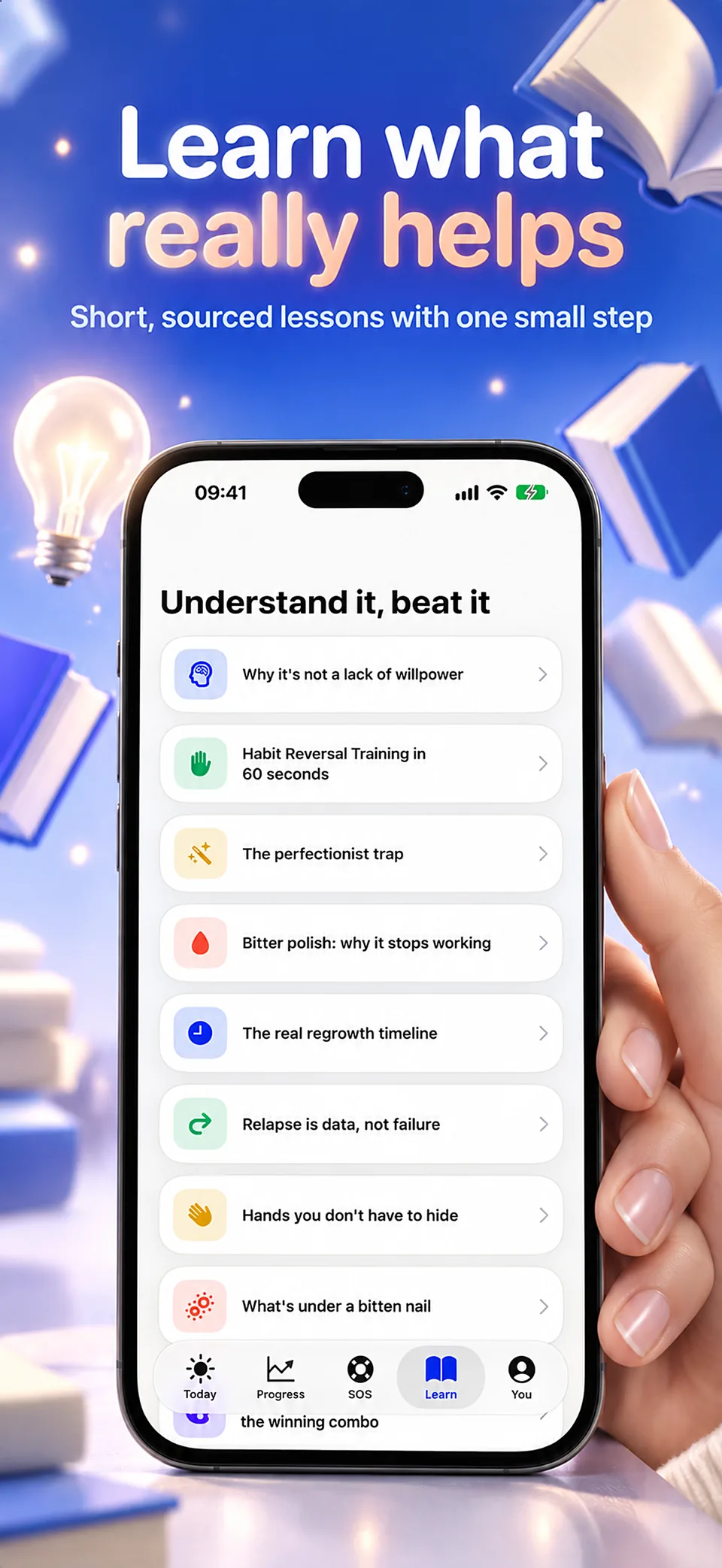
What to record and why, how a streak counter can work against you, using desk reminders deliberately, and how to read a week of entries into a plan.
Why photographs beat memory for a slow-changing habit, how fast nails really grow, the setup that makes two pictures comparable, and why no date should be promised.
The four components of habit reversal training, why awareness comes first, what makes a competing response work, how the method was simplified over time, and what the evidence supports.
Nail biting as a body-focused repetitive behaviour: what triggers it, why it feels useful, why it is so hard to notice, its physical consequences, and when it is worth seeing a professional.
A step-by-step account of habit reversal training for nail biting, what a competing response is, what to change in your environment, and what to do after a slip.
NailSafe
NailSafe combines Desk Mode reminders, short SOS routines and a photo journal. These tools help you notice situations and follow your own habits without a promised recovery deadline.
No. Desk Mode needs your iPhone propped up with its front camera active. It can signal when your hand stays near your mouth; it is not a background pocket sensor.
No. Desk Mode analyses camera frames on the device with Apple’s Vision framework and discards them immediately. Nothing is recorded, stored or uploaded.
In the app’s private storage on your iPhone. They are never uploaded and you can delete them at any time. Deleting the app erases everything.
No. NailSafe never asks for a name, email address or phone number.
That is expected: a hand near the mouth for about two seconds triggers an alert. Place the iPhone 40 to 70 cm away, facing you, in good light, for reliable detection.
The App Store and the app show the current price and available purchases in your local currency before confirmation. Trial availability depends on the offer and your eligibility. A free download does not mean every feature is free.
These are translated website pages. Check the Languages section of the App Store listing for the app itself. Some content may use a different language.
On iPhone, open Settings, tap your name, then Subscriptions. Select the app to review or cancel an active subscription. Deleting the app does not cancel a subscription.
Support
Include the app name, your iPhone model, iOS version and a description of the issue. Never include passwords or payment details.
Small gestures. New habits.
For iPhone · In-app purchases