Measure your voice in hertz
Speak for a few seconds. VocalMaxx computes your median frequency, your range and your stability on the device, then discards the sound. When the room is too noisy, it refuses the reading instead of inventing one.
 VocalMaxx
Voice & pitch
voice pitch analyzer & vocal training on iPhone
Check the App Store for availability in your country. Checked on 16 October 2026. Final availability depends on your Apple account country.
Available on the App Store
VocalMaxx
Preview language : English
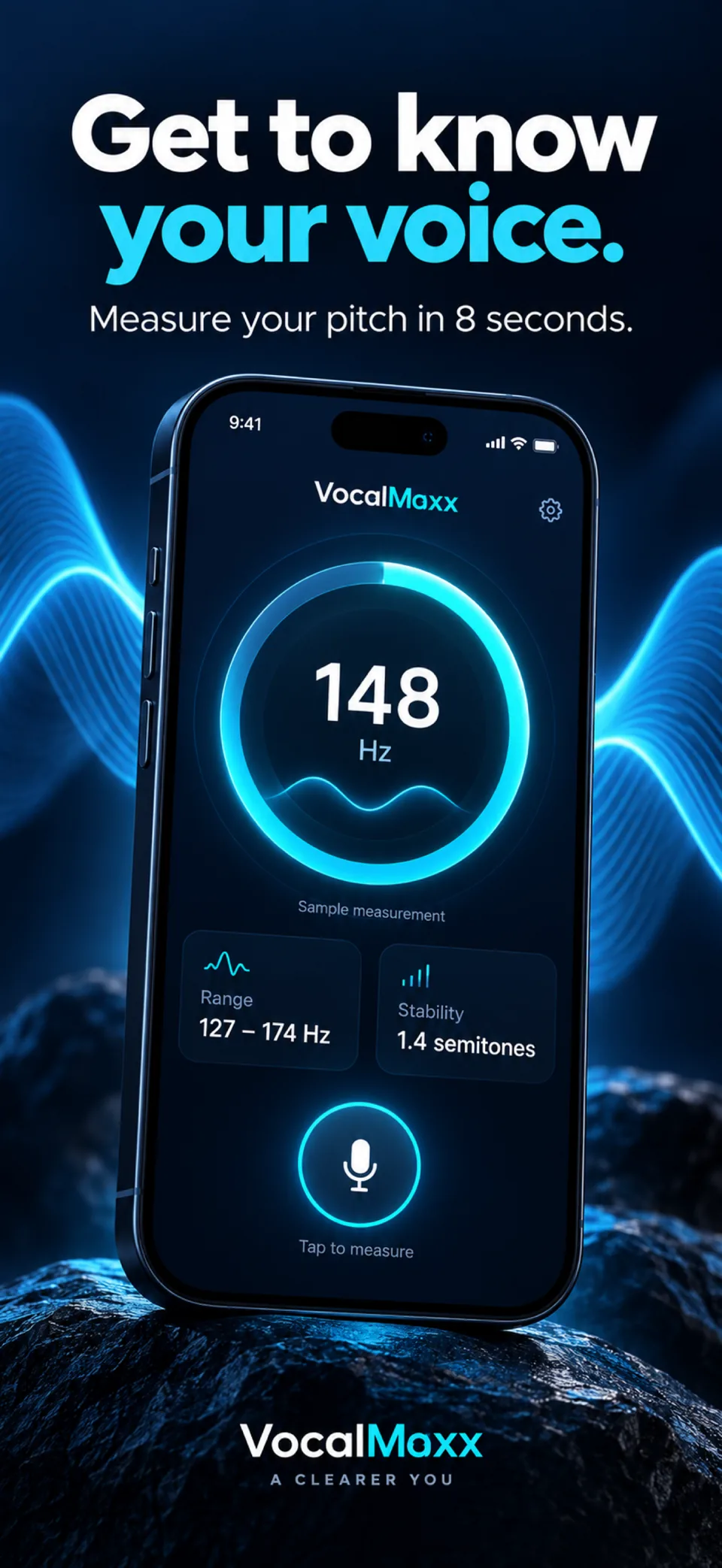
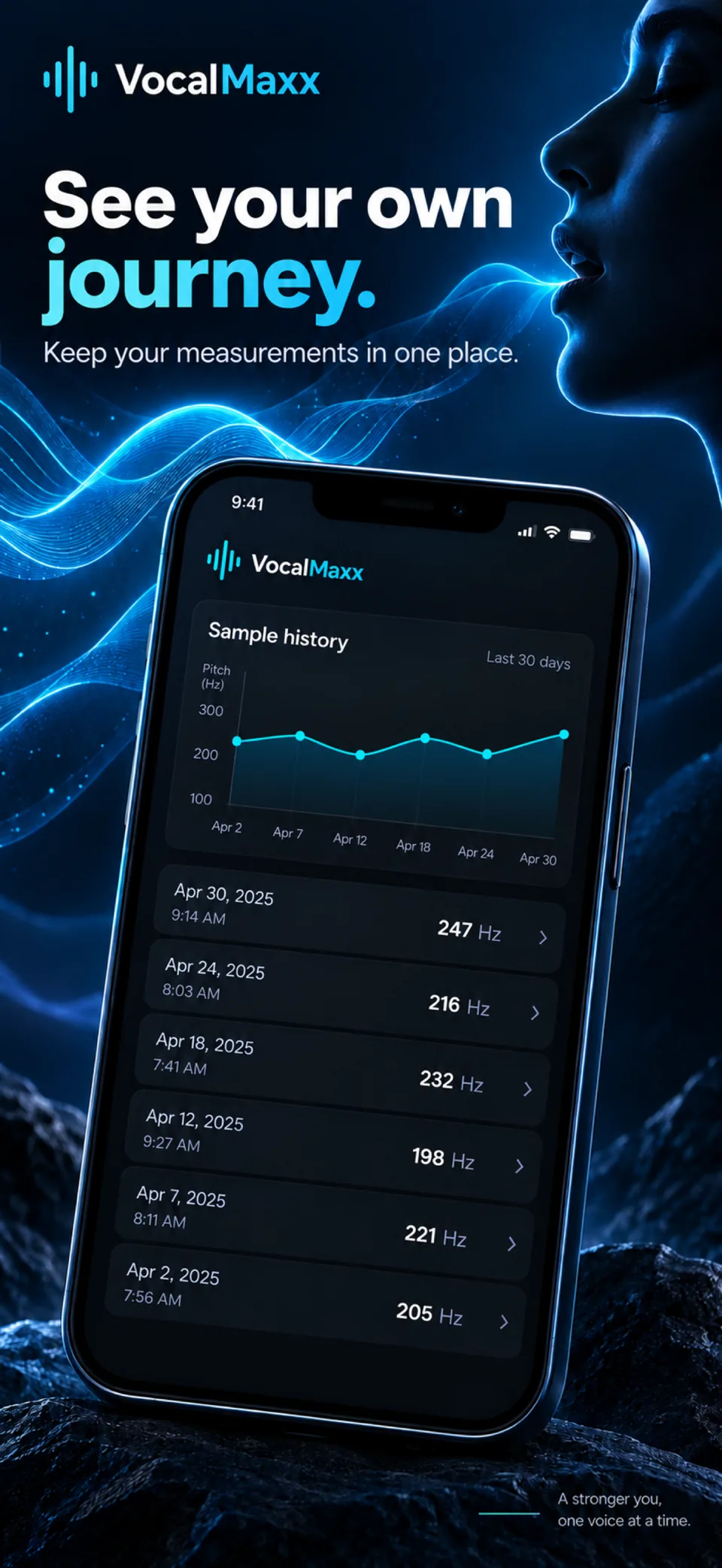
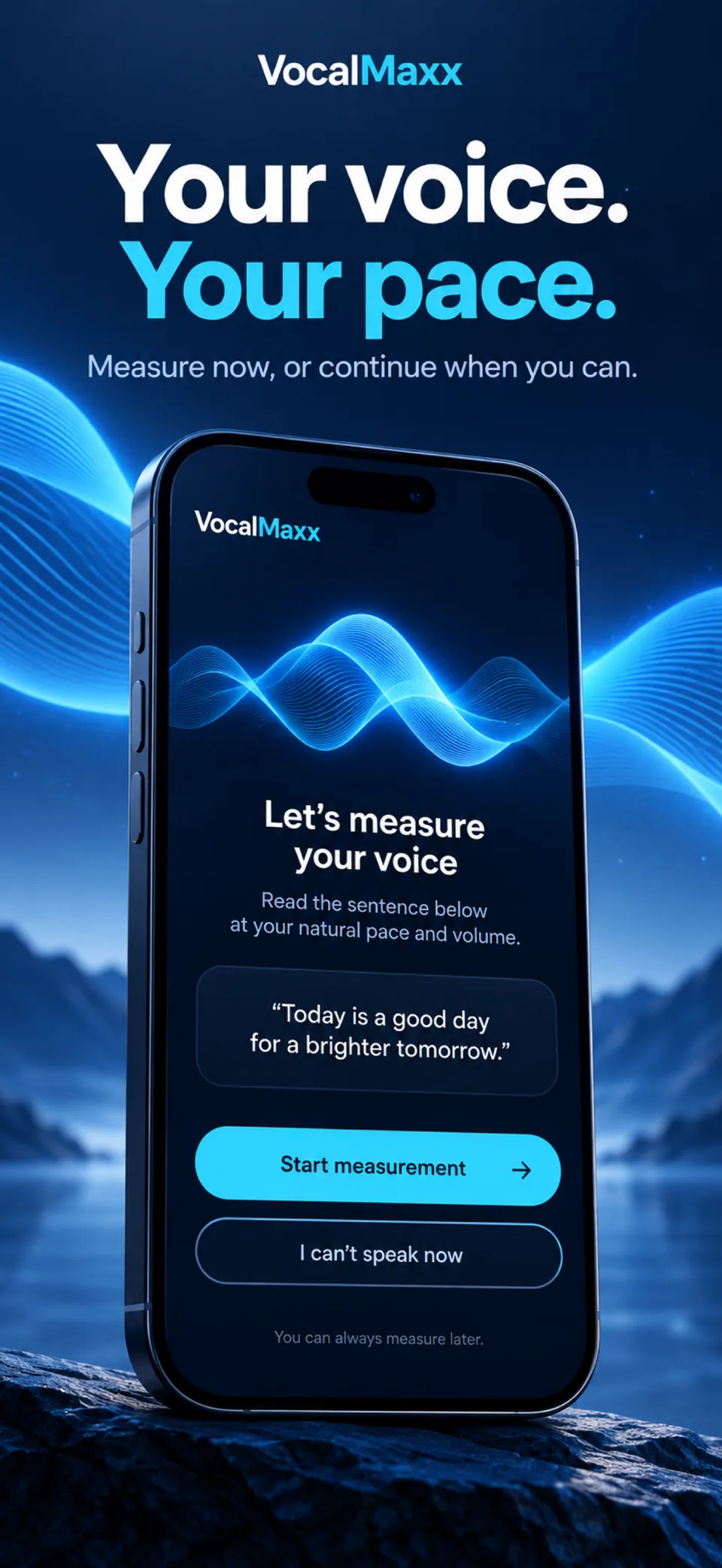
Screens from version 1.7.8
Illustrative screens. Features and appearance may vary by version.
Preview unavailable. Please try again.
What you can do
See what your voice really does. An eight-second sample gives your pitch in hertz, your stability and your range; guided drills with audio examples then train your breath, resonance and diction.
Speak for a few seconds. VocalMaxx computes your median frequency, your range and your stability on the device, then discards the sound. When the room is too noisy, it refuses the reading instead of inventing one.
Each exercise comes with an audio example, for breath, resonance, articulation and pace. The aim is comfortable practice, never forcing your voice lower.
Measure again in similar conditions and follow your numbers over time. There is no universal voice score to chase.
VocalMaxx is not a medical device. Stop practice if it causes pain, irritation or hoarseness, and seek professional advice. After the introduction, VocalMaxx Pro is required: a weekly or yearly subscription, or a one-time lifetime purchase. Prices are shown before you confirm.
Guides
What hertz actually describes, why a single reading means little, how to keep two recordings comparable, and how to read a range without chasing a target number.
How to organise vocal practice so it stays short, comparable and safe: choosing one goal, listening before repeating, keeping a record you will actually maintain, and knowing exactly when to stop.
Why gradual preparation matters before speaking or singing, the everyday habits that protect a voice, the signs that mean stop, and when hoarseness becomes a reason to see a doctor.
What actually makes a voice sound deeper, what practice can change, what anatomy fixes, and why pushing your voice down tends to backfire.
Speaking range versus singing range, how to find your lowest and highest notes with gentle slides, and why one measurement is never the whole answer.
Compare measured speaking pitch for adult men and women. See how age, loudness and study methods affect the figures, and why averages are not targets.
Practical exercises for breath, volume, pace, pauses, articulation and endings that make a speaking voice steadier, with recordings to check progress.
Learn what speaking from your chest means, try gentle humming and breathing exercises, and avoid forcing your voice lower.
What vocal fry is in the larynx, where it shows up in speech, what listener studies found, what is known about harm, and how to reduce it if you want to.
What natural pitch really means, why the classic 25% rule does not match real voices, simple ways to find where your voice rests, and signs you are pushing it.
Troubleshoot missing voice data without interpreting an empty result as a voice or health score.
Read one VocalMaxx recording’s vocal frequency median, P10–P90 range and semitone stability without treating them as health scores.
How to warm up gently, record useful comparisons and stop before practice turns into a voice problem.
Where to hold the phone, how loud to speak, what to record every week and how to listen back without judging yourself out of practising.
Pitch meters, guided courses, recording journals and speech therapy: what each one measures, what it cannot judge, and when a person is the right answer.
VocalMaxx
Hertz describes frequency. A pitch estimate concerns the recorded voice sample, not attractiveness, confidence or a medical diagnosis. Recording conditions affect comparisons.
Yes. Focus on comfortable breath, articulation, resonance and pace. Stop if practice causes pain, irritation or hoarseness and seek professional advice for persistent concerns.
No. The microphone is used only during a measurement or an exercise, after your permission. Sound is processed on the device to compute a frequency, then discarded; it is never saved or uploaded.
VocalMaxx refuses a reading rather than inventing one. Usual causes: a noisy room, too little usable speech, or a phone held too far away (about 20 cm, slightly to the side, works best).
Only numbers: median frequency, range, stability and date, plus your answers to the personalisation questions. Settings › Erase my data removes them.
Stop straight away. No exercise should be done through pain, tingling or hoarseness. If discomfort persists, consult an ENT doctor or a speech therapist.
The App Store and the app show the current price and available purchases in your local currency before confirmation. Trial availability depends on the offer and your eligibility. A free download does not mean every feature is free.
These are translated website pages. Check the Languages section of the App Store listing for the app itself. Some content may use a different language.
On iPhone, open Settings, tap your name, then Subscriptions. Select the app to review or cancel an active subscription. Deleting the app does not cancel a subscription.
Support
Include the app name, your iPhone model, iOS version and a description of the issue. Never include passwords or payment details.
Voice & pitch
Check the App Store for availability in your country. Checked on 16 October 2026. Final availability depends on your Apple account country.
Available on the App Store