Clutch
English

Message studio

Clutch

Chat Wrapped and AI reply ideas for iPhone

Coming to the App Store

A closer look

Release pending · Availability may vary by country

Clutch · Message studio
Your tone, person by personChat Wrapped, reply ideas, message practiceAI help, only when you choose it

What you can do

Clutch: Chat Wrapped and AI reply ideas for iPhone

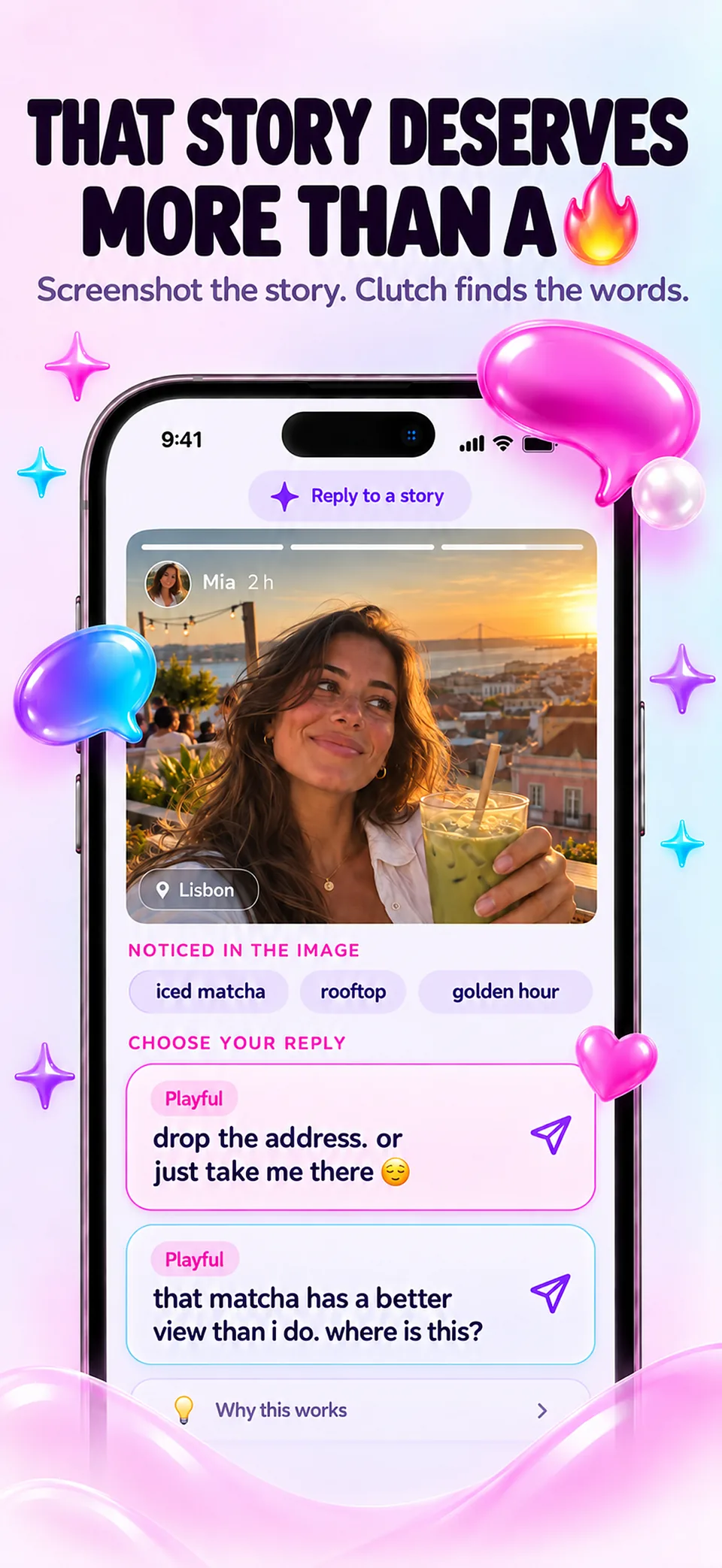
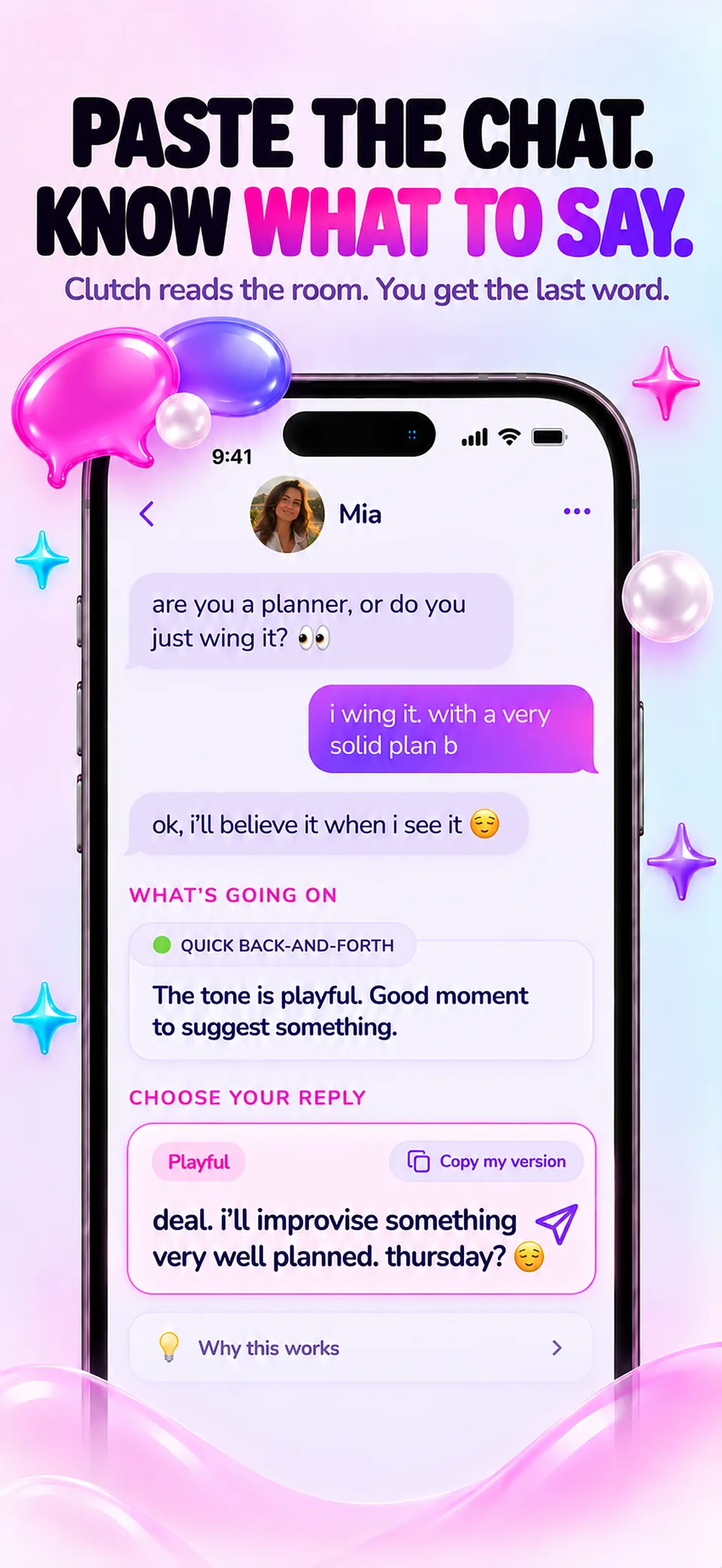
Stuck on what to reply? Clutch gives you reply ideas in your own tone, lets you rehearse tricky messages and turns a chat into a colourful Chat Wrapped, all on your iPhone and without an account.

Your tone, person by person

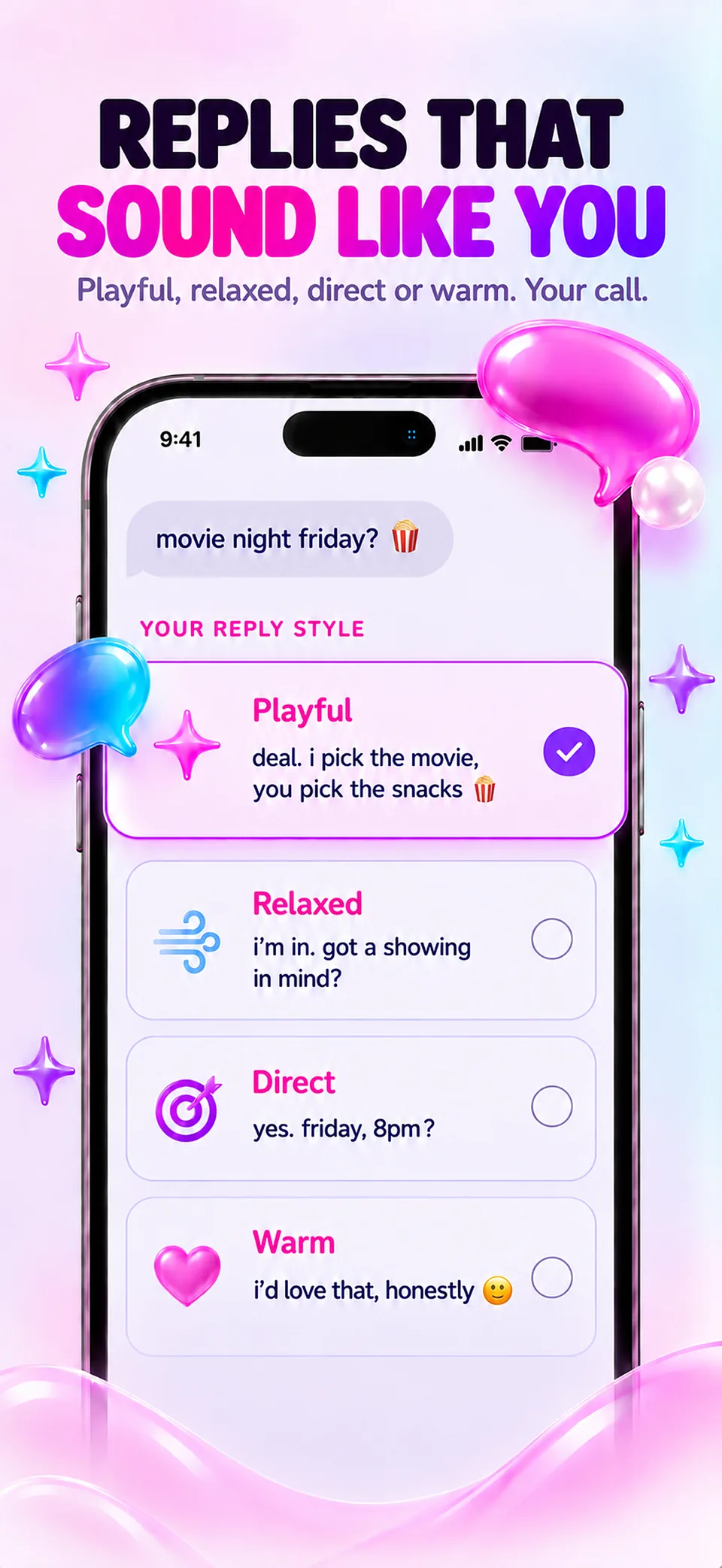
Keep a private card for each person, with a nickname and the context you checked yourself, then set the tone you want: light, natural, direct or gentle, with or without emoji. The cards stay on the iPhone, and every suggestion can be edited before you copy it.

Chat Wrapped, reply ideas, message practice

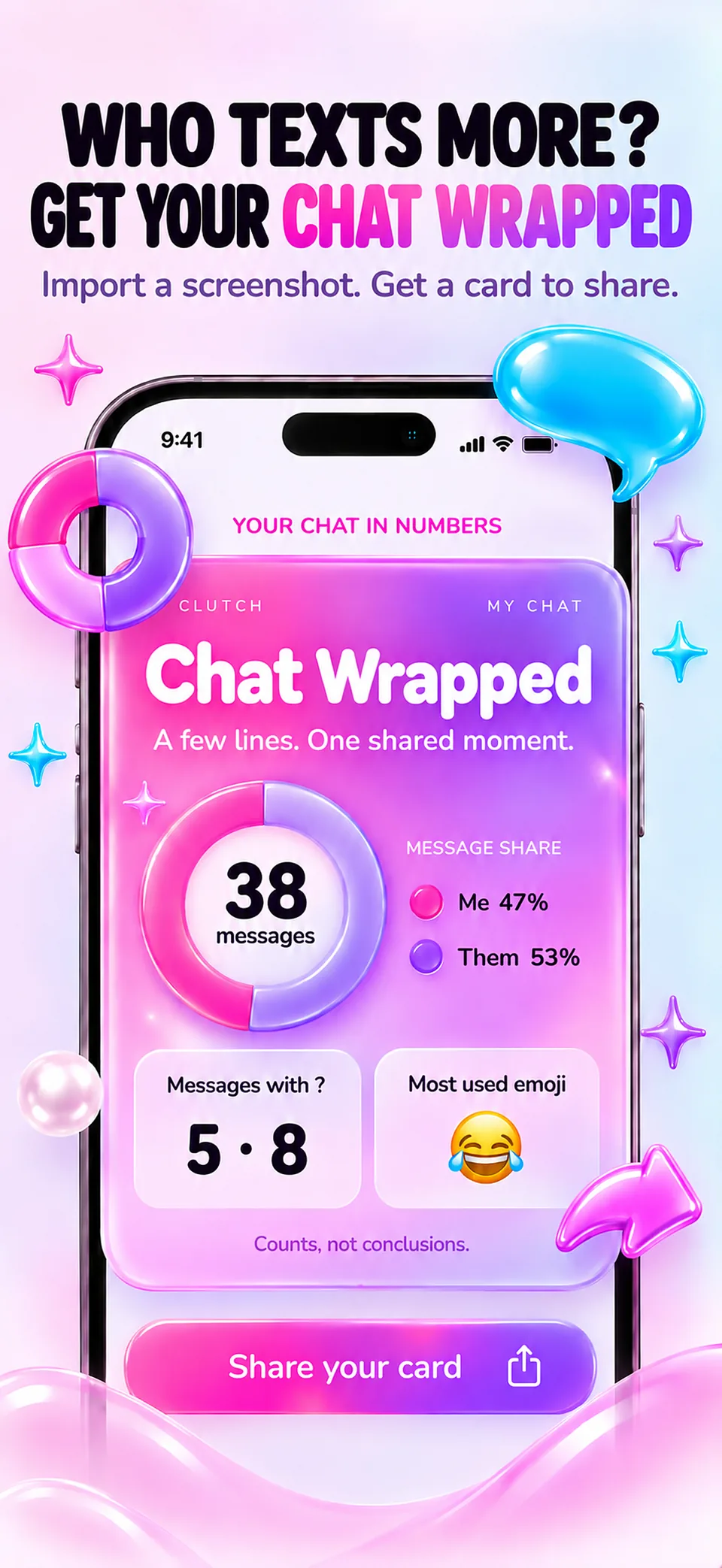
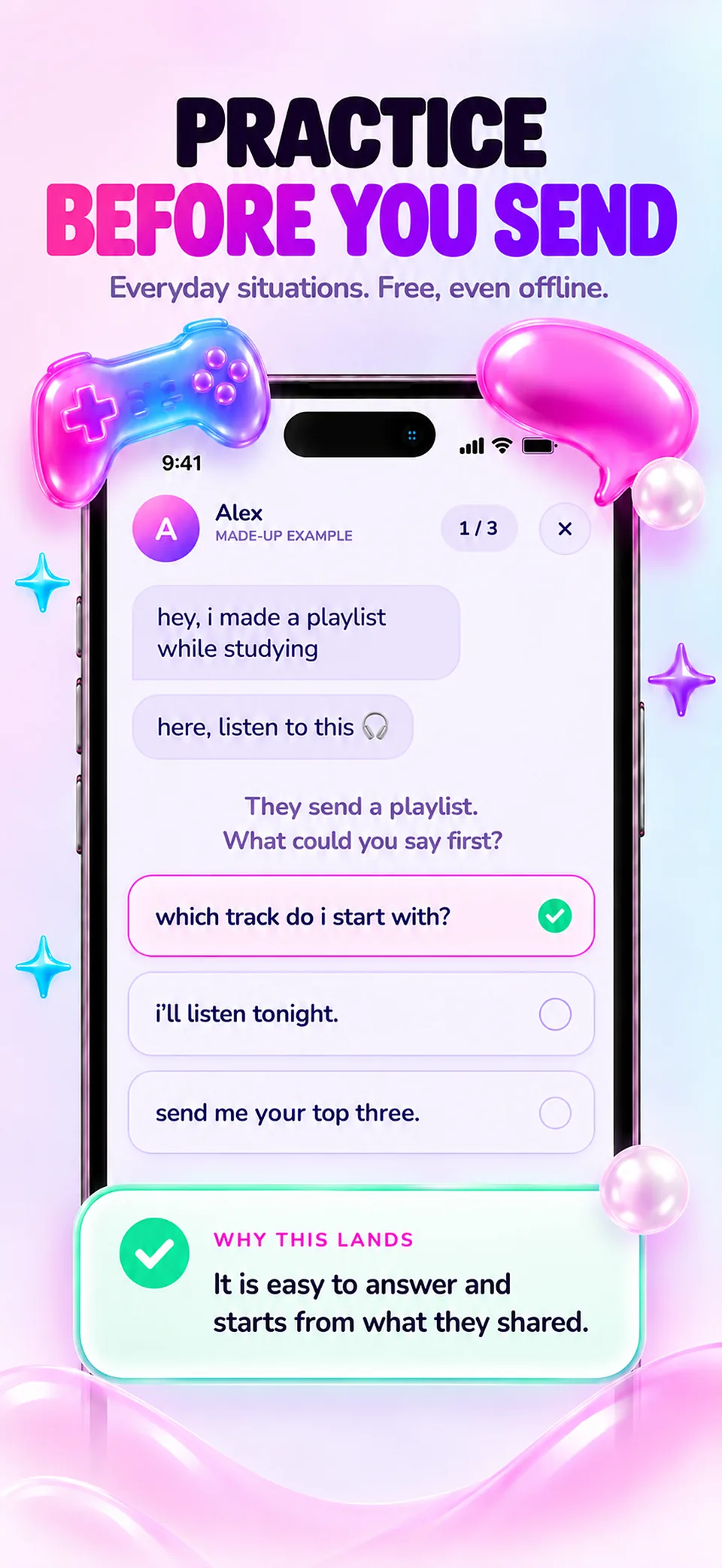
Turn a fragment you reviewed into a colourful recap, with a share card that shows no name and no message text. Reply ideas compares several wordings for the same situation, and Message practice offers fictional scenarios to rehearse with. These three tools are free and work offline.

AI help, only when you choose it

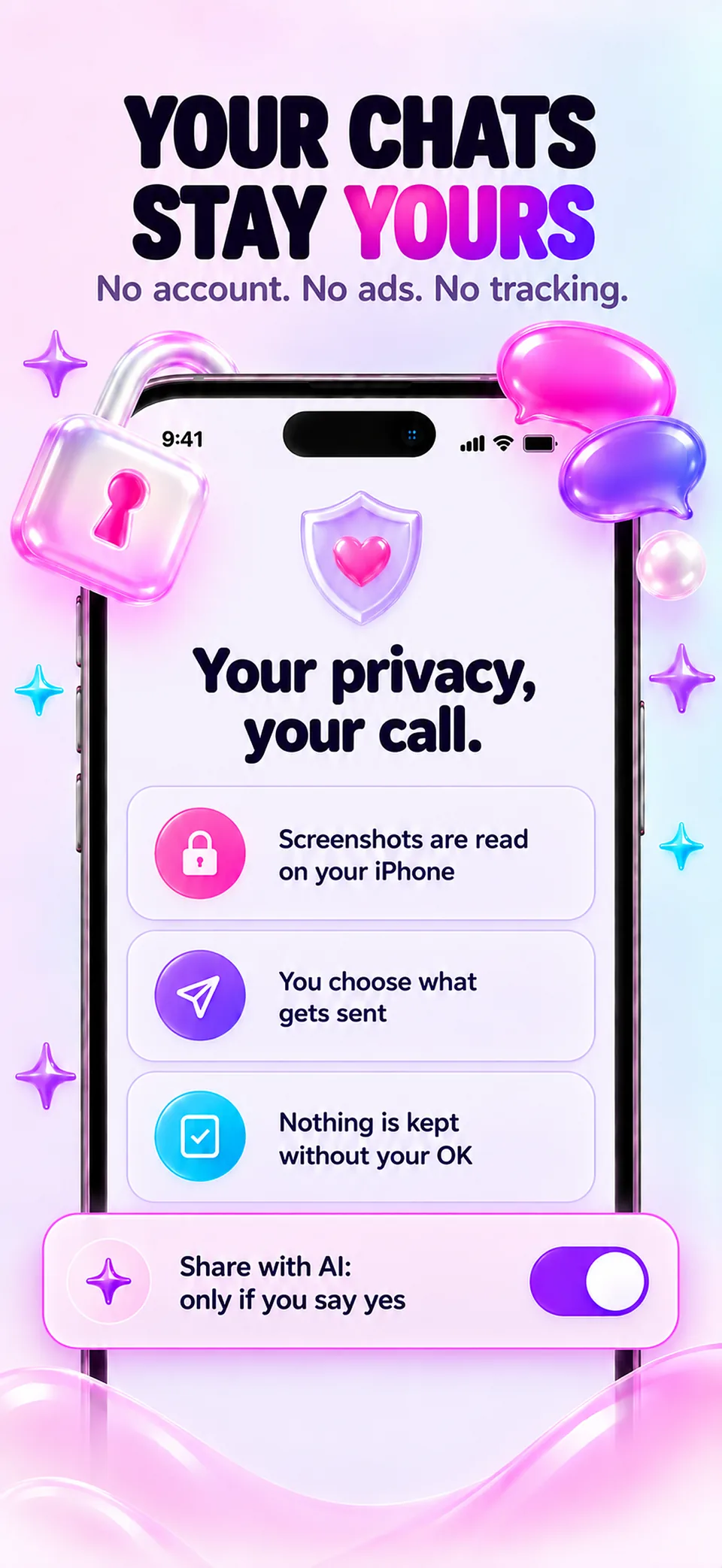
Screenshots are read on the iPhone by Apple Vision, and you correct the text before anything is sent. AI reply help is for adults only, asks your explicit permission for text and, separately, for images, and can be withdrawn in Settings. Profiles aged 13 to 17 keep the local tools only.

Clutch’s suggestions are wording ideas, not a reading of anyone’s feelings: it does not measure attraction or compatibility, and it never sends a message for you. Chat Wrapped, reply ideas and message practice are free and work offline; AI reply help is part of Clutch Pro.

At a glance

Developer
Roméo Gambino
Platform
iPhone (iOS)
App languages
English, French, Arabic, Belarusian, Bulgarian, Bangla, Catalan, Czech, Danish, German, Greek, Spanish, Estonian, Basque, Persian, Finnish, Filipino, Galician, Gujarati, Hebrew, Hindi, Croatian, Hungarian, Indonesian, Icelandic, Italian, Japanese, Kannada, Korean, Lithuanian, Latvian, Macedonian, Malayalam, Marathi, Malay, Norwegian Bokmål, Dutch, Punjabi, Polish, Brazilian Portuguese, European Portuguese, Romanian, Russian, Slovak, Slovenian, Albanian, Serbian, Swedish, Swahili, Tamil, Telugu, Thai, Turkish, Ukrainian, Urdu, Vietnamese, Simplified Chinese, Traditional Chinese
Free tools
Chat Wrapped, Reply ideas and Message practice, on the device
AI analyses
Adults only, with explicit consent; part of Clutch Pro
Account
No account required
Availability
Release pending · Availability may vary by country
Guides

Further reading

What to reply when you don’t know what to say

A calm method for the message that leaves you blank: name what the other person shared, answer it, add one thing of your own, and know when a short reply is enough.

How to start a conversation by message without sounding forced

Start from something specific and shared, keep the first message short and easy to answer, and take turns. What research says about first contacts, without pick-up lines.

How to keep a message conversation going

Follow-up questions, balanced turns and replies that give the other person something to hold: practical habits for written conversations that fade too quickly.

How to apologize by message: the parts that matter most

What a study of apologies found to matter most (owning the mistake and offering to repair it), the words that undo an apology, and when a message is not the right place.

How to say no by message, kindly and clearly

Declining an invitation or setting a limit in writing: why a refusal usually costs less than feared, a three-part structure, and how to respect a no that you receive.

Why written messages get misread, and how to write a clearer one

Writers overestimate how well their tone comes across, and readers tend to read neutral messages as colder than intended. What the research found, and five habits that reduce misunderstandings.

Chat Wrapped: what conversation counts can and cannot show

How Clutch counts a fragment of an exchange on the iPhone, what each number means, why the share card contains no name and no message text, and the limits of reading a relationship in statistics.

How to text someone you haven’t talked to in a while

Why a message after a long silence is appreciated more than people expect, what to write first, how to mention the gap, and what to do if no reply comes.

Write a follow-up message without adding pressure

Make one clear request, distinguish a real deadline from impatience and leave space for the other person to decline.

Clutch

Questions

Is Clutch available on the App Store?

Not yet. Clutch 1.0 has been submitted to Apple and is waiting for App Review; this page will show the App Store link as soon as the app is published. Availability may vary by country.

What does Clutch offer without a subscription?

Three tools are free and run on the iPhone: Chat Wrapped turns a fragment of an exchange into a colourful recap, Reply ideas shows several wordings for everyday situations, and Message practice offers rehearsal with fictional scenarios. None of them needs an account, a network connection or a purchase.

Does Clutch read my conversations?

Only what is shown to it. A chosen screenshot is read on the iPhone by Apple Vision, and the text can be corrected or removed before anything is used. Chat Wrapped keeps nothing afterwards and sends nothing to an AI provider. A personal AI analysis sends only the reviewed text, or a selected image, and only after explicit permission.

Does Clutch tell me whether someone likes me?

No. Clutch does not measure attraction, compatibility or another person’s feelings. Chat Wrapped shows plain counts, such as messages, words and questions on each side, and the suggestions are wording ideas that can be changed or ignored.

Who can use the AI analyses?

Adults only. The personal AI help is part of Clutch Pro, an auto-renewable subscription whose price is shown by the App Store. Text and images each need their own explicit consent, which can be withdrawn in Settings. Profiles aged 13 to 17 use the local tools only.

Does Clutch send messages for me?

Never. Clutch prepares wording that can be edited and copied; pasting and sending it remains the user’s own decision, in the messaging app of their choice.

Which languages does Clutch support?

The app is available in 58 languages, including English, Spanish, French, German, Portuguese, Arabic, Hindi, Japanese, Korean and Chinese.

What does it cost?

The App Store and the app show the current price and available purchases in your local currency before confirmation. Trial availability depends on the offer and your eligibility. A free download does not mean every feature is free.

Is the app available in my language?

These are translated website pages. Check the Languages section of the App Store listing for the app itself. Some content may use a different language.

How do I manage a subscription?

On iPhone, open Settings, tap your name, then Subscriptions. Select the app to review or cancel an active subscription. Deleting the app does not cancel a subscription.

Support

Contact support

Include the app name, your iPhone model, iOS version and a description of the issue. Never include passwords or payment details.

Message studio

Clutch

Coming to the App Store

Release pending · Availability may vary by country