Surv
English

Prepare before you need it

Surv

offline survival guide and emergency preparation

Coming to the App Store

A closer look

Release pending · Availability may vary by country

Surv · Prepare before you need it
Prepare your household Carry an offline reference Know your tools

What you can do

Surv: offline survival guide and emergency preparation

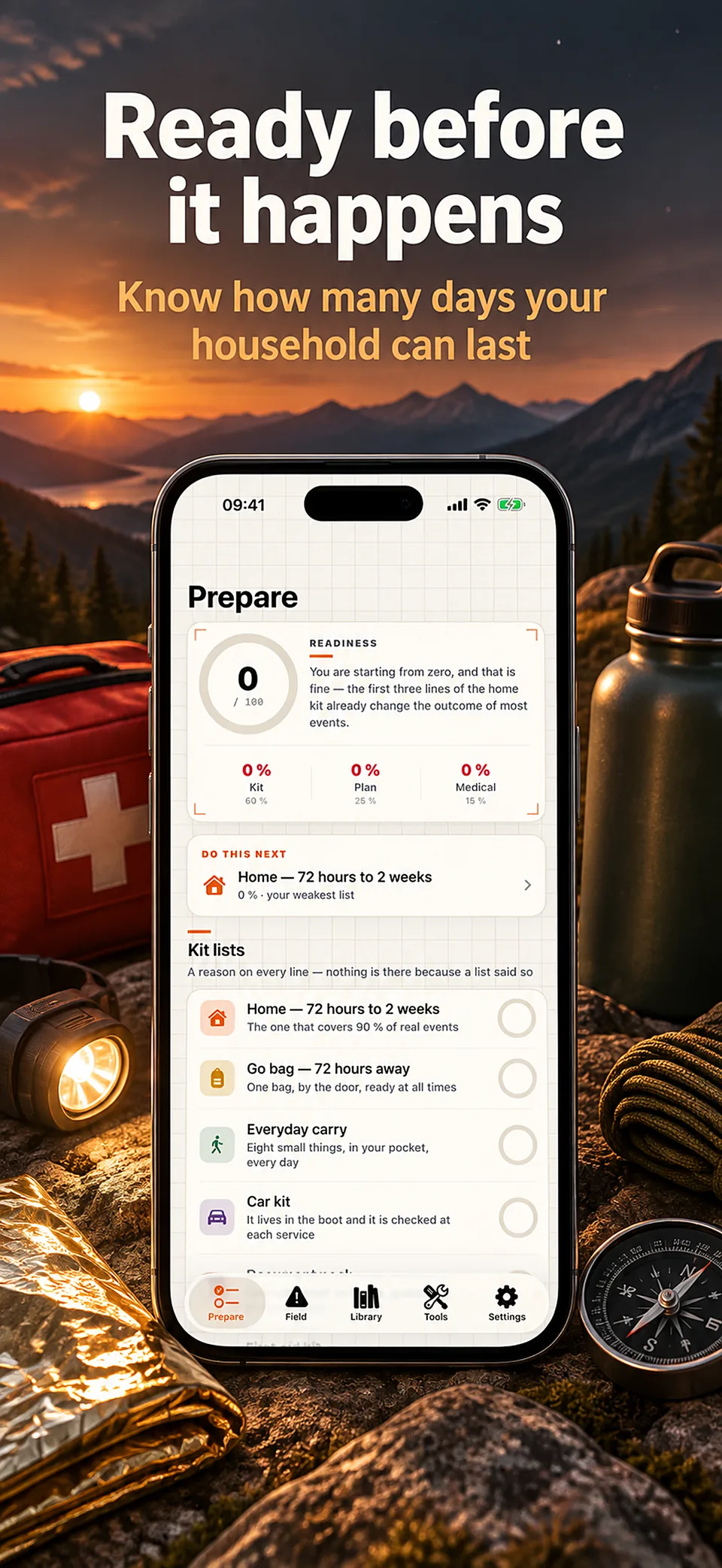
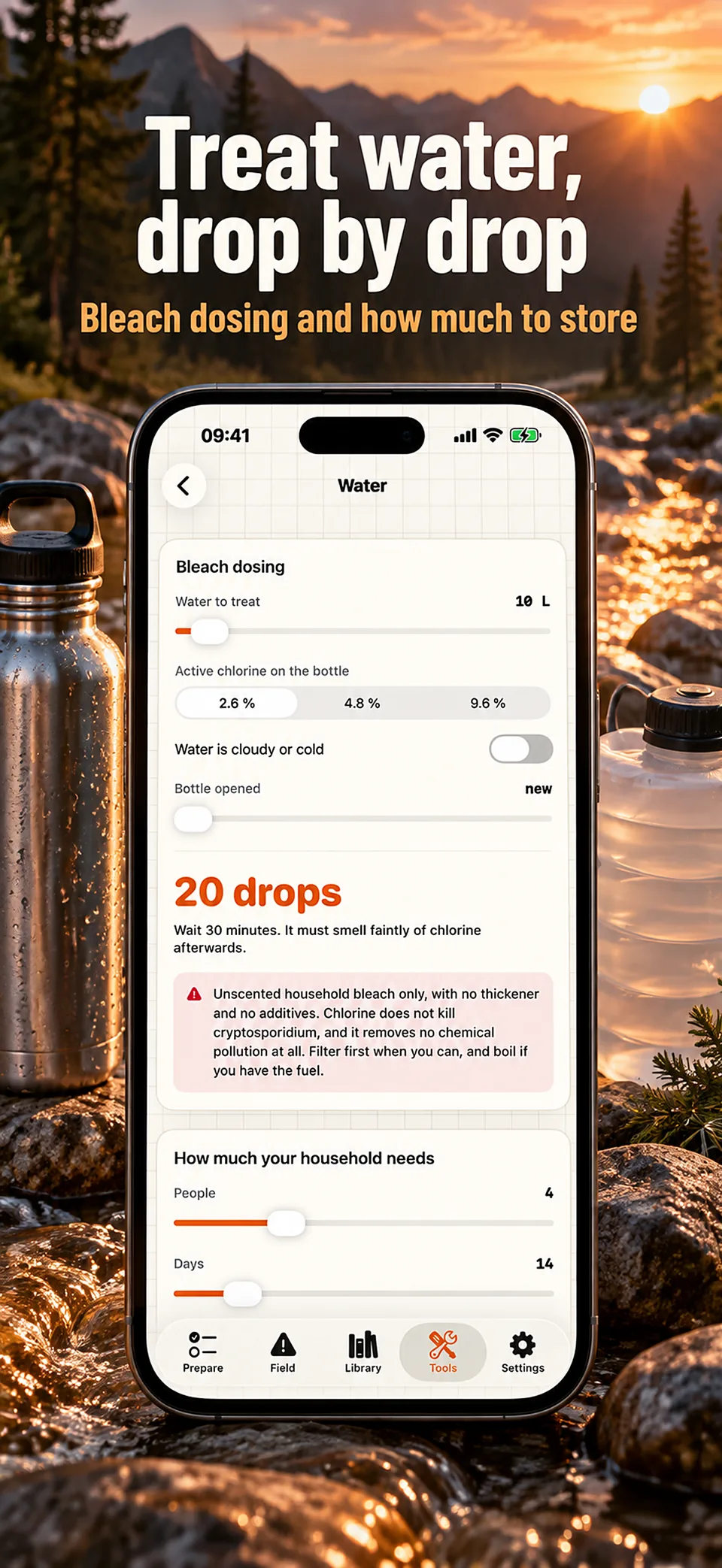
Keep your preparation within reach, even without a connection. Surv brings reference guides, kit lists and field tools together on your iPhone.

Prepare your household

Organise your supplies, inventory and family plan before an interruption. Review what you have and what needs attention.

Carry an offline reference

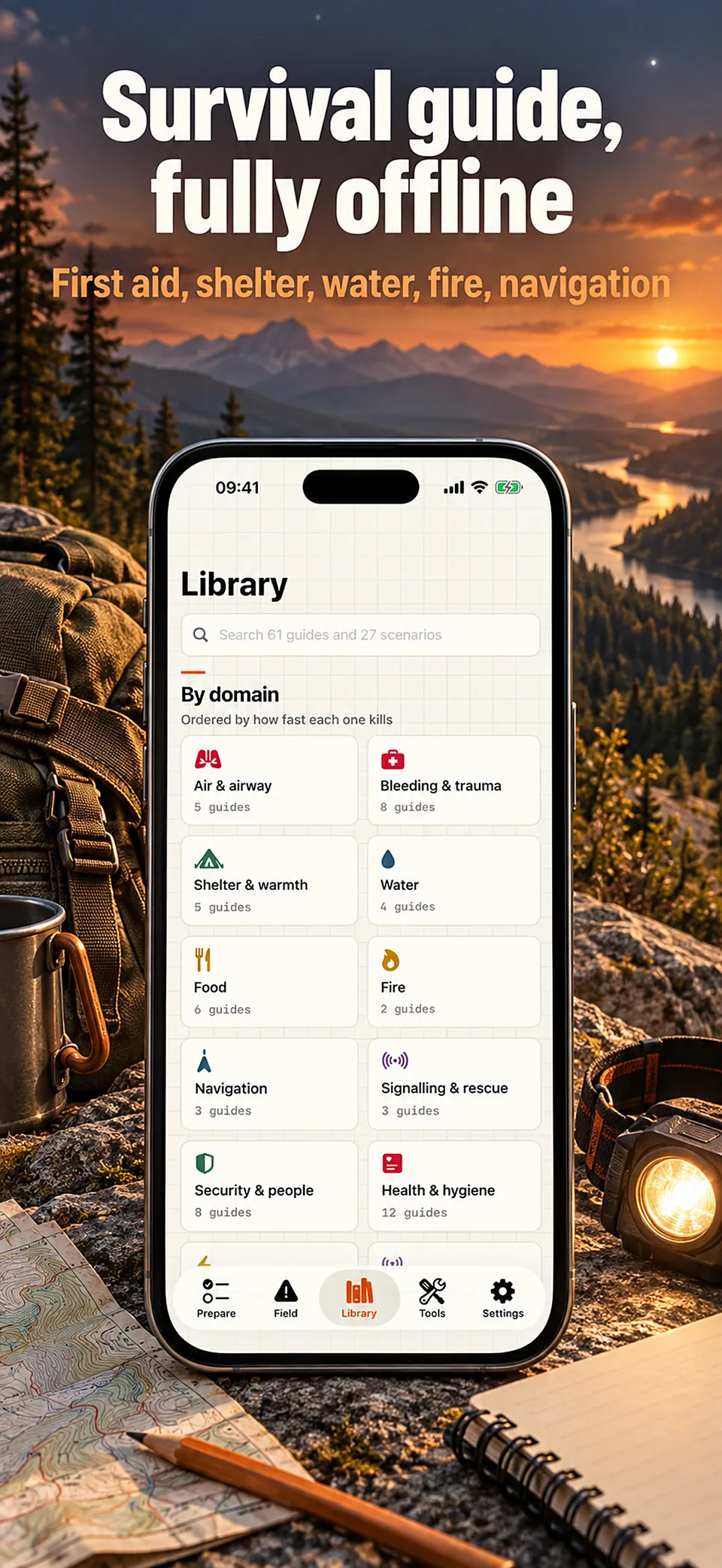
The app’s guides and scenarios are stored on the device. Learn where to find them before you need them.

Know your tools

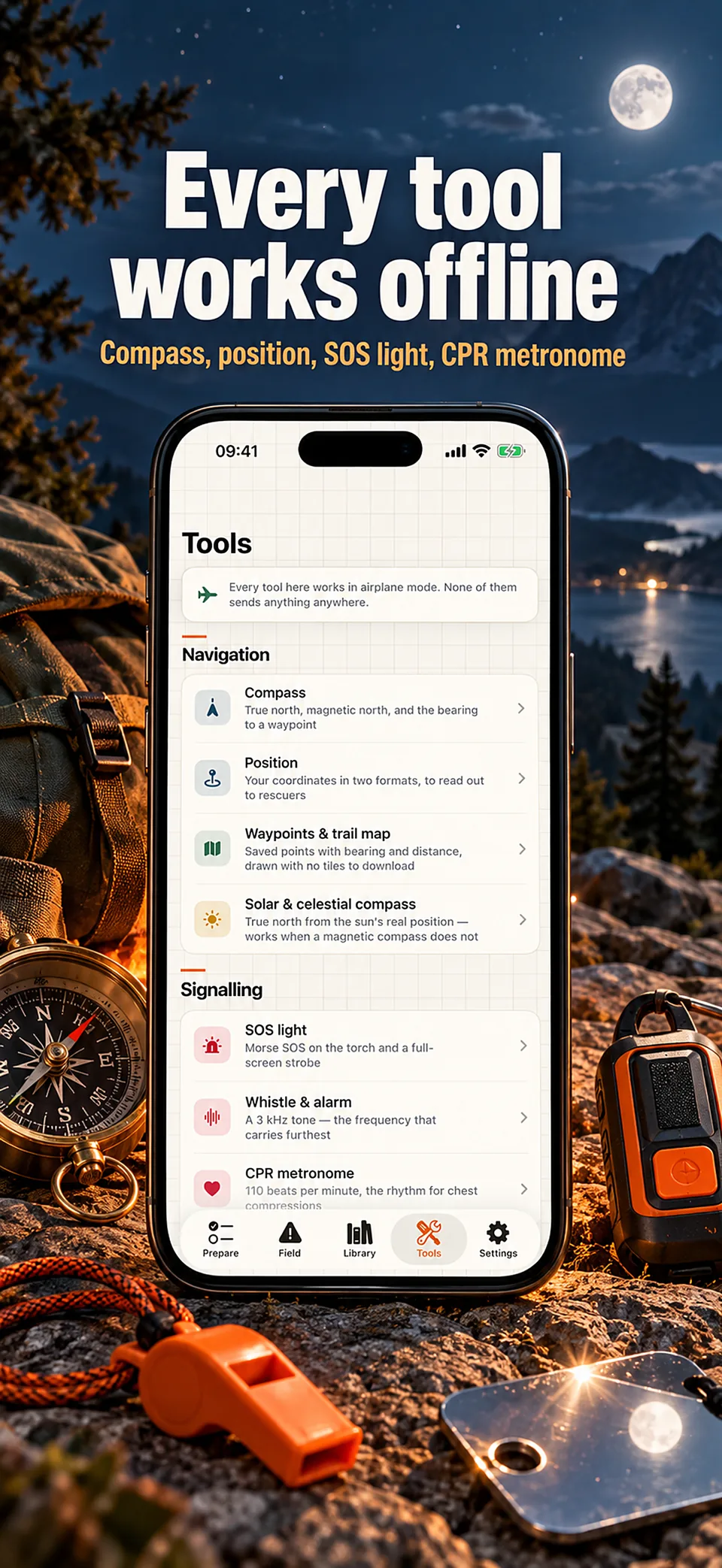
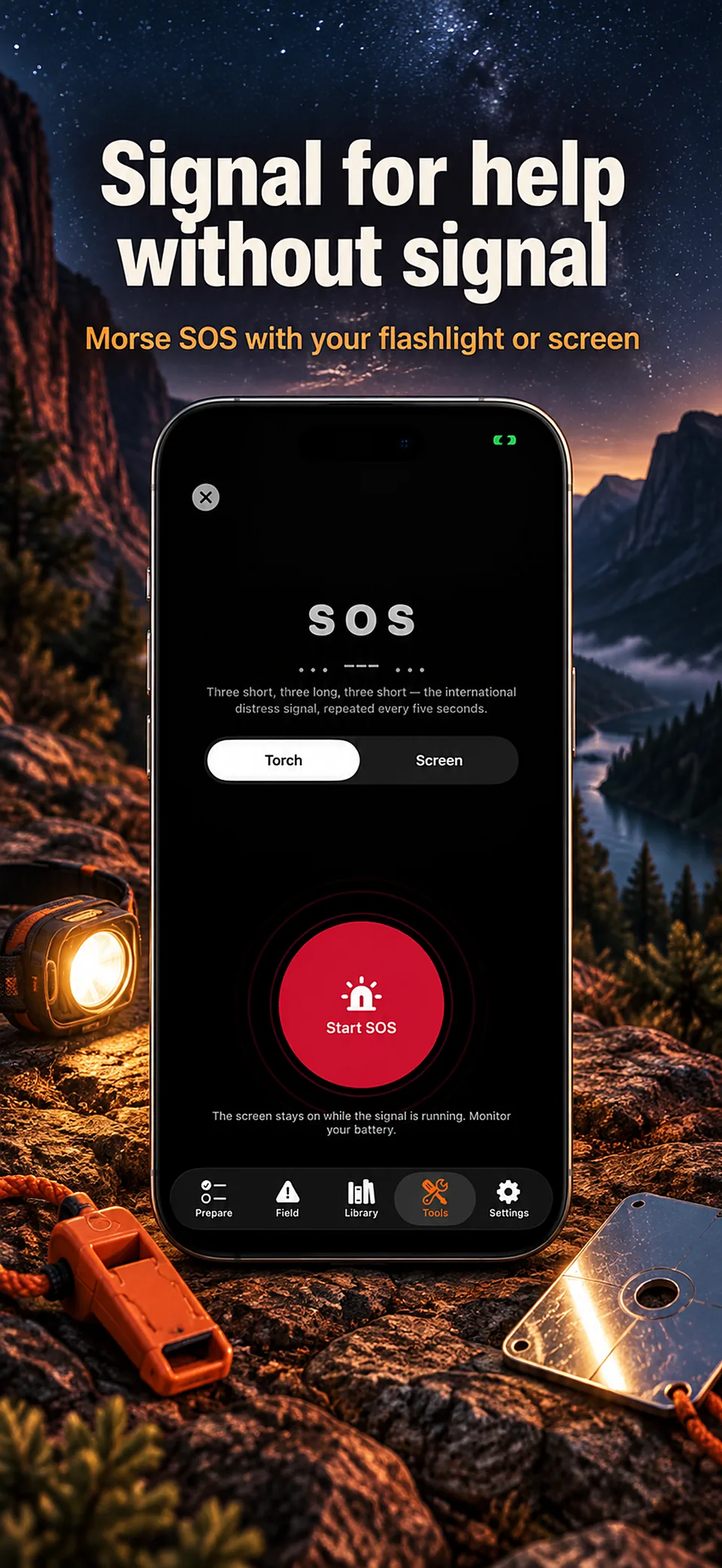
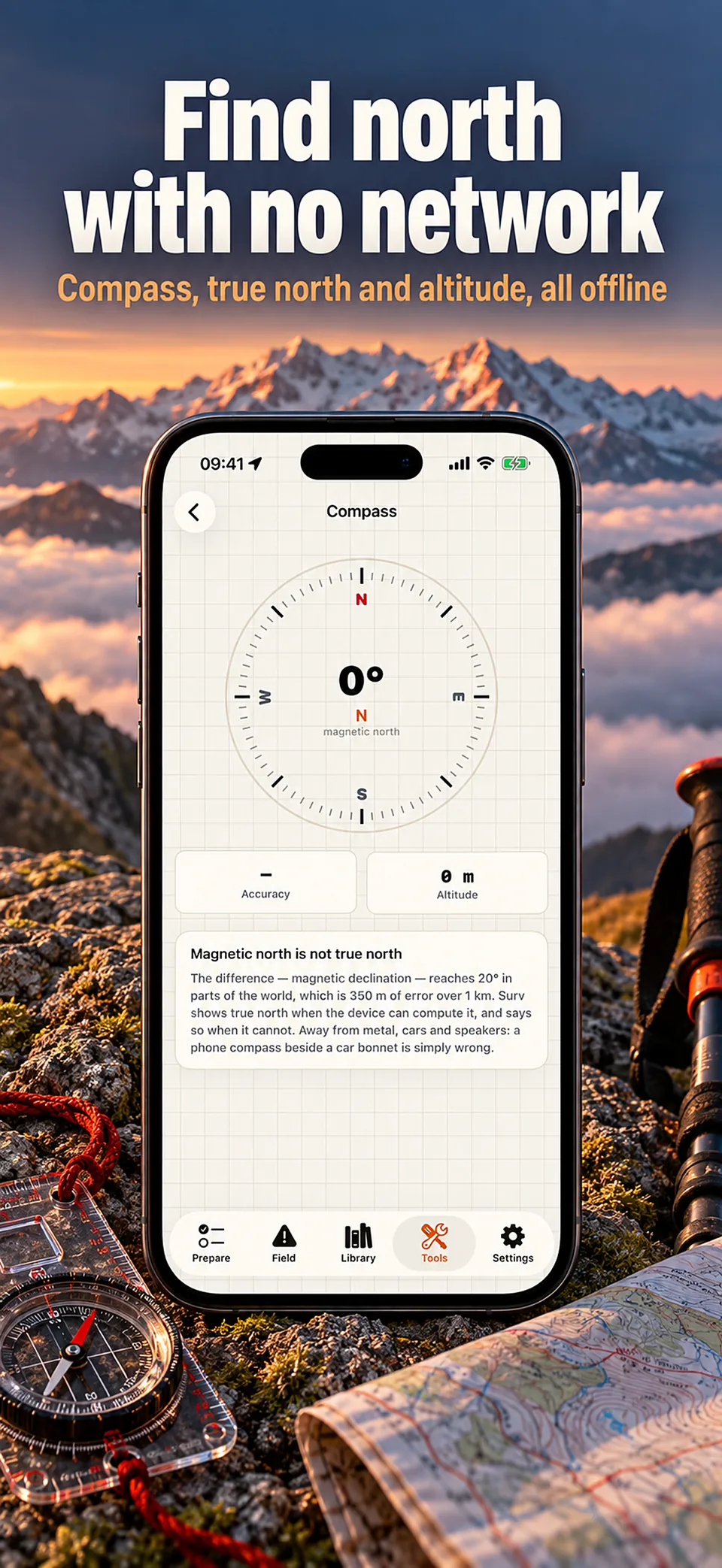
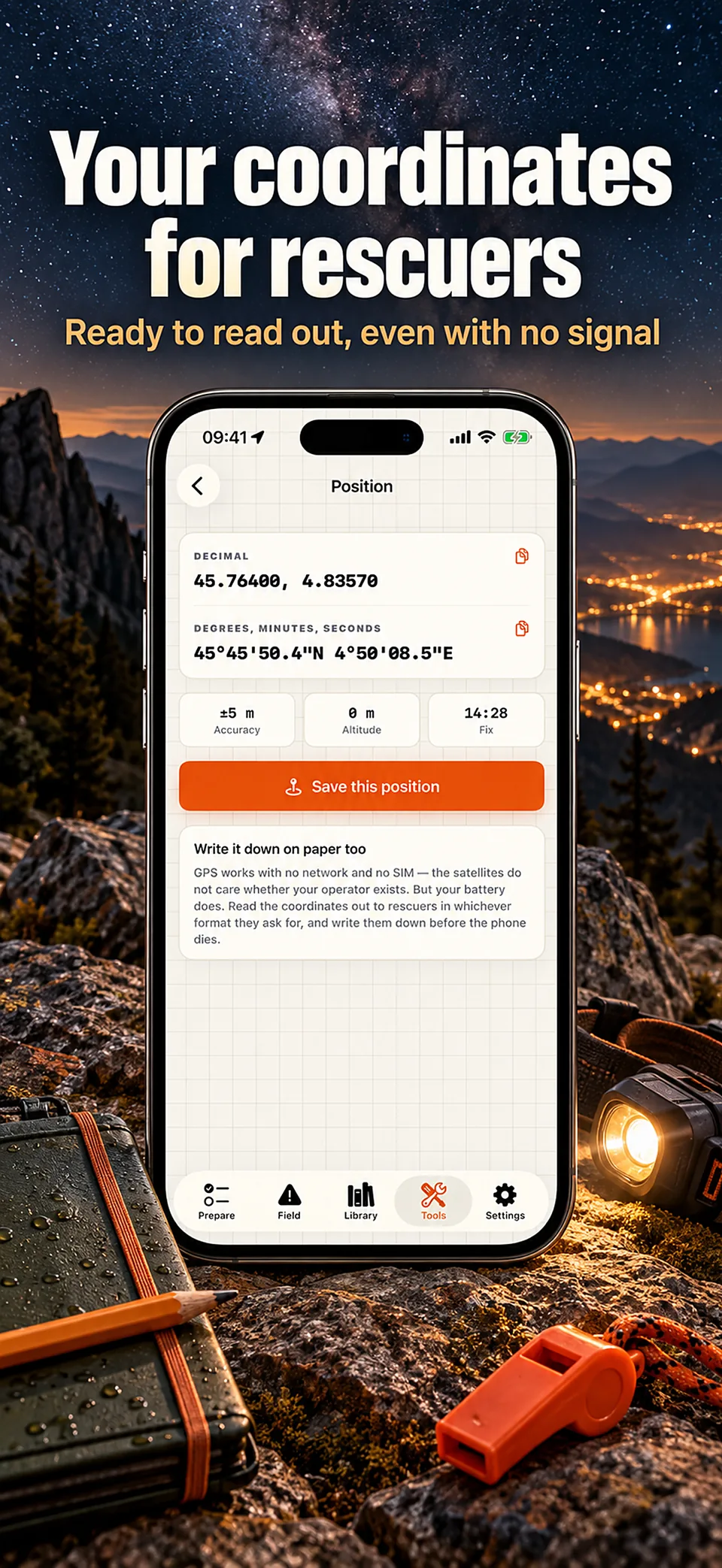
Explore compass, coordinates and signalling tools. An app depends on a working phone; carry appropriate physical backups.

Surv is a reference tool, not emergency services or medical advice. Website language availability does not imply that every in-app guide exists in that language.

At a glance

Developer
Roméo Gambino
Platform
iPhone (iOS)
Availability
Release pending · Availability may vary by country

Guides

Further reading

Prepare your phone to be useful when the network is not

What survives a network outage, why text beats calls when everyone is dialling, how to keep documents readable offline, and how to make a phone last when there is nothing to charge it with.

An emergency kit inventory you will actually maintain

Why kits fail at maintenance rather than at assembly, how to build a list by walking through the box, what to record for each item, and how to run an annual review that takes under an hour.

A home emergency kit: the Ready.gov list, explained

What the United States government actually recommends storing, how much water and food, how to treat suspicious water, what to do when the power goes out, and how to keep the kit current.

Surv

Questions

Can I use the survival guides offline?

Surv stores its guides and scenarios on the device. Review the content and tools before a trip, and keep physical backups because an app needs a working, charged phone.

Does Surv replace emergency services?

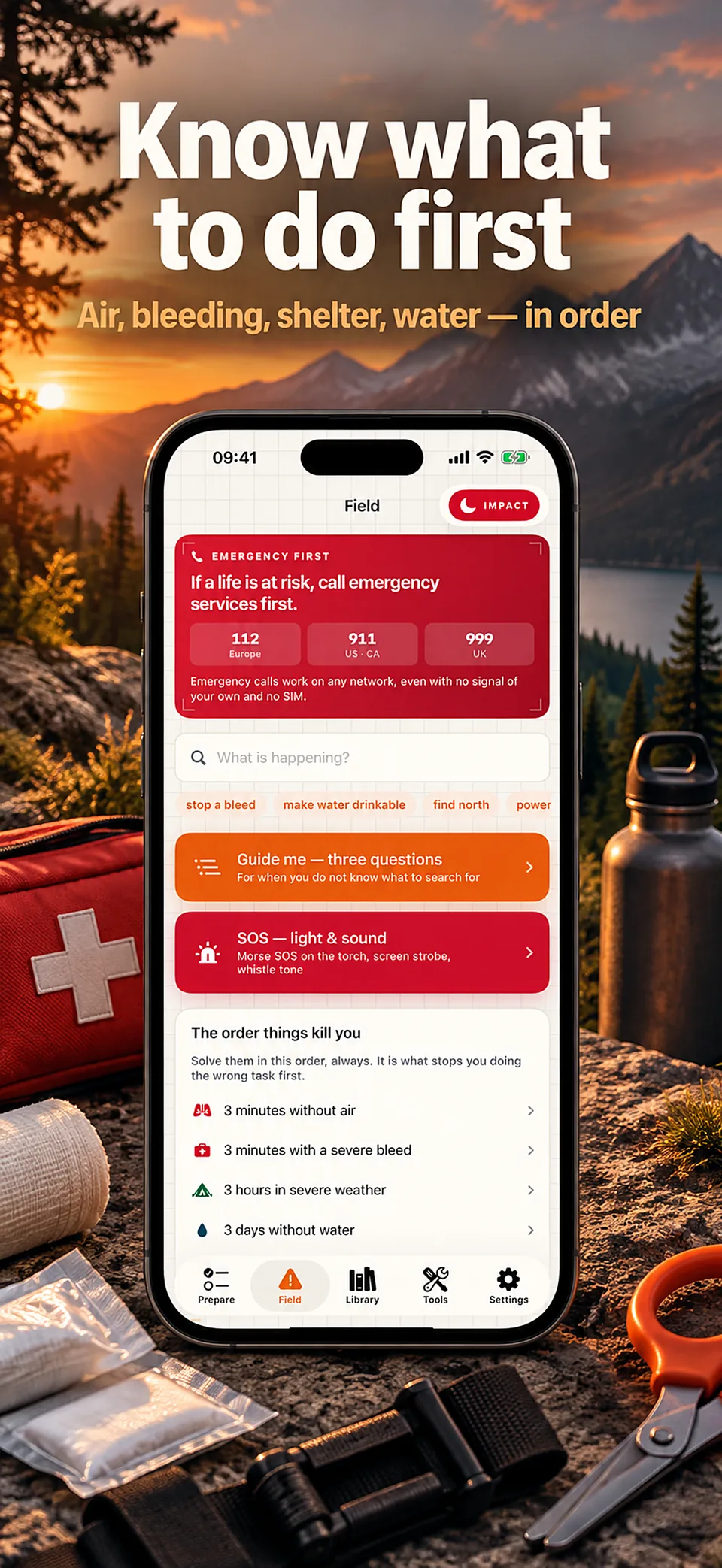
No. It is a preparedness and reference app. Follow instructions from local authorities and contact emergency services when needed.

Does Surv drain the battery?

No. It does nothing in the background: GPS runs only while a screen that needs it is open. Impact mode uses pure black, which saves battery on an OLED screen.

Where is my medical card or family plan stored?

Only on your iPhone, in the app’s private storage. There is no copy elsewhere, so keep an encrypted device backup if you rely on it.

The compass points the wrong way. Why?

A phone compass is a magnetometer, disturbed by metal, speakers or magnetic cases. Move away from metal and wave the phone in a figure of eight. The solar compass in Tools computes true north from the sun.

Can I test the offline mode before a trip?

Yes. Turn on airplane mode and use the whole app; every guide, scenario and tool is compiled into it.

What does it cost?

The App Store and the app show the current price and available purchases in your local currency before confirmation. Trial availability depends on the offer and your eligibility. A free download does not mean every feature is free.

Is the app available in my language?

These are translated website pages. Check the Languages section of the App Store listing for the app itself. Some content may use a different language.

How do I manage a subscription?

On iPhone, open Settings, tap your name, then Subscriptions. Select the app to review or cancel an active subscription. Deleting the app does not cancel a subscription.

Support

Contact support

Include the app name, your iPhone model, iOS version and a description of the issue. Never include passwords or payment details.

Prepare before you need it

Surv

Coming to the App Store

Release pending · Availability may vary by country