Answer, review, try again
Pick a meeting, a job interview, a presentation, a conversation or a debate. Write your answer, record your voice or film yourself, check it against a short list, then make a second attempt next to the first.
 Parlunea
Speaking & communication
speaking practice for meetings, interviews and tense conversations
Parlunea is a practice app for people preparing a reply for a meeting, a job interview or a presentation: write, record or film your answer, check it against a short list, then try again and compare. It does not grade your eloquence or analyse your face or voice.
Availability depends on your Apple account country; check the App Store.
Available on the App Store

Parlunea
Preview language : English
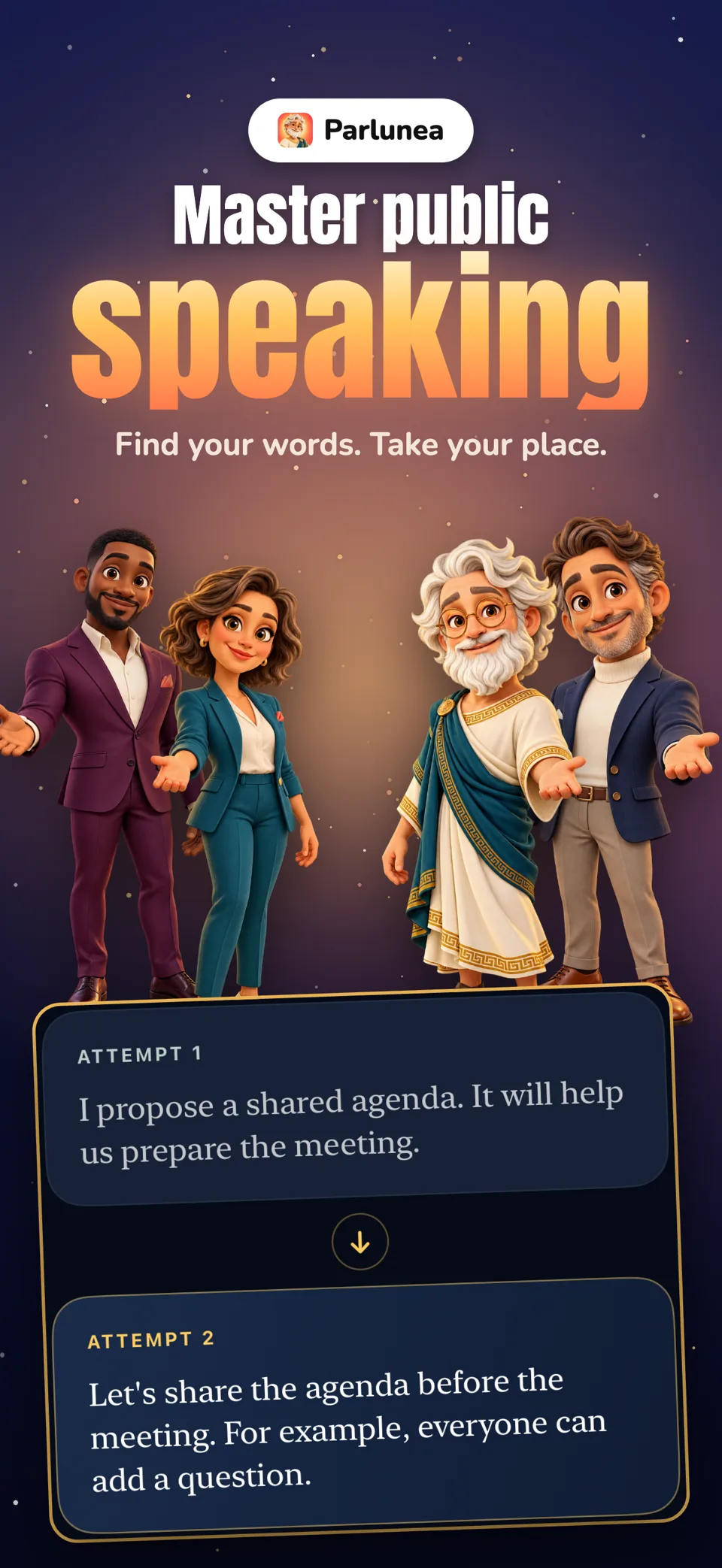
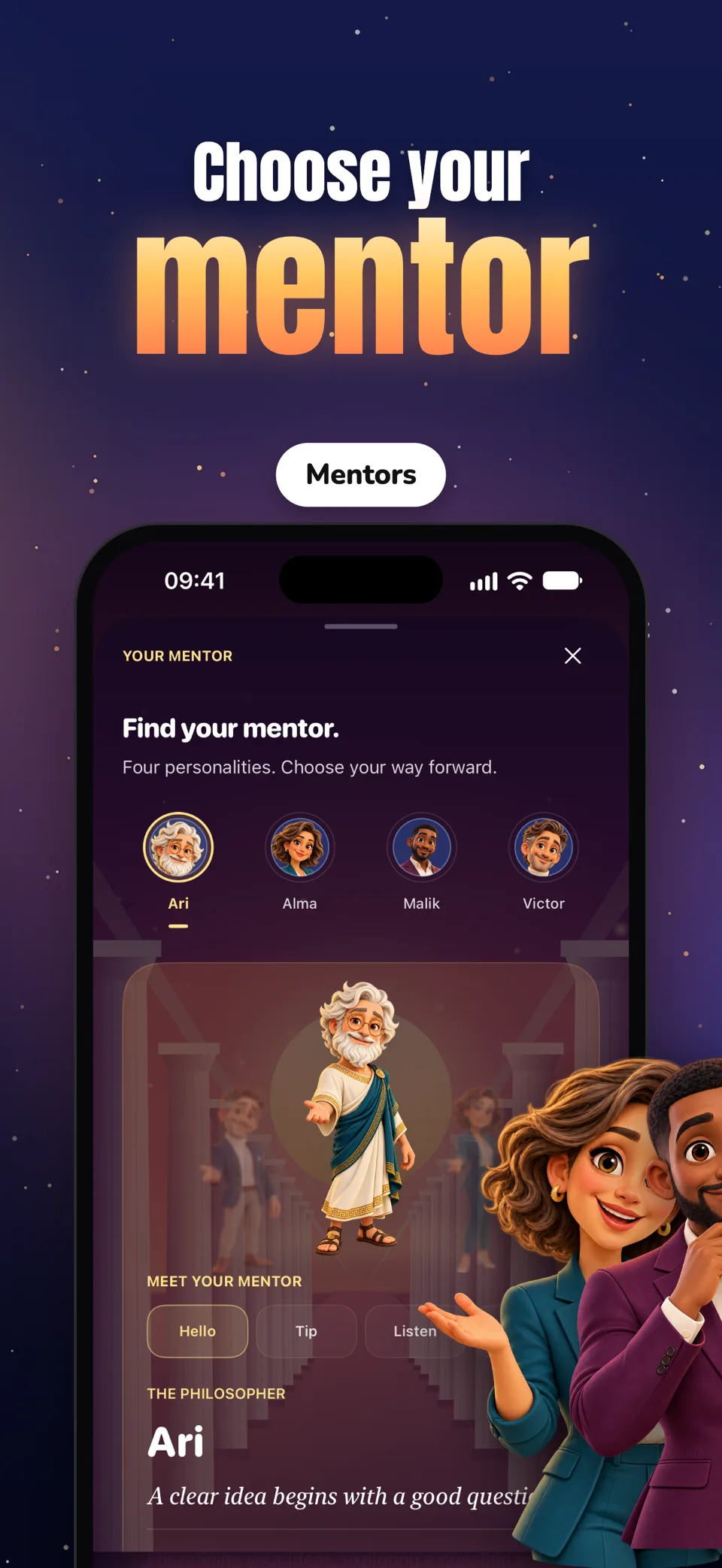
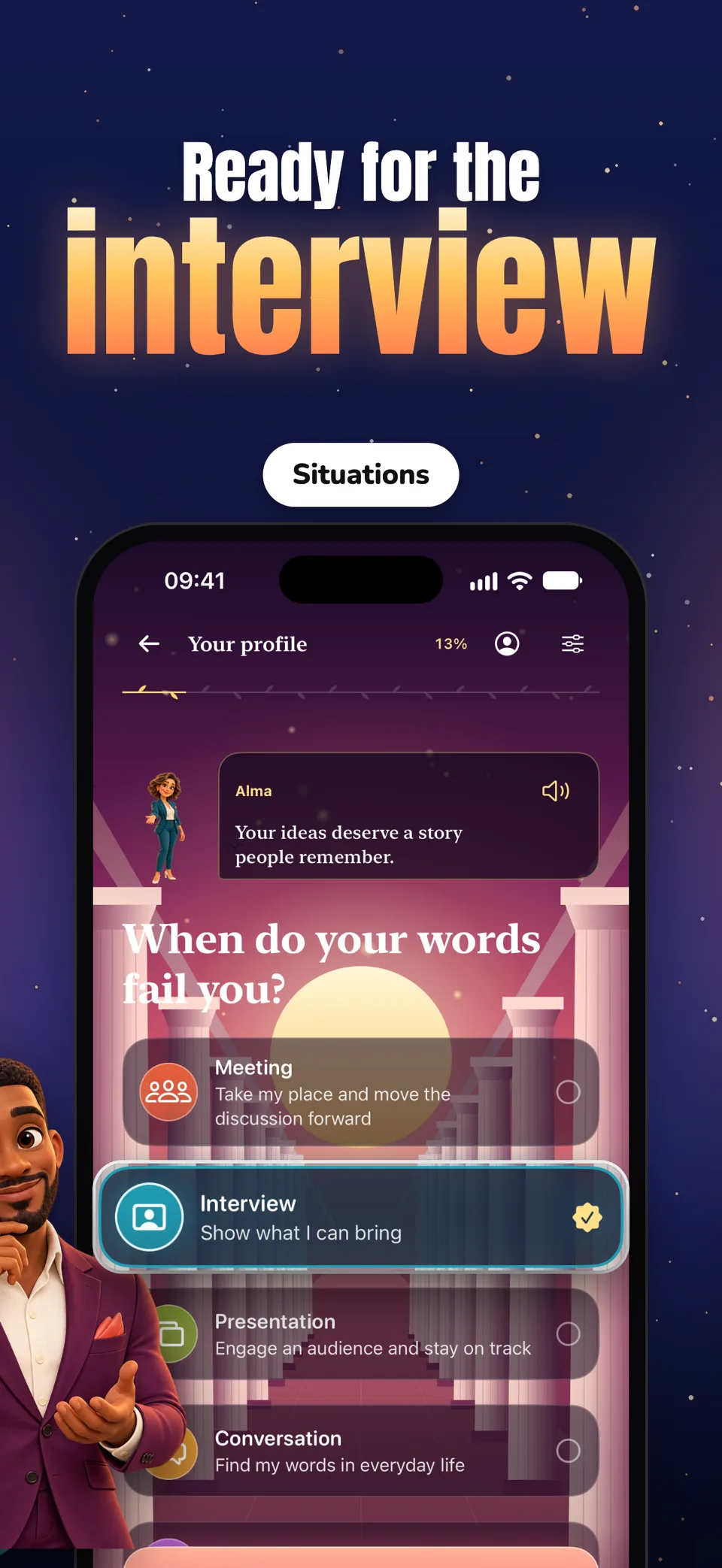
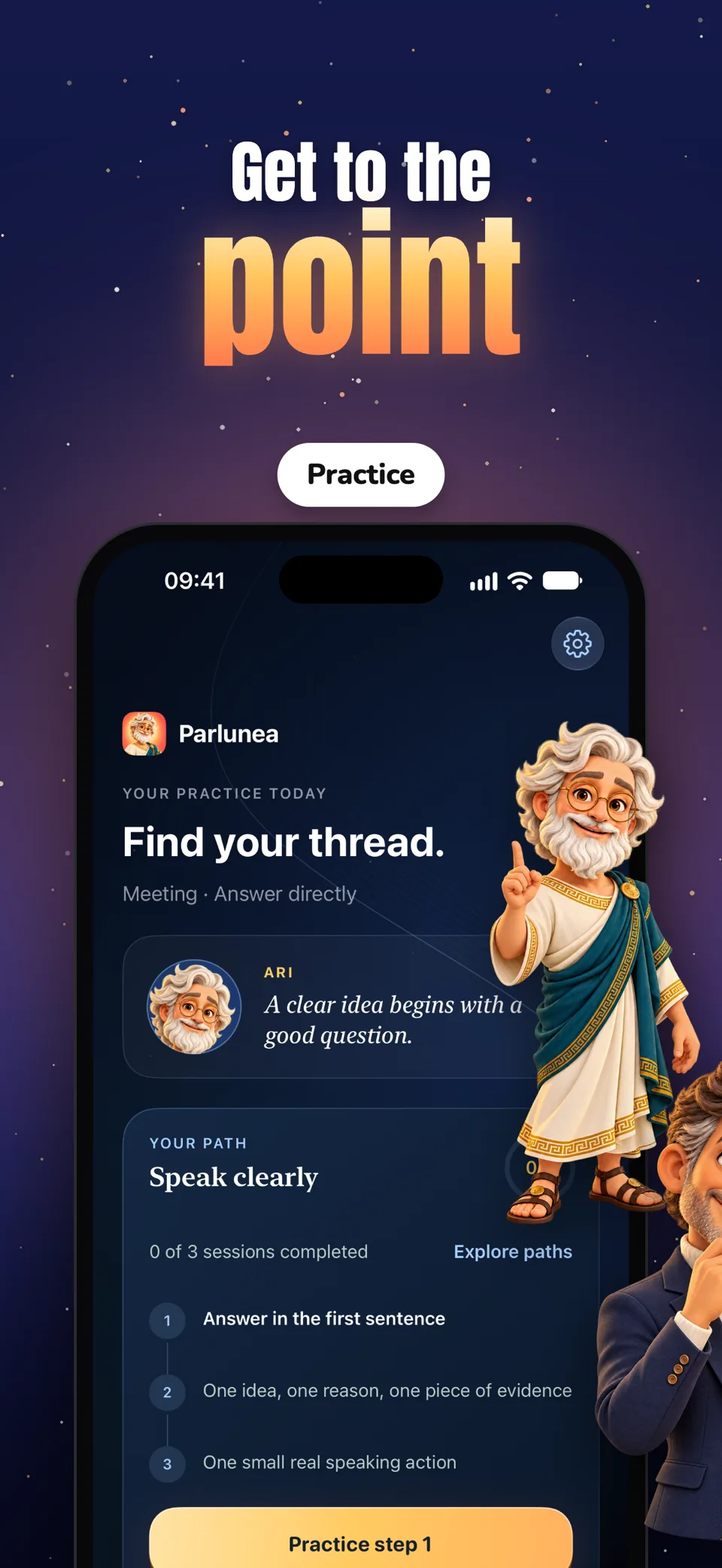
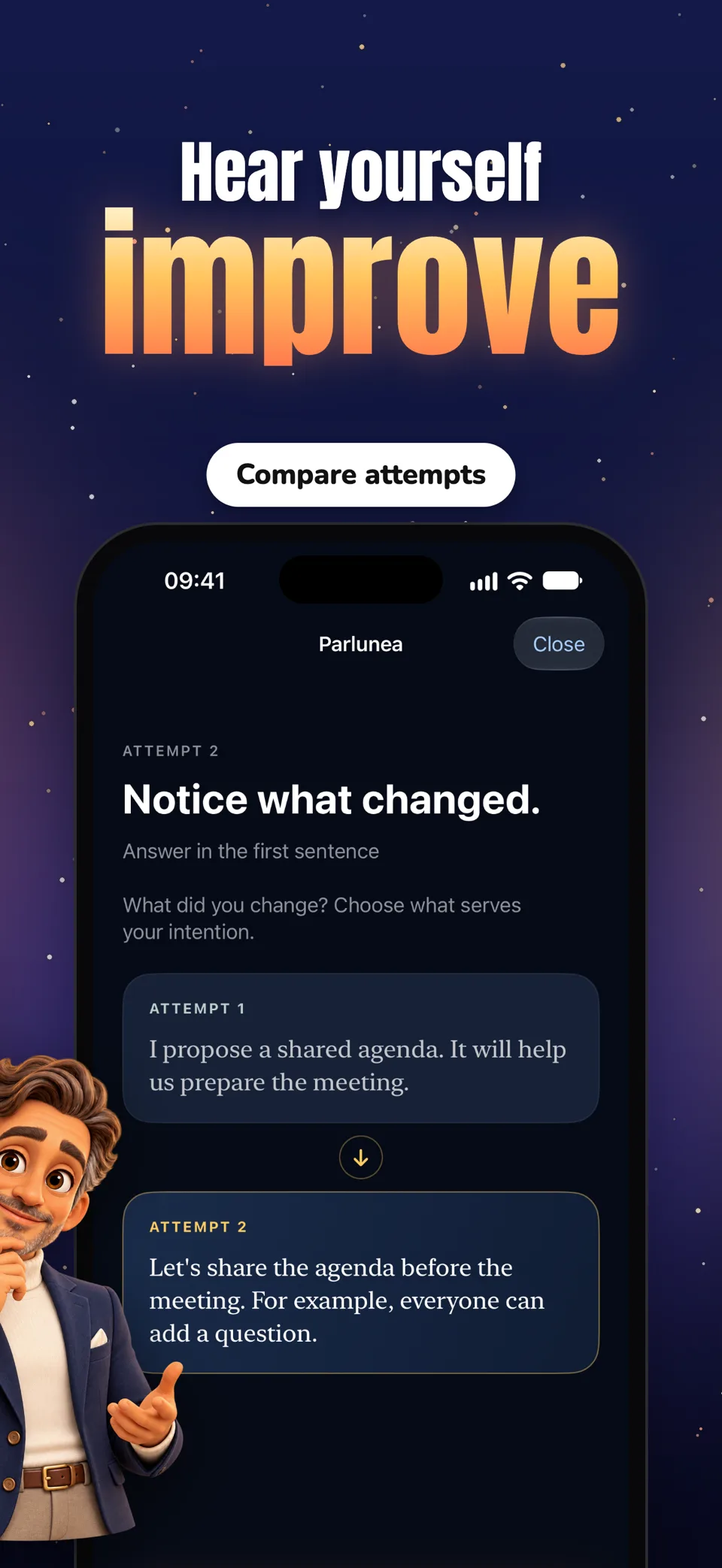
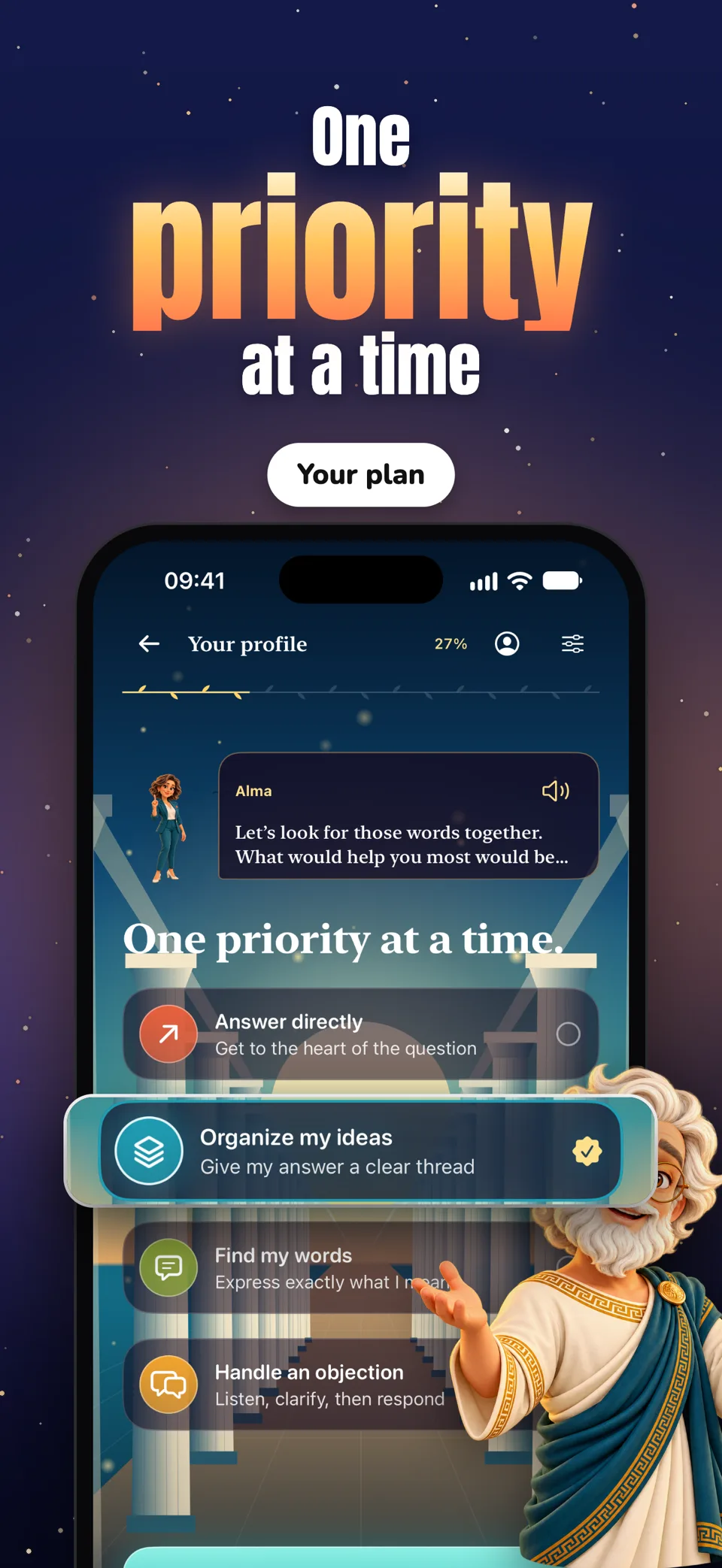
Screens from version 1.1.9
Illustrative screens. Features and appearance may vary by version.
Preview unavailable. Please try again.
What you can do
Take a real situation, give your answer, review it, then try again and compare your own attempts. Practice on iPhone with 30 exercises, two guided paths and four mentors; your sessions stay on your device.
Pick a meeting, a job interview, a presentation, a conversation or a debate. Write your answer, record your voice or film yourself, check it against a short list, then make a second attempt next to the first.
Work on answering directly, structuring an idea, finding the precise word and responding to an objection, with three levels of support. Close the app at any time and come back to the exact step you left.
Choose one of four illustrated mentors. Parlunea does not grade your eloquence and does not analyze your face or your voice. On supported devices, optional feedback on your text runs on the iPhone with Apple Intelligence.
Parlunea runs on iPhone with iOS 18 or later, with its interface and exercises in 55 language variants. The introduction and a first exercise are free; the other exercises and the guided paths need Parlunea Plus, a weekly or yearly subscription. No account, no ads, no tracking: your answers, recordings and videos stay on your iPhone. Parlunea is a practice tool and does not guarantee a result in a real conversation.
Parlunea
Parlunea is for practising how you speak. You pick a real situation (a meeting, a job interview, a presentation, a conversation or a debate), write, record or film your answer, check it against a short checklist, then try again and compare your attempts. The exercises cover answering directly, structuring an idea, finding the precise word, responding to an objection and handling criticism. One of four illustrated mentors accompanies each session, and a history shows what you worked on and how your attempts changed.
It suits anyone preparing a reply for work, an interview or a talk who would rather rehearse privately before the real moment.
Parlunea does not grade your eloquence and does not analyze your face or your voice. Optional on-device feedback on written text exists only on iOS 26 or later with Apple Intelligence, and every exercise works without it. It is a practice tool and does not guarantee a result in a real conversation. There is no account, no ads and no tracking.
Guides

Parlunea
Parlunea is a practice app for people preparing a reply for a meeting, a job interview or a presentation: write, record or film your answer, check it against a short list, then try again and compare. It does not grade your eloquence or analyse your face or voice.
No. Parlunea has no account and no server for your practice: your answers, recordings and videos stay on your iPhone. Purchases are handled by Apple.
No. Every exercise works without it. On iOS 26 or later, with a device and a language supported by Apple Intelligence, you can turn on optional feedback on your text; it runs on the device.
The introduction and a first exercise are free. The other exercises and the guided paths need Parlunea Plus, a weekly or yearly subscription. Apple shows the price and any trial or introductory offer before you buy.
Full access to Parlunea requires Parlunea Plus, a weekly or yearly subscription. The App Store shows your local price and any trial before you confirm.
These are translated website pages. Check the Languages section of the App Store listing for the app itself. Some content may use a different language.
On iPhone, open Settings, tap your name, then Subscriptions. Select the app to review or cancel an active subscription. Deleting the app does not cancel a subscription.
Support
Include the app name, your iPhone model, iOS version and a description of the issue. Never include passwords or payment details.
Speaking & communication
Availability depends on your Apple account country; check the App Store.
Available on the App Store