Bravi
English

Kids routine & rewards

Bravi

visual routine & chore reward chart for kids on iPhone

For iPhone · In-app purchases

Bravi · Kids routine & rewards
One step at a time, read aloudReal rewards, chosen by youAll your children, one price, private by design

What you can do

Bravi: visual routine & chore reward chart for kids on iPhone

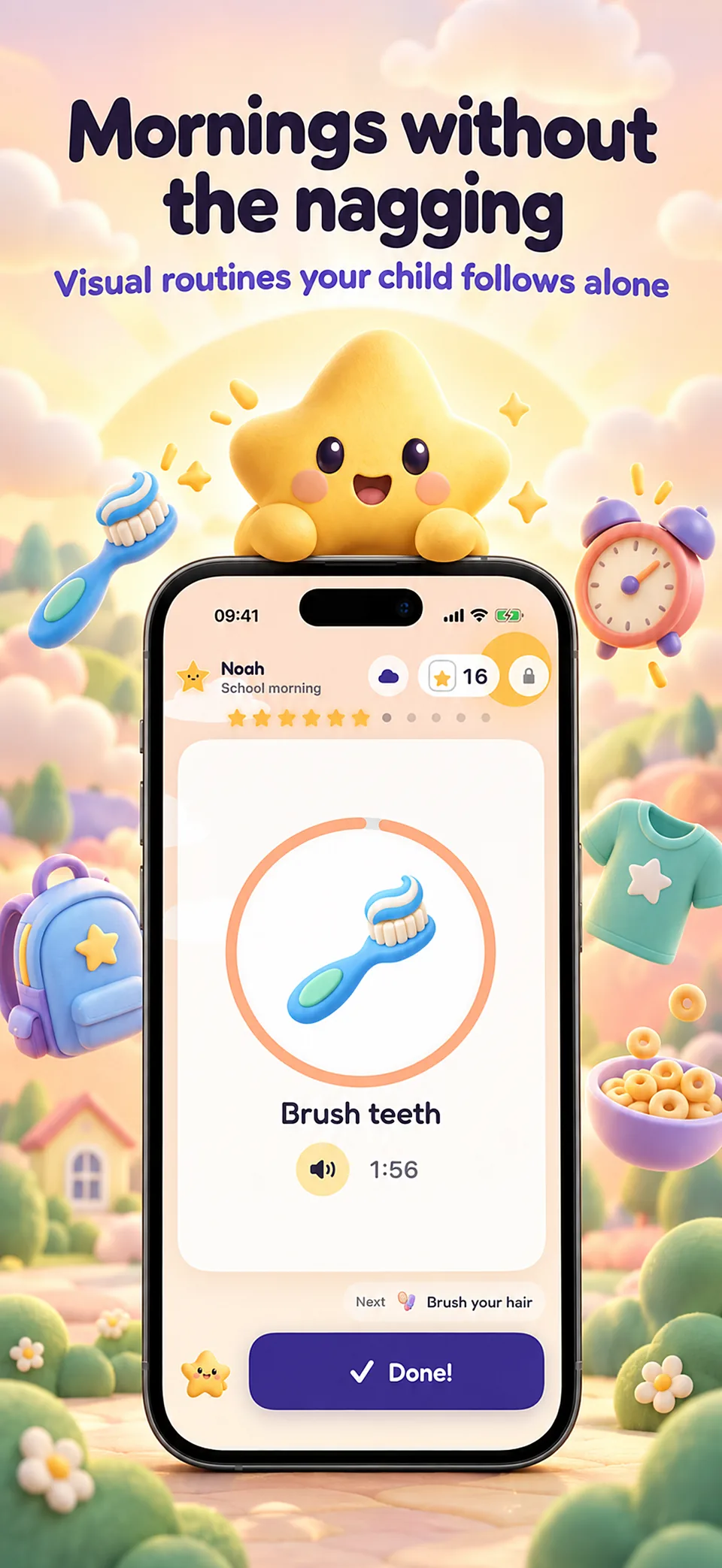
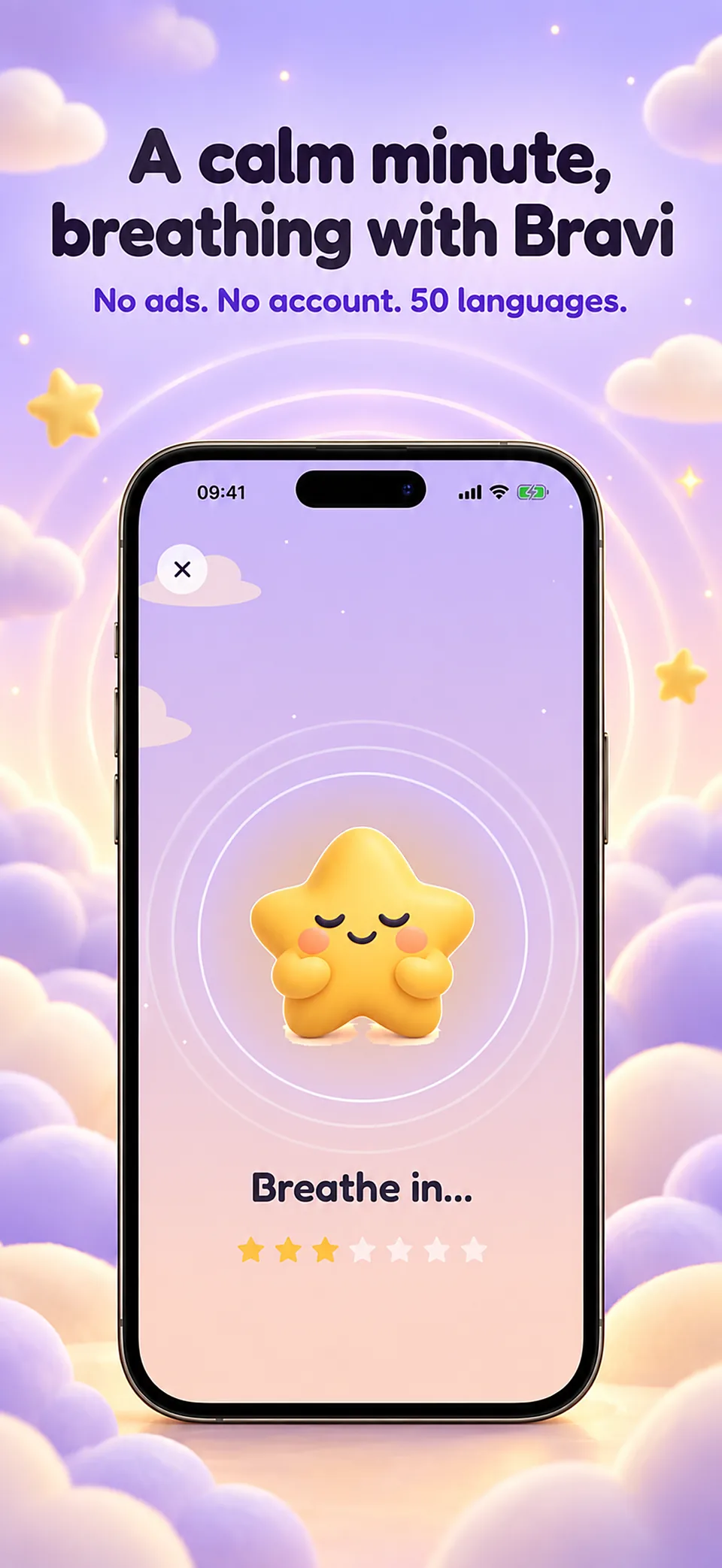
Mornings and bedtimes without the nagging. Bravi turns your child’s routine into a path of stars: one picture step at a time, read aloud, with a gentle visual timer and rewards you choose.

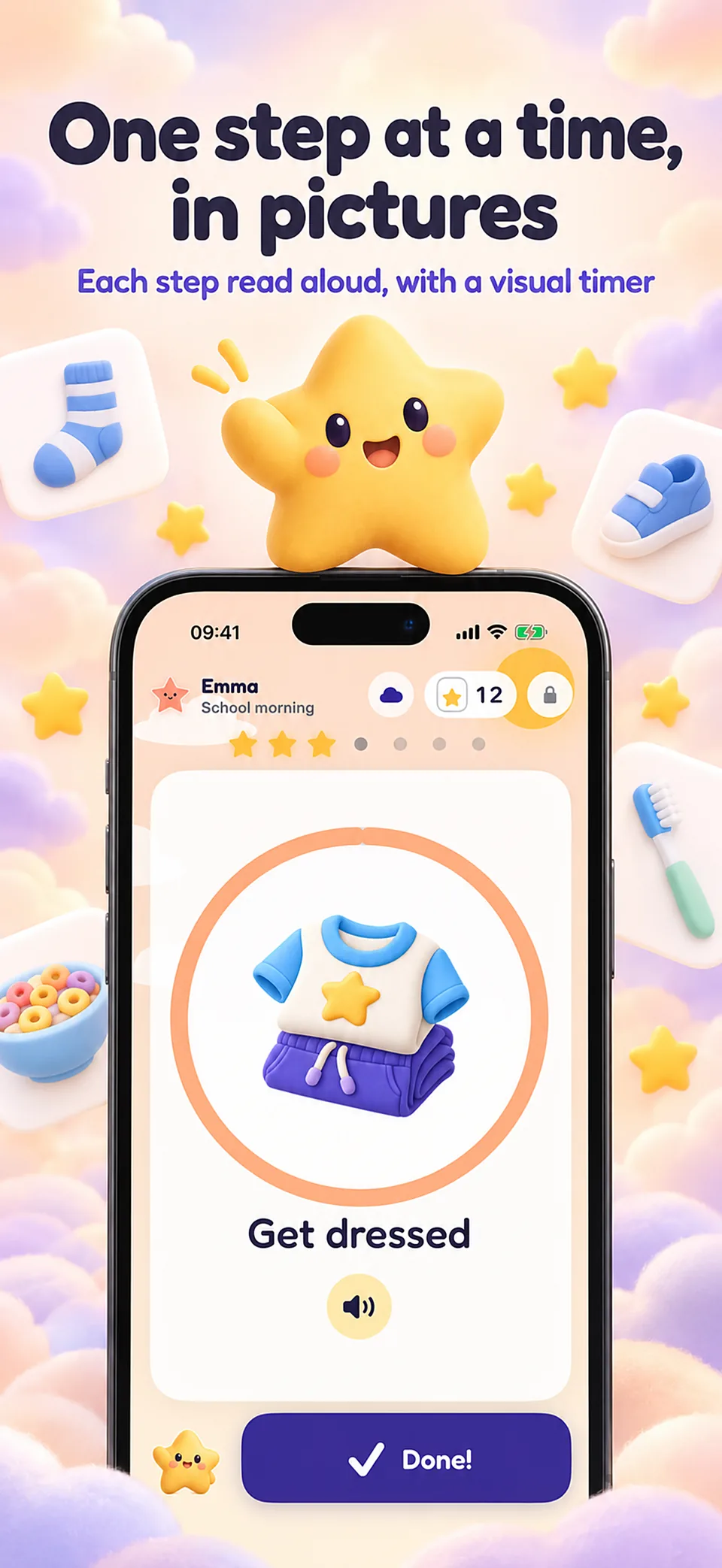
One step at a time, read aloud

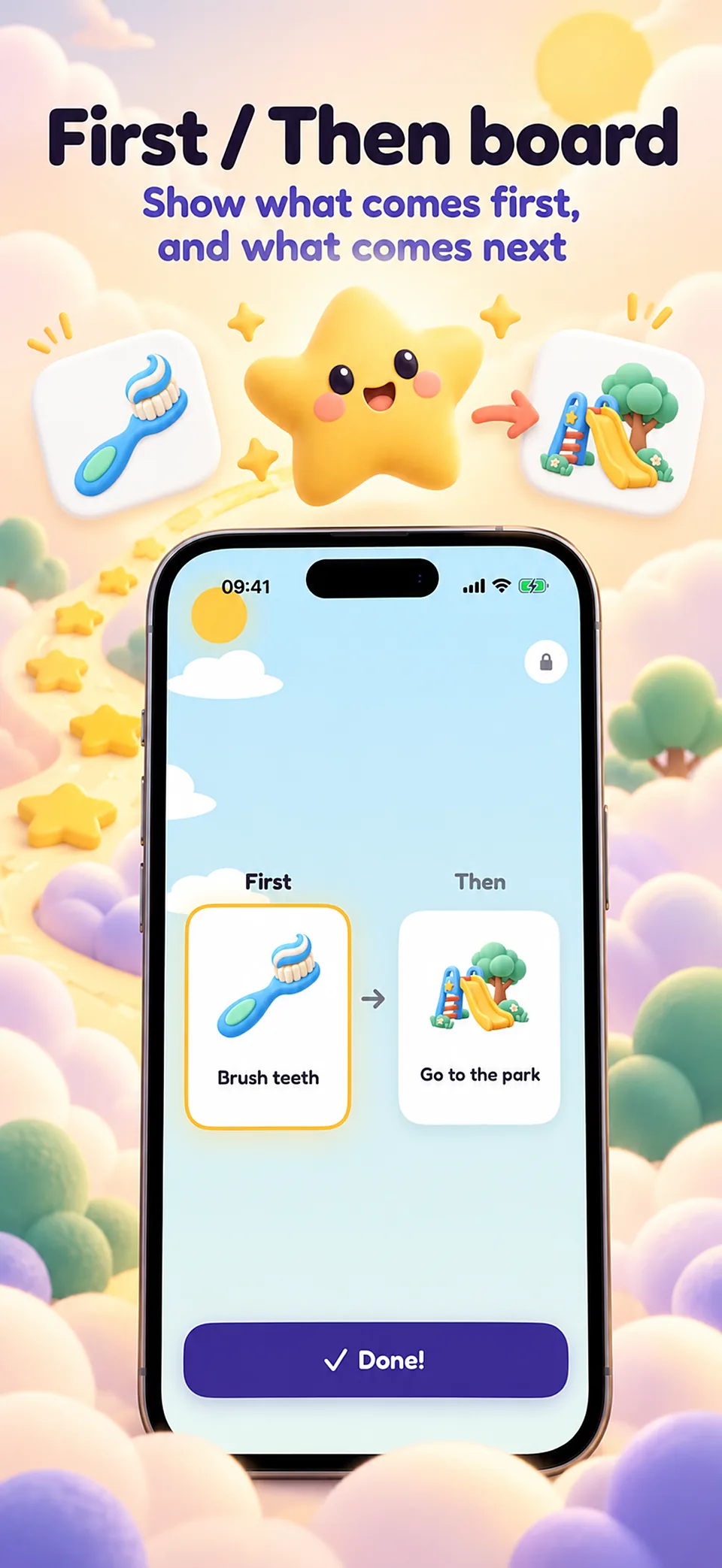
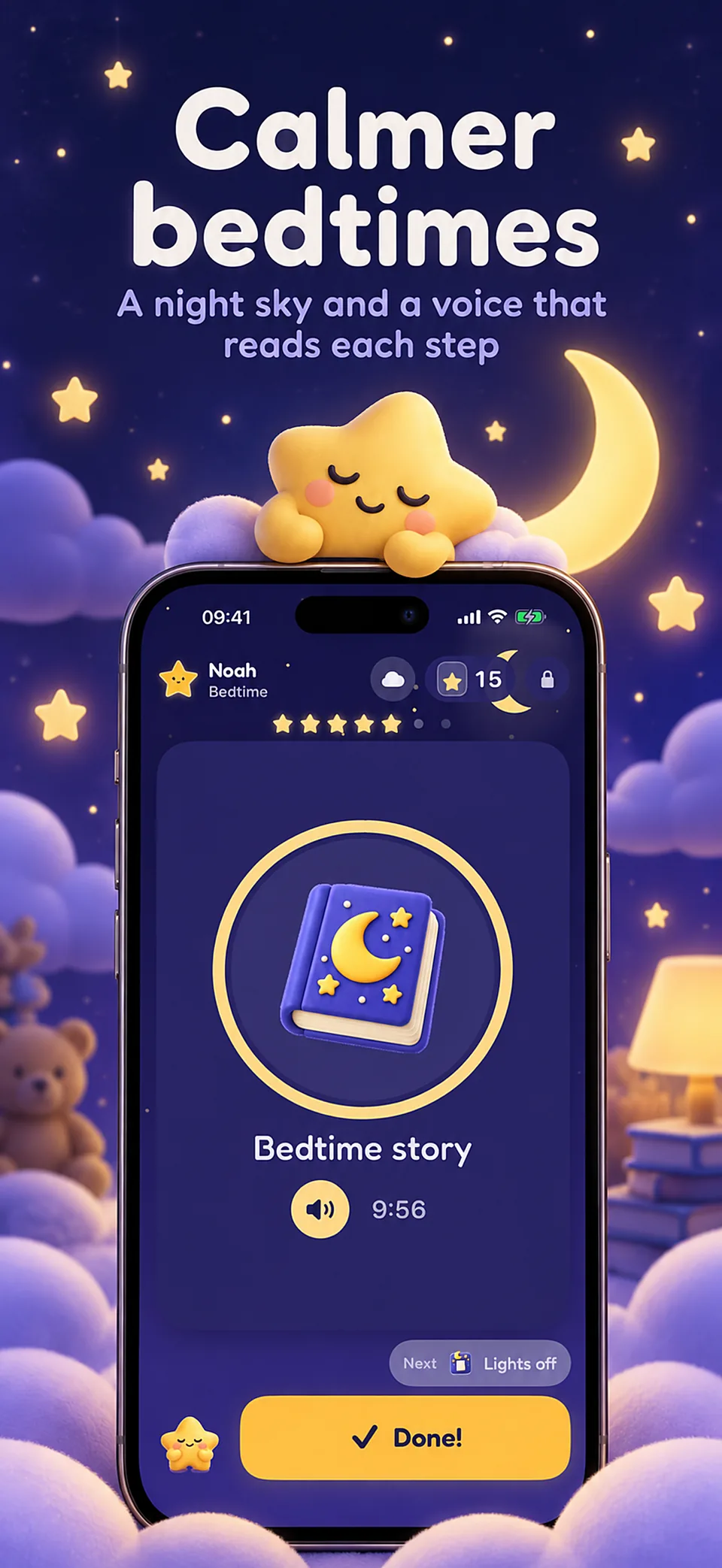
A single picture, one word and one big button fill the screen, so a young child never has to read a list. Every step can be read by the system voice or by your own recorded voice, and the sky in the background follows the time of day, brighter in the morning and dark and calm at bedtime.
Real rewards, chosen by you

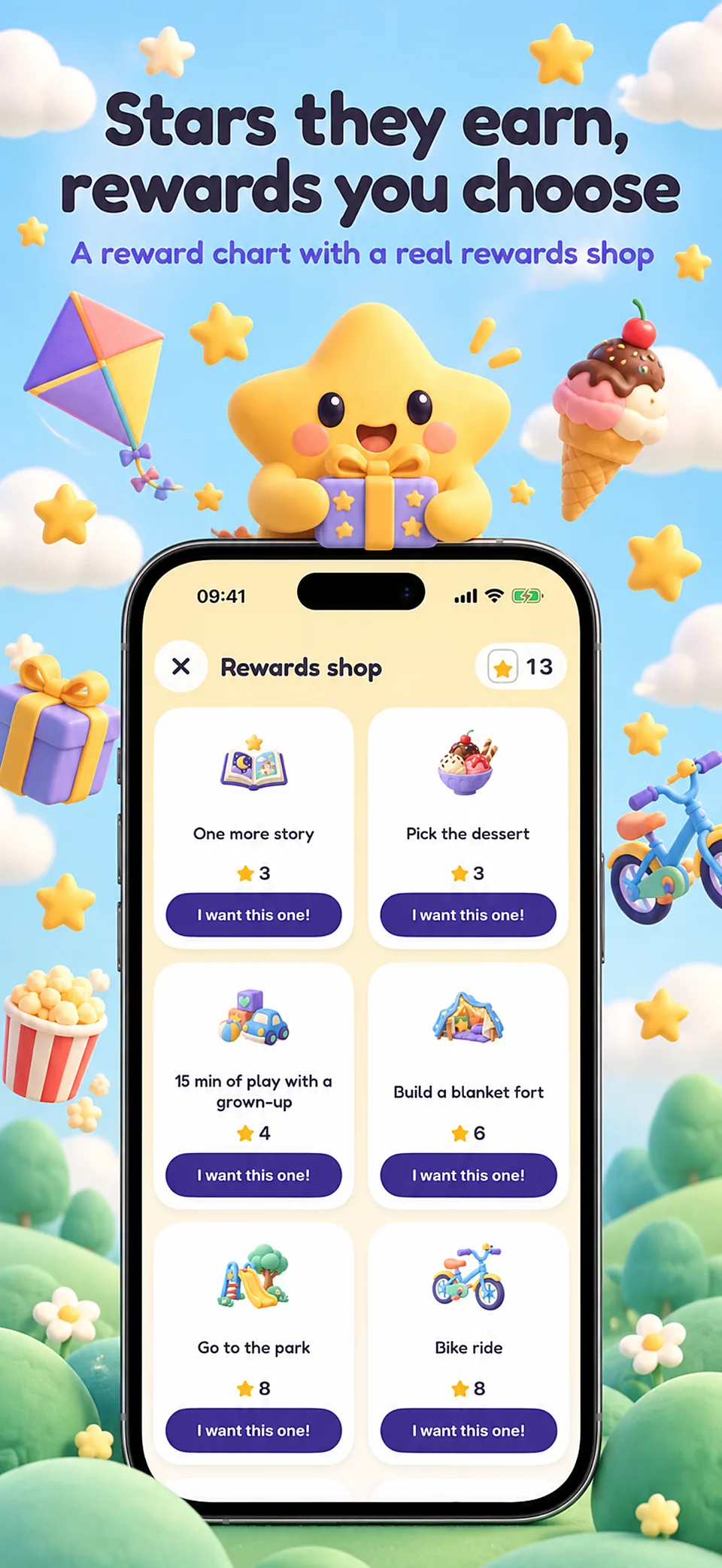
Each finished step lights a star in the star jar, and your child asks for a reward in the rewards shop that only you approve — there is no automatic purchase or spending tied to it. A sticker rewards every completed routine, for a collection your child can look back on.

All your children, one price, private by design

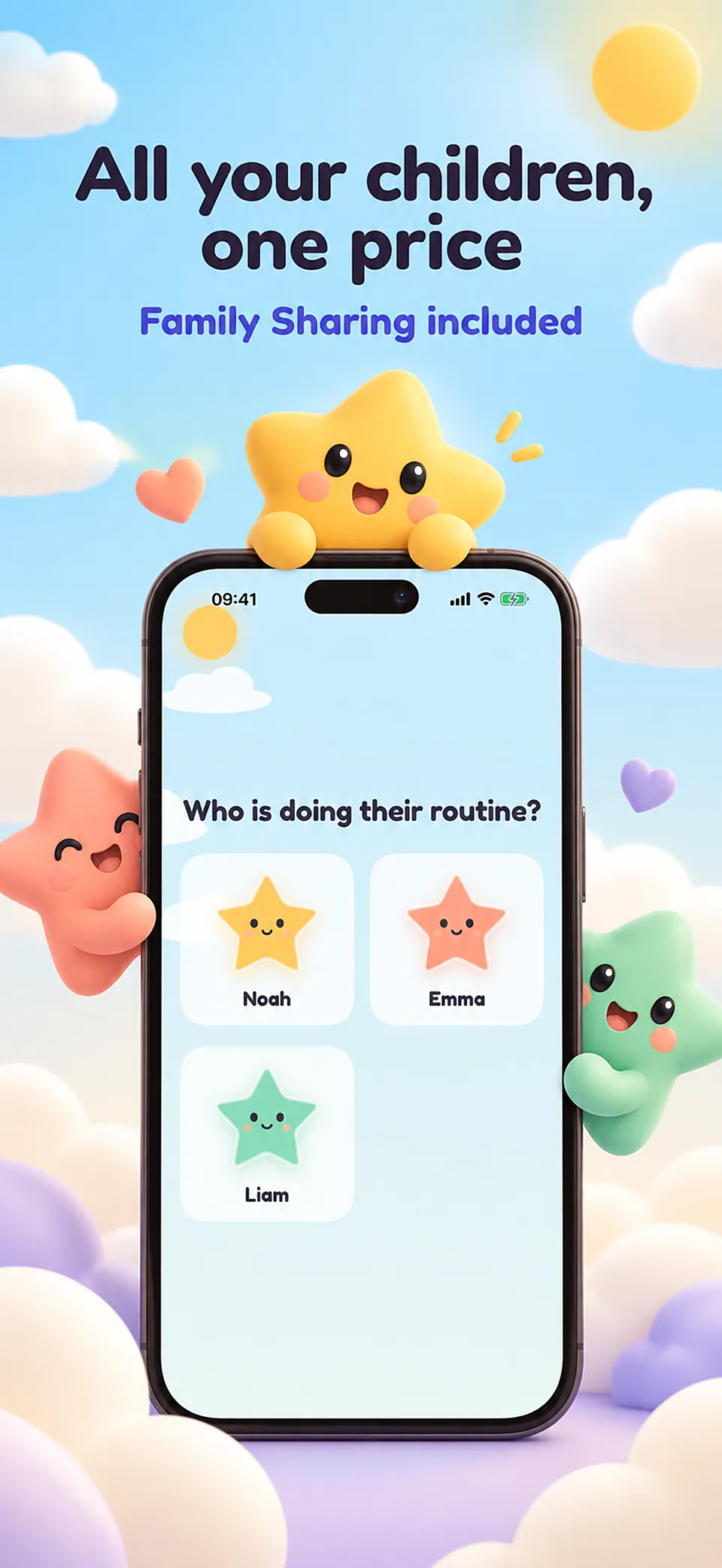
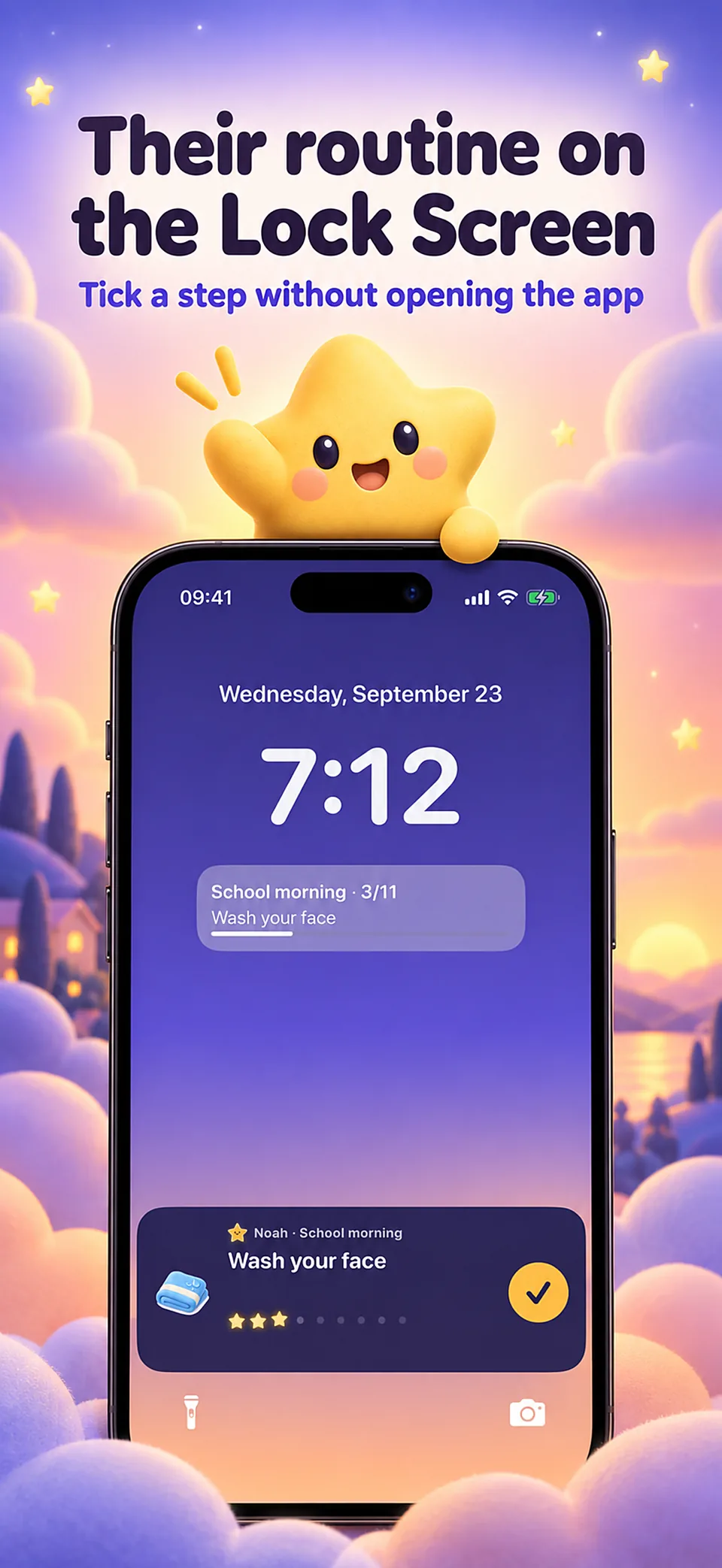
Add as many children as you like with Family Sharing, in three visual styles from about age 3 to 12. Widgets and a Live Activity show the current step on the Lock Screen, and a routine or reward chart can be printed on paper. Nothing about your child leaves the device: no ads, no account, no data collected on a child.

Bravi is a visual routine and reward tool, not a therapy: it does not diagnose or treat anything, and it does not replace advice from a doctor, a psychologist or another professional. Its calm, step-by-step design can also suit children with ADHD or autism, without promising any clinical effect. Bravi is used with Bravi Pro: weekly or yearly, or a one-time purchase, shared with your family.

At a glance

Developer
Roméo Gambino
Platform
iPhone (iOS)
App languages
English, French, Arabic, Bangla, Catalan, Czech, Danish, German, Greek, Spanish, Persian, Finnish, Filipino, Hebrew, Hindi, Croatian, Hungarian, Indonesian, Italian, Japanese, Kannada, Korean, Marathi, Malay, Norwegian Bokmål, Dutch, Punjabi, Polish, Portuguese, Romanian, Russian, Slovak, Slovenian, Swedish, Swahili, Tamil, Telugu, Thai, Turkish, Ukrainian, Urdu, Vietnamese, Simplified Chinese, Traditional Chinese, Bulgarian, Serbian, Lithuanian, Estonian
Account
No account required
Availability
For iPhone · In-app purchases

Guides

Further reading

Visual morning routine for kids: a setup that ends the nagging

How to turn a school morning into picture steps a young child can follow: what to include, where timers help, how to encourage, and what research on routines shows.

How to use a reward chart that works, without turning it into bribery

Reward charts, sticker charts and token boards: what research on rewards and praise shows, how to choose targets and rewards, and how to phase a chart out.

Bedtime routine for kids: what the research supports, step by step

What a good bedtime routine contains, how much sleep children need at each age, what studies found, and how to handle screens and stalling at lights out.

Visual schedules for autism and ADHD: pictures, timers and first/then boards

What visual supports are, what research says for autistic children, where they sit in ADHD care, and how to build a picture schedule your child can use.

An after-school routine with room to decompress

Build a short visual arrival routine, separate essential steps from homework and adjust it using what actually happens at home.

Prepare a printed visual routine with Bravi

Export a routine as a PDF, check its picture steps and keep a usable paper copy when the device is put away.

Bravi

Questions

Is Bravi available on the App Store?

Not yet. Bravi's release is pending App Store approval; this page will show the download link as soon as it is live. Availability may vary by country.

Does any of my child's information leave the device?

No. Your child's first name, age, routines, stars, photos and any recorded voice stay on the iPhone or iPad, and in the family's own iCloud backup if the device is set to back up. Bravi has no account and sends nothing about a child anywhere.

What does Bravi measure, then?

Only on the parent's side: an anonymous count of which screens and onboarding steps are used, with TelemetryDeck, to see what works — never a name, an age, an answer or any content. It can be turned off in Settings › Privacy. Purchases are handled by Apple; RevenueCat receives the purchase history to confirm a subscription, tied to an anonymous identifier.

Can my child buy something or see ads by mistake?

No. The child view has no purchase, no external link, no advertising and no review request. Only the parent sets up rewards, routines and subscriptions from their own space in the app.

Is Bravi designed for ADHD or autism?

Bravi is built to work well for children with ADHD or autism among many others, through pictures, a visual timer and a predictable routine. It is a visual routine and reward tool, not a therapy: it does not diagnose or treat anything, and it does not promise a clinical effect.

How many children can use Bravi?

As many as you like, with Family Sharing and one price, in three visual styles that follow a child from about 3 to 12 years old.

What does it cost?

The App Store and the app show the current price and available purchases in your local currency before confirmation. A free download does not mean every feature is free.

Is the app available in my language?

These are translated website pages. Check the Languages section of the App Store listing for the app itself. Some content may use a different language.

How do I manage a subscription?

On iPhone, open Settings, tap your name, then Subscriptions. Select the app to review or cancel an active subscription. Deleting the app does not cancel a subscription.

Support

Contact support

Include the app name, your iPhone model, iOS version and a description of the issue. Never include passwords or payment details.

Kids routine & rewards

Bravi

View on the App Store

For iPhone · In-app purchases