MindBuilding
English

Mind training

MindBuilding

40 mind workouts for memory, focus and reaction time

For iPhone · In-app purchases

MindBuilding · Mind training
40 exercises, 9 skills, a plan for todayProgress you can checkThe science, rated honestly

What you can do

MindBuilding: 40 mind workouts for memory, focus and reaction time

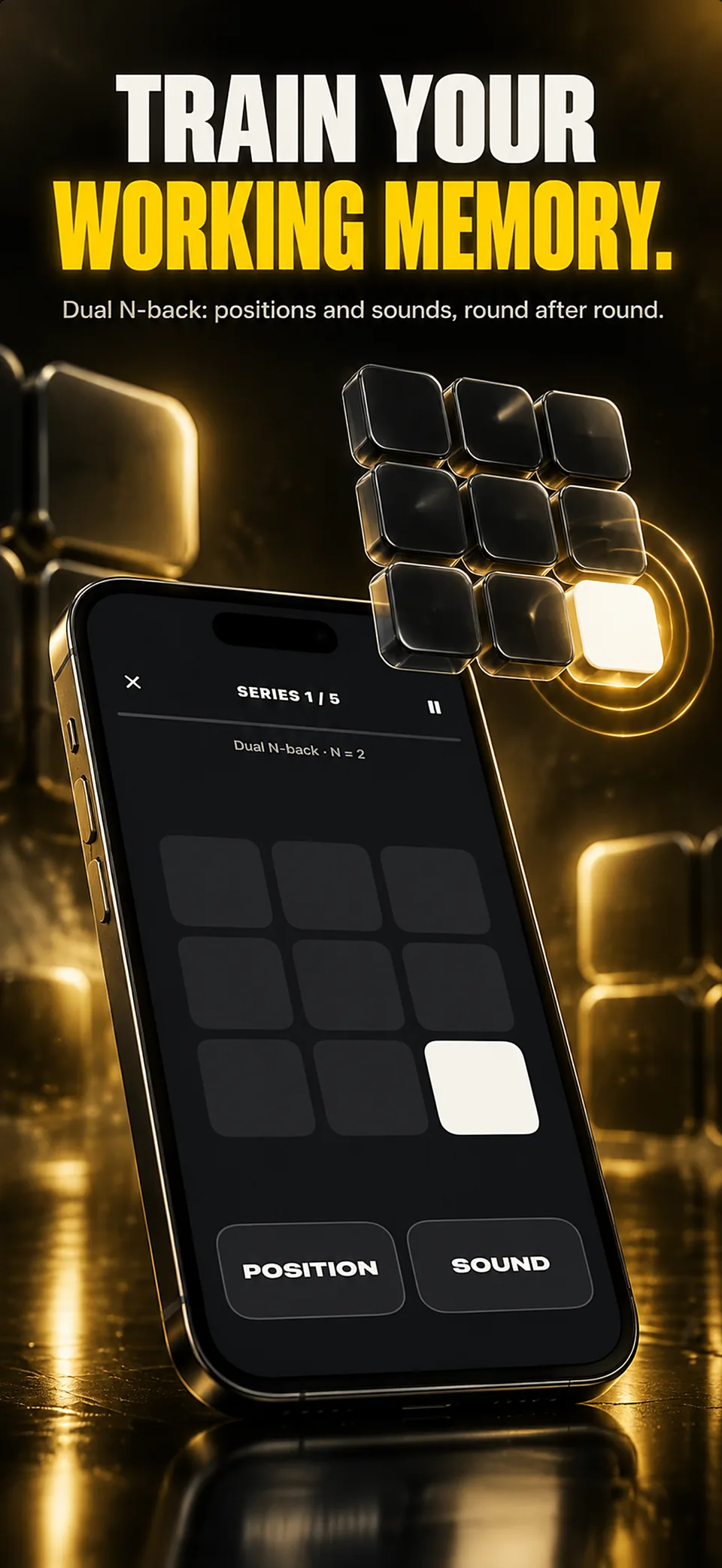
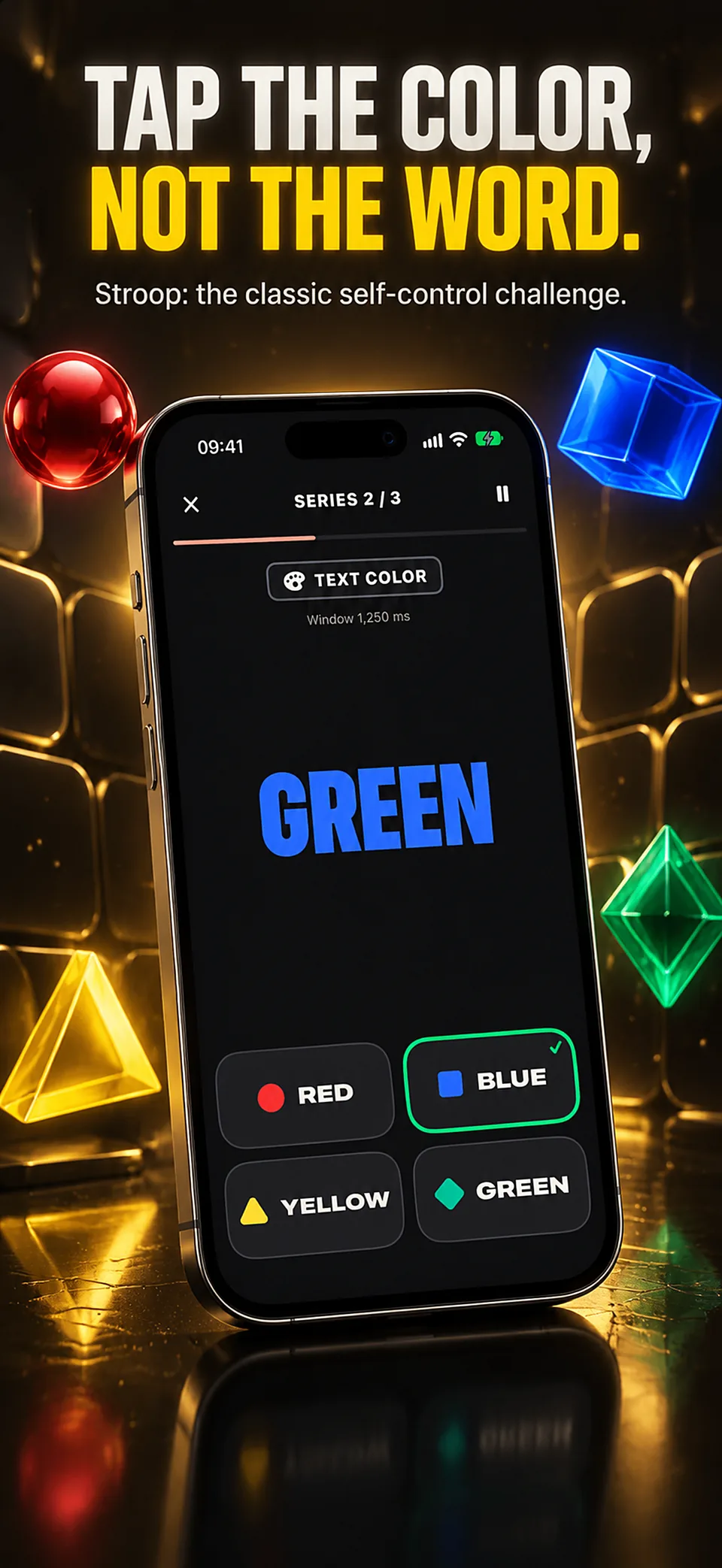
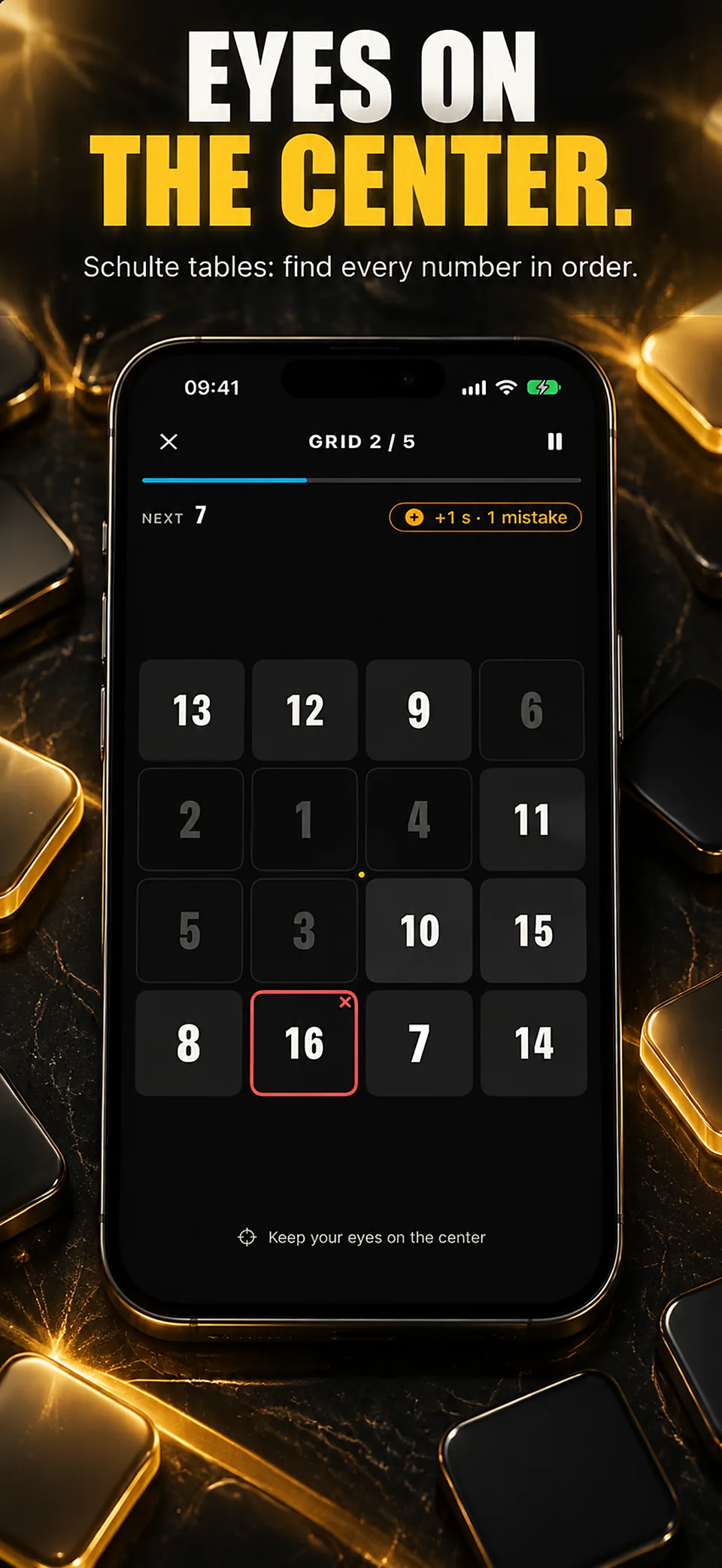
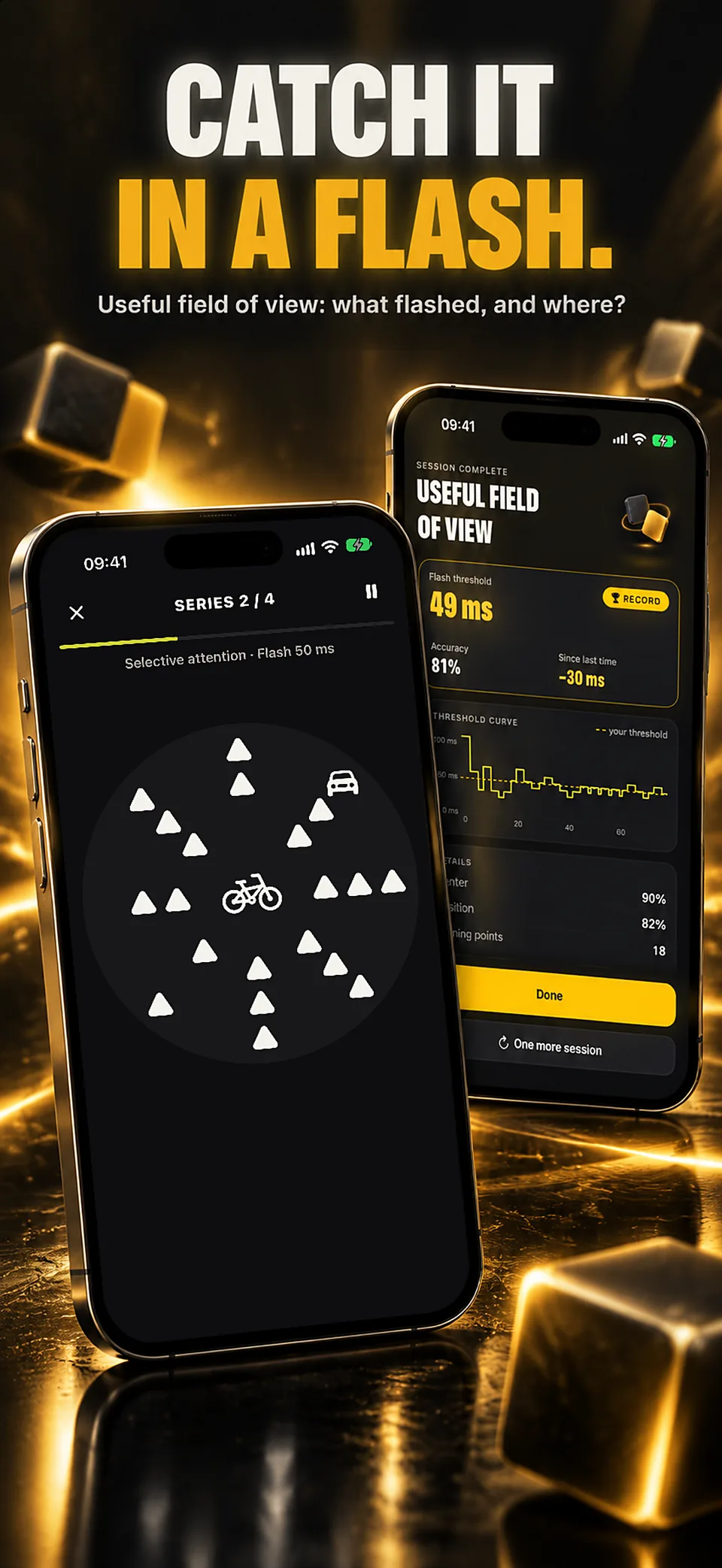
Train your mind like an athlete, and measure it honestly. MindBuilding gathers 40 mind workouts in one app — RRT, N-back, CCT, UFOV, 3D MOT, Stroop and more — with a plan built for today and check-ups on tasks you never train.

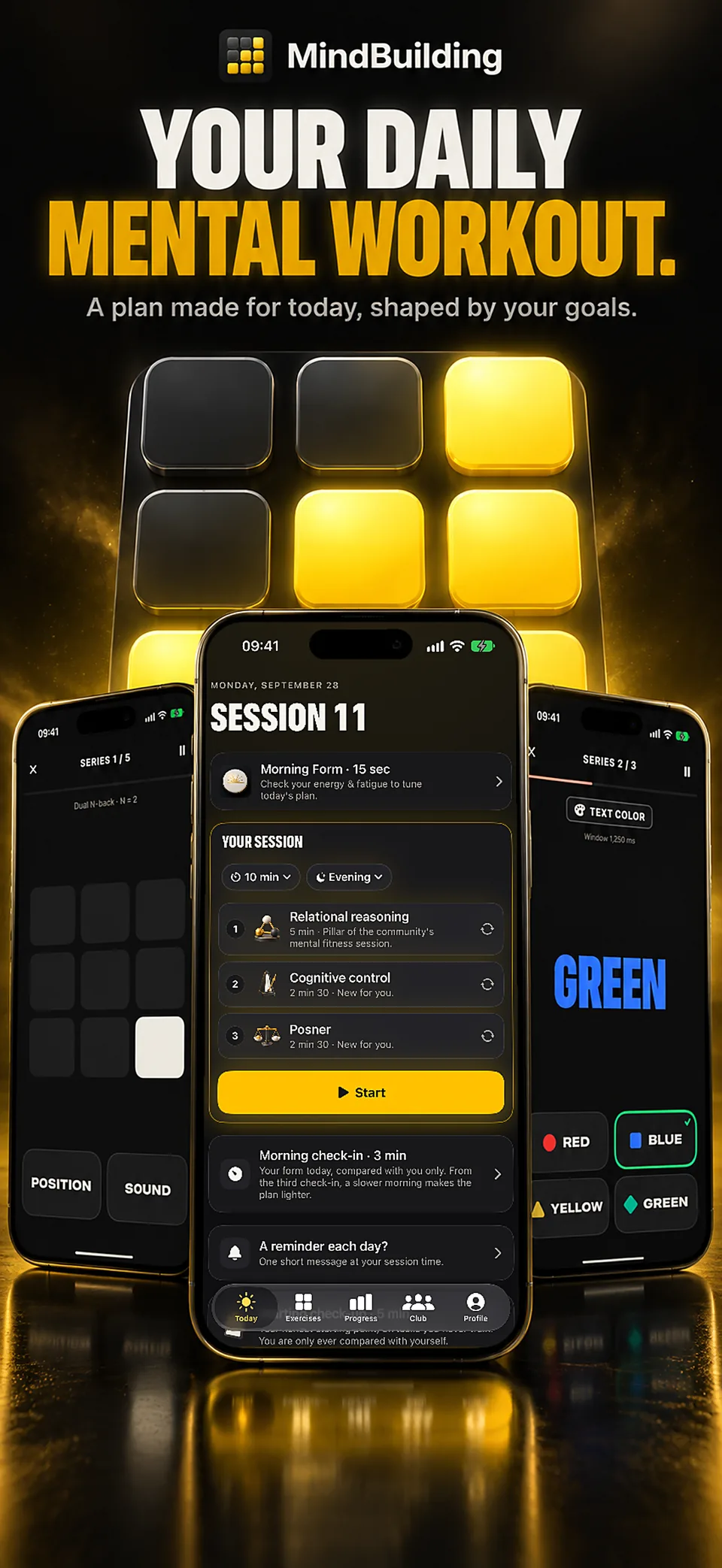
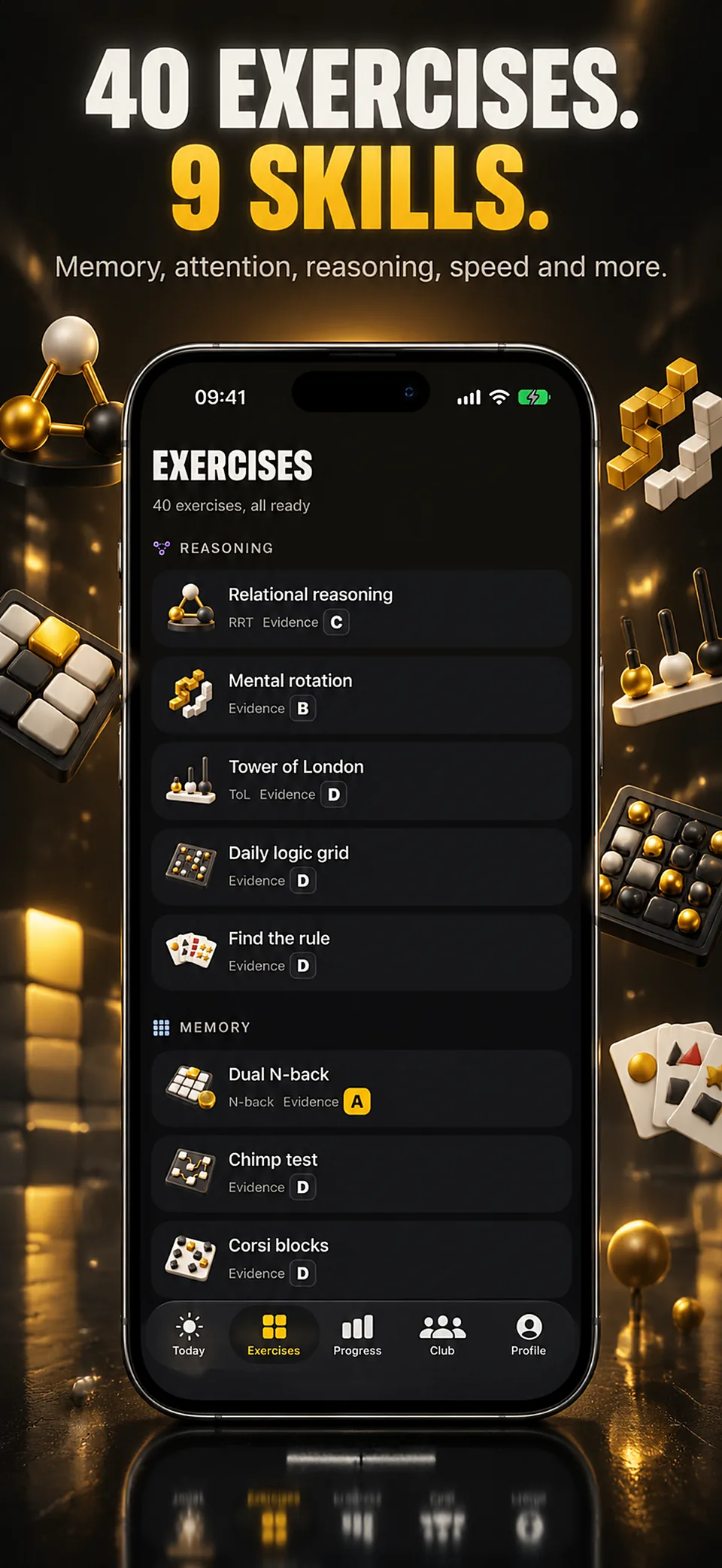
40 exercises, 9 skills, a plan for today

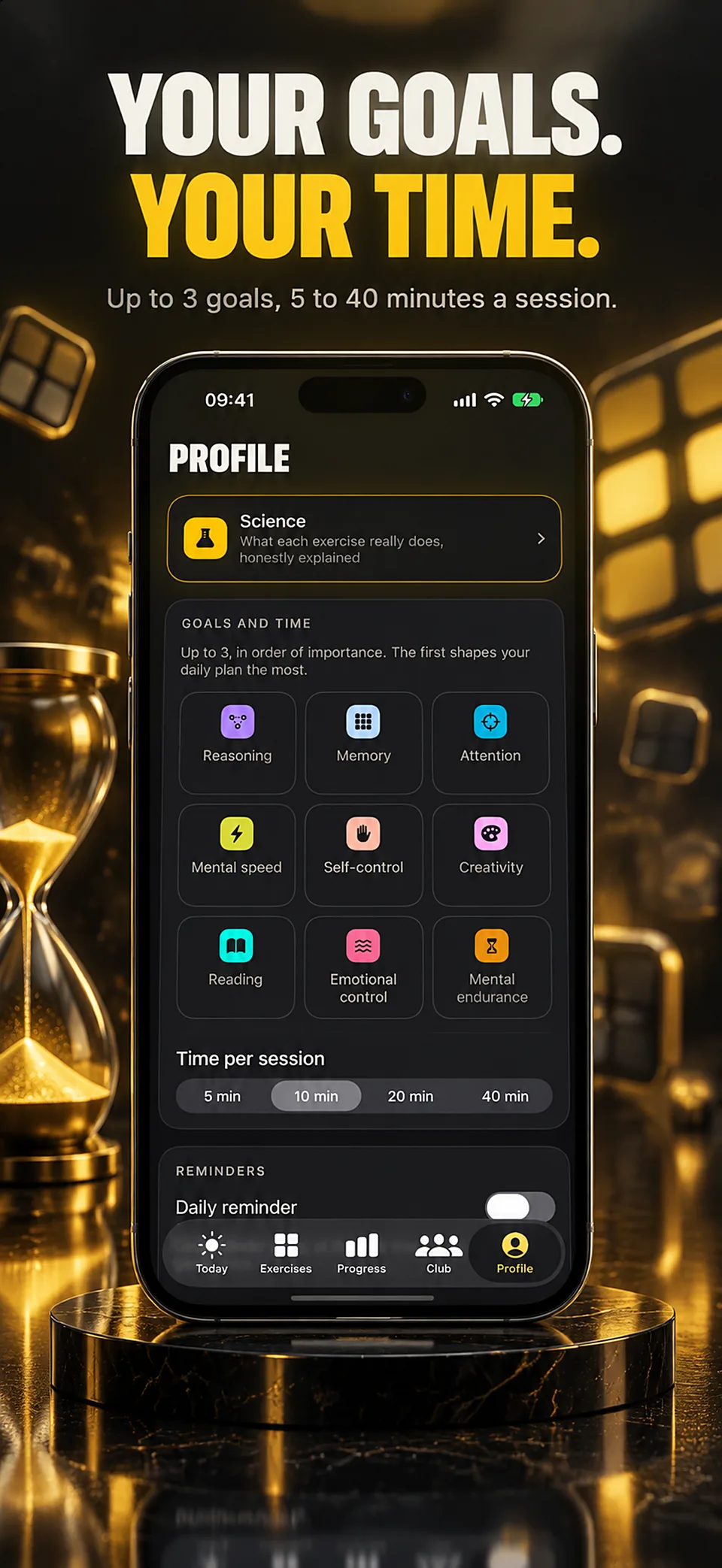
Reasoning, memory, attention, speed, self-control, creativity, reading and more: each exercise says what it trains. Choose your goals and your time — 5, 10, 20 or 40 minutes — then press Start, and MindBuilding runs today’s circuit, one exercise after another. Before class, work or a game, a warm-up takes 5 to 20 minutes.

Progress you can check

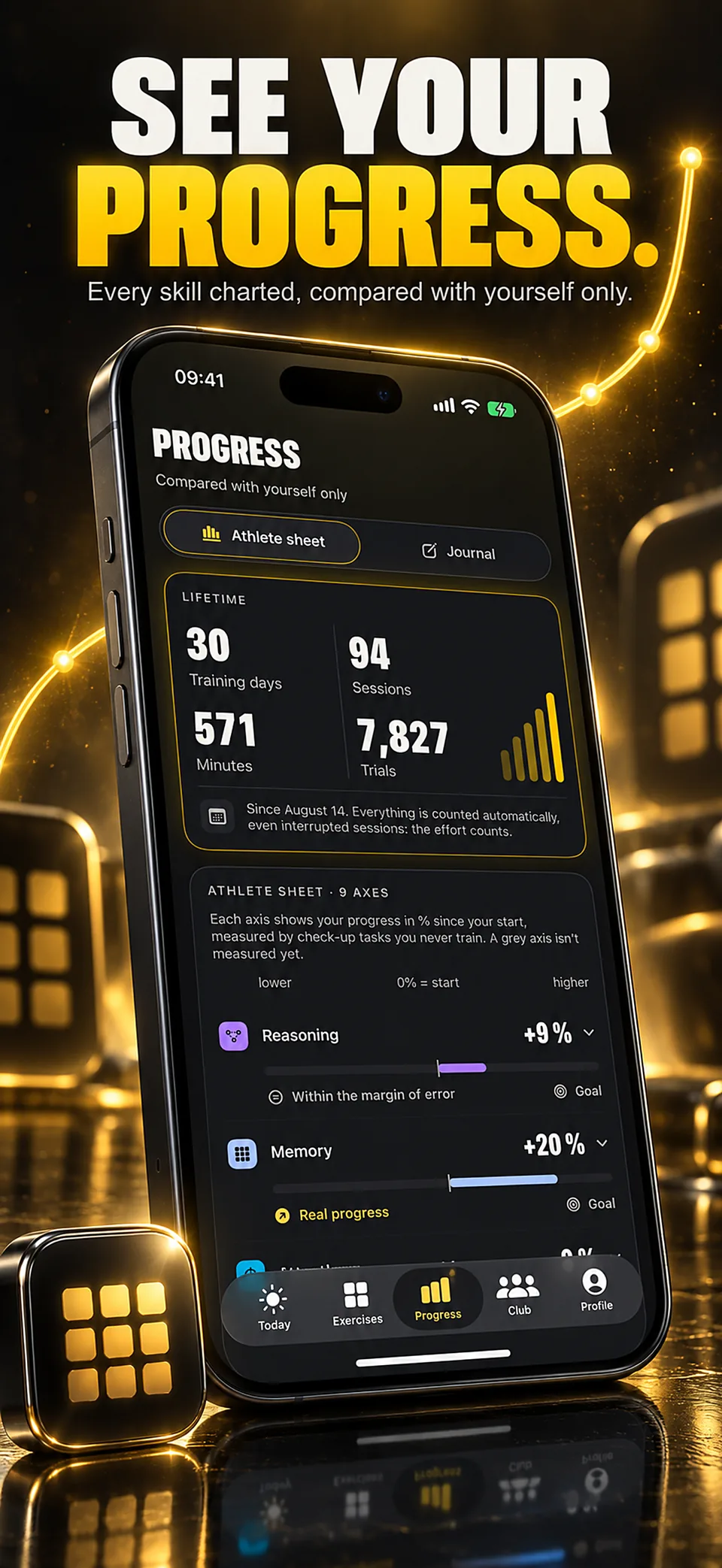
Every session is saved automatically: records, lifetime totals, curves and a consistency calendar. A 5-minute check-up at the start, then re-tests about once a month on tasks you never practice, show what really changed. You are only compared with yourself, and when you hit a plateau, the app says so and suggests a variant or a rest day.

The science, rated honestly

Each exercise shows its level of evidence, from A to D: what research supports, what it doesn’t, and a link to every study. Many exercises are rated C or D, and MindBuilding says so plainly: what the evidence supports is getting better at what you practice.

MindBuilding is not a medical app: it gives no diagnosis, no treatment and no intelligence score. The welcome and your first session are free; after that, MindBuilding Pro is required: weekly or yearly with a free trial, or a one-time lifetime purchase. No account, no ads.

At a glance

Developer
Roméo Gambino
Platform
iPhone (iOS)
App languages
English, French, Arabic, Bangla, Catalan, Czech, Danish, German, Greek, Spanish, Persian, Finnish, Filipino, Hebrew, Hindi, Croatian, Hungarian, Indonesian, Italian, Japanese, Kannada, Korean, Marathi, Malay, Norwegian Bokmål, Dutch, Punjabi, Polish, Portuguese, Romanian, Russian, Slovak, Slovenian, Swedish, Swahili, Tamil, Telugu, Thai, Turkish, Ukrainian, Urdu, Vietnamese, Simplified Chinese, Traditional Chinese, Bulgarian, Serbian, Lithuanian, Estonian
Exercises
40, plus a daily 3-minute alertness test
Session length
5, 10, 20 or 40 minutes
Price
The App Store and the app show the current price and available purchases in your local currency before confirmation. Trial availability depends on the offer and your eligibility. A free download does not mean every feature is free.
Account
No account required
Availability
For iPhone · In-app purchases

Guides

Further reading

Attention or memory exercises: choose by the task

Identify what an exercise asks you to do, choose a clear practice goal and interpret scores without treating them as a diagnosis.

Your first cognitive training session: a useful baseline

Set a manageable first session, learn the response rules and record enough context to make your next session comparable.

MindBuilding check-up or training record: what to compare

Read personal exercise records and check-up results separately, compare matching settings and avoid interpreting either as IQ or a diagnosis.

MindBuilding

Questions

Is MindBuilding free?

The download, the welcome and your first session are free. After that, MindBuilding requires MindBuilding Pro: a weekly or yearly subscription, each with a free trial for eligible new subscribers, or a one-time lifetime purchase. There are no ads, and nothing competitive can be bought.

How much does MindBuilding Pro cost?

$4.99 a week with a 3-day free trial, $29.99 a year with a 7-day free trial, or $49.99 once for lifetime access. These are US prices: the App Store shows your local price before you confirm. The yearly plan and lifetime access work with Family Sharing. A subscription renews automatically unless it is cancelled at least 24 hours before the end of the current period.

How long is a session?

Your choice: 5, 10, 20 or 40 minutes. A single game lasts about 2 minutes 30 by default, or 5 or 10 minutes if you prefer, and each exercise picks up at the level already reached. Four named warm-ups, from 5 to 20 minutes, fit before class, work or a game.

Does MindBuilding work offline?

Yes. The exercises, today’s plan, records and check-ups run on the iPhone or iPad, with no account. A connection is needed to buy or restore MindBuilding Pro, and to open outside links such as a study’s page.

What happens to my data?

Sessions, every trial, records, check-ups and the journal stay on the device. Only two things leave it, without a name: anonymous usage counts, which can be turned off in Profile, and the status of a purchase, so a subscription can be confirmed. Apple Health is optional and read-only. Profile exports everything as CSV or JSON, or erases it all. Nothing is sold.

In which languages is MindBuilding available?

The app is translated into 48 languages, including English, French, Spanish, German, Italian, Portuguese, Japanese, Korean, Chinese, Arabic and Hindi.

Does MindBuilding measure or raise intelligence?

No. It gives no intelligence score and promises no gain in intelligence, grades or health. Each person is compared only with themselves, and every exercise’s card explains what research shows and what it doesn’t: what the evidence supports is getting better at what you practice.

What does it cost?

The App Store and the app show the current price and available purchases in your local currency before confirmation. Trial availability depends on the offer and your eligibility. A free download does not mean every feature is free.

Is the app available in my language?

These are translated website pages. Check the Languages section of the App Store listing for the app itself. Some content may use a different language.

How do I manage a subscription?

On iPhone, open Settings, tap your name, then Subscriptions. Select the app to review or cancel an active subscription. Deleting the app does not cancel a subscription.

Support

Contact support

Include the app name, your iPhone model, iOS version and a description of the issue. Never include passwords or payment details.

Mind training

MindBuilding

View on the App Store

For iPhone · In-app purchases