Luxury and travel scenes, sorted by world
Browse supercars, yachts, private jets, penthouses, watches, travel and nightlife, and save your favourites. Start from a scene close to the image you have in mind.
 LarpGPT
AI photo prompts
LarpGPT for iPhone: AI photo prompts for Midjourney & Flux
Check the App Store for availability in your country. Checked on 16 October 2026. Final availability depends on your Apple account country.
Available on the App Store
LarpGPT
Preview language : English
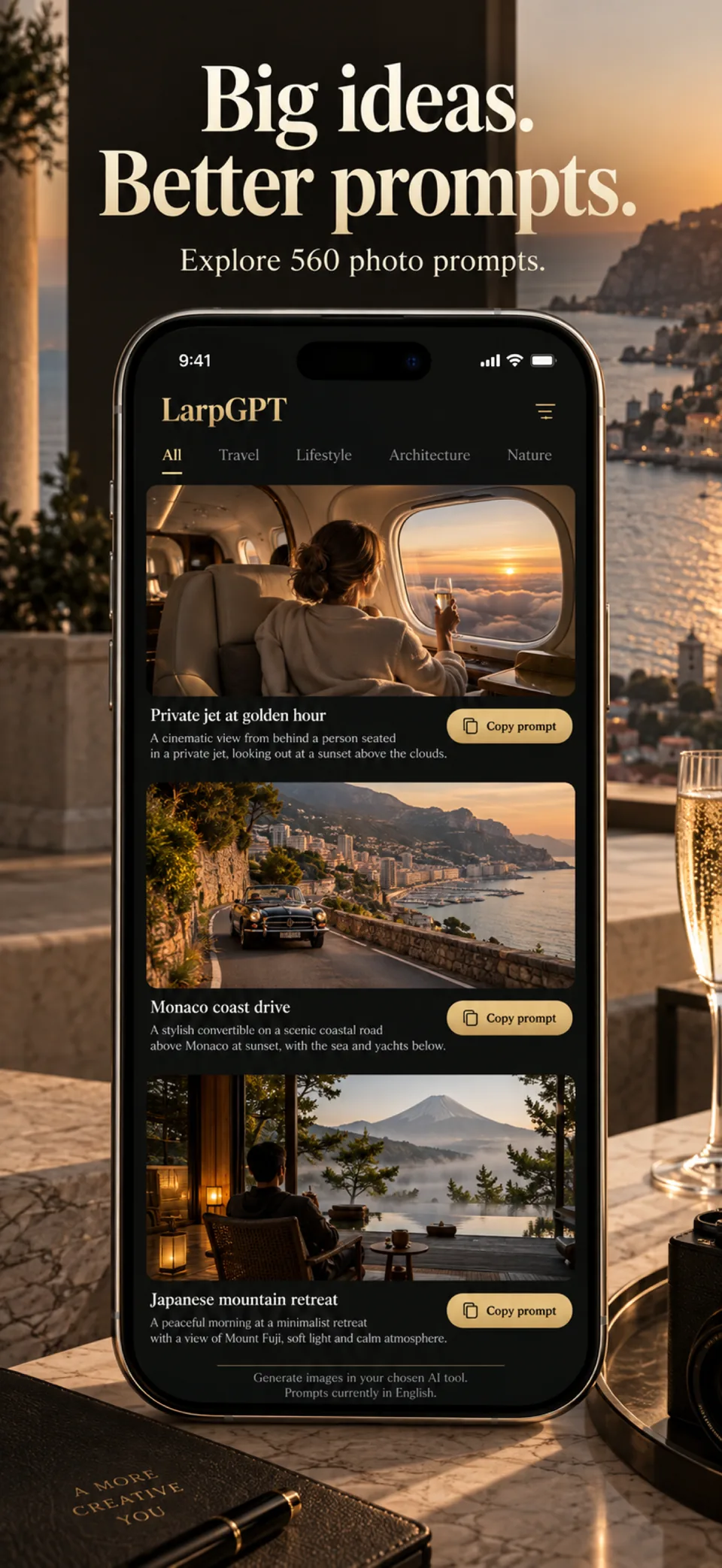
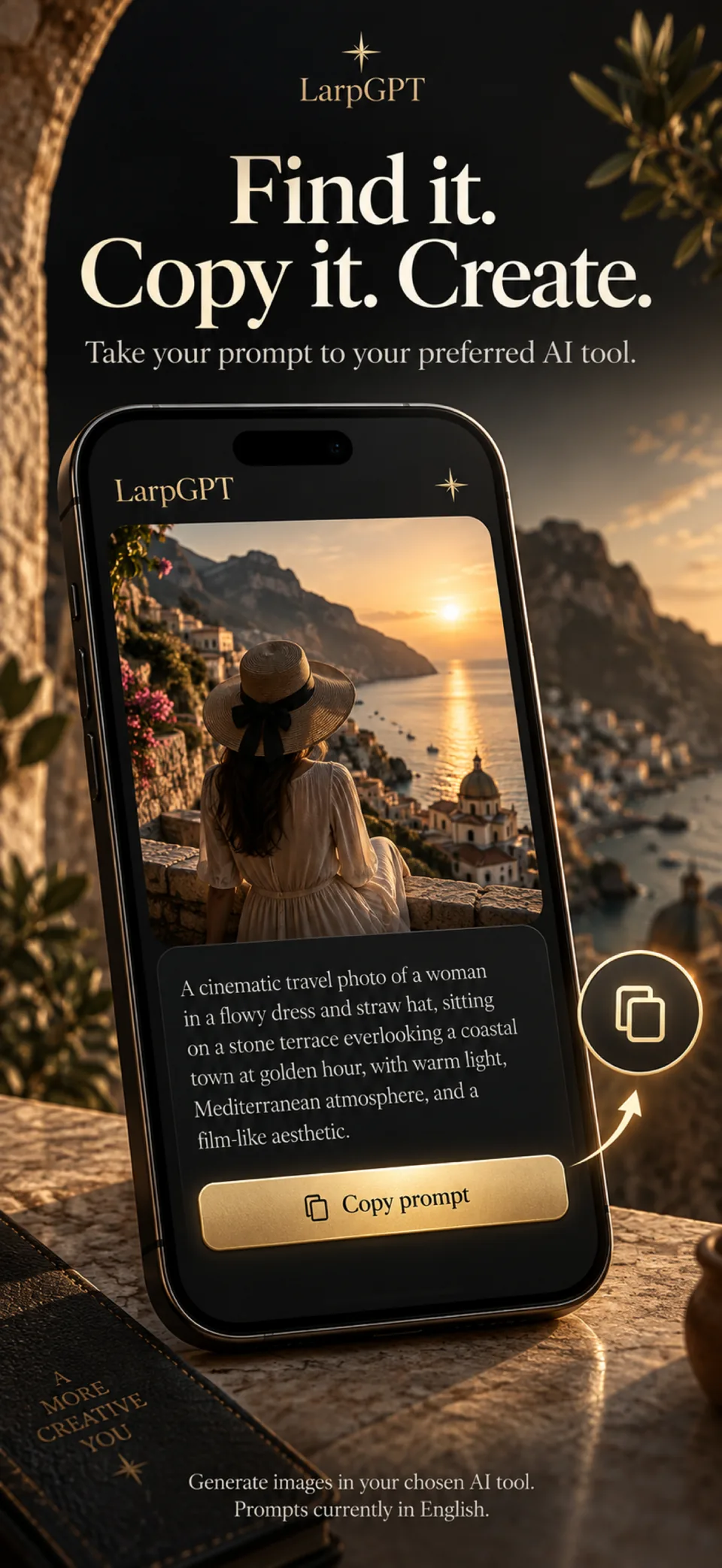
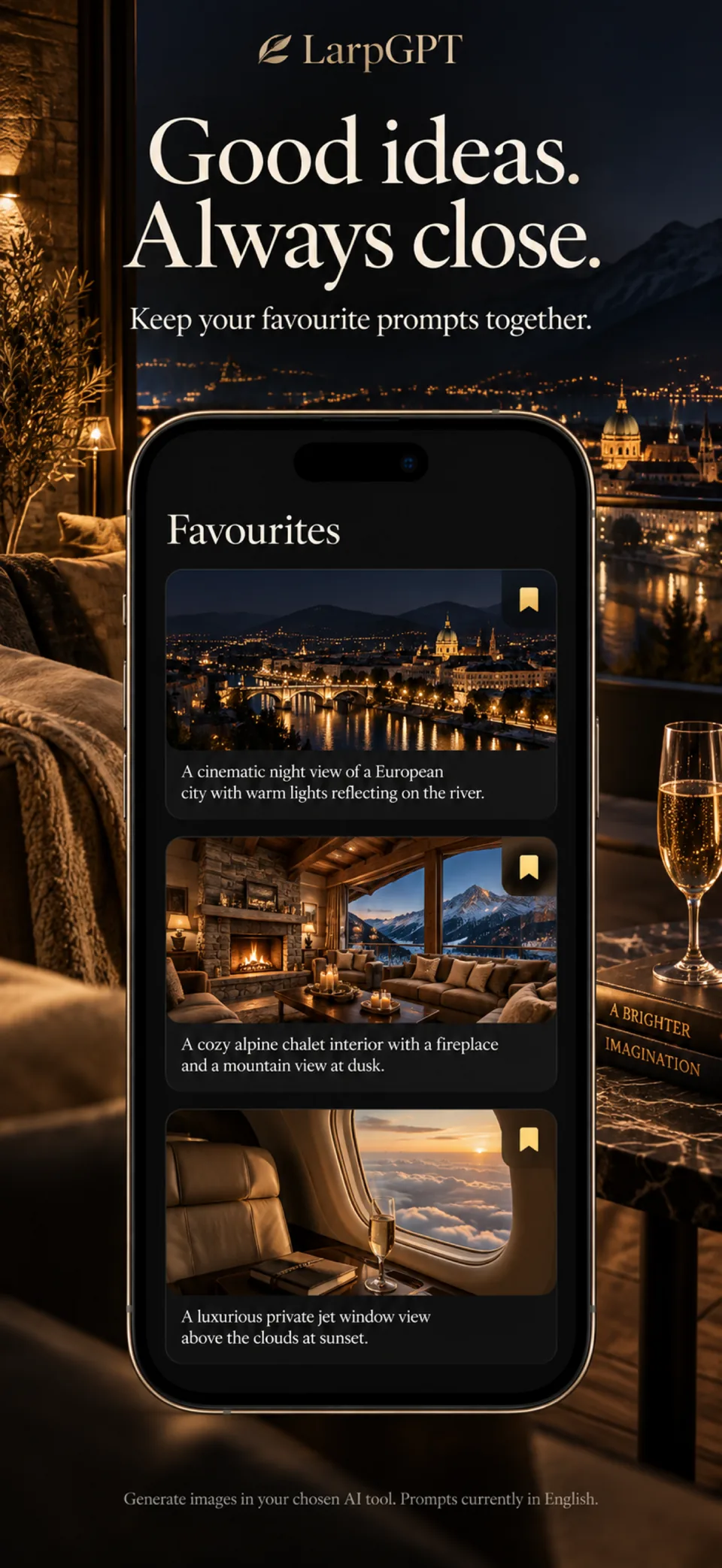
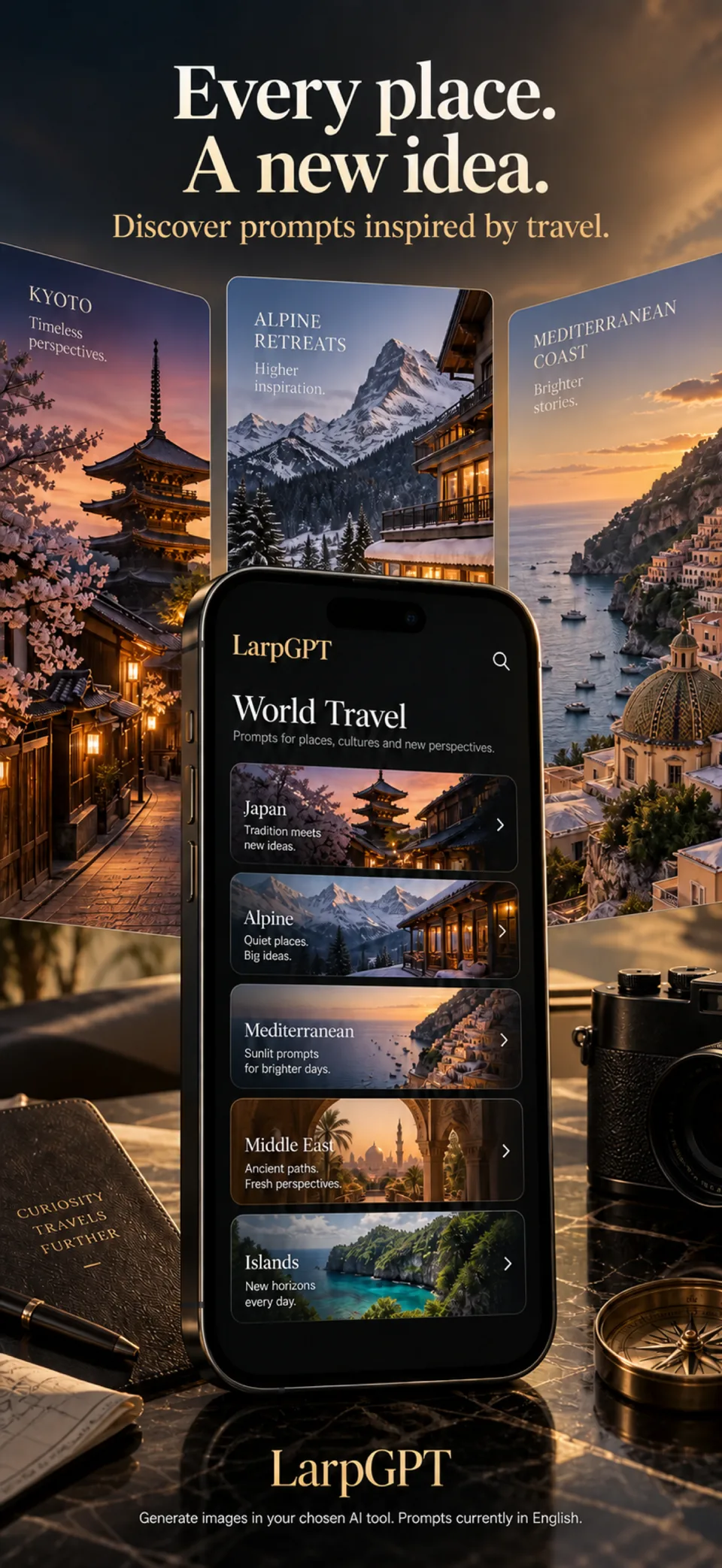
Screens from version 1.3.8
Illustrative screens. Features and appearance may vary by version.
Preview unavailable. Please try again.
What you can do
LarpGPT is an iPhone library of 560 editable photo prompts. Choose a scene, adjust the details and copy the English prompt into the image generator you already use. Image creation takes place in that separate service, under its terms and prices.
How to structure an AI photo prompt from scratchBrowse supercars, yachts, private jets, penthouses, watches, travel and nightlife, and save your favourites. Start from a scene close to the image you have in mind.
Every prompt names the subject, the composition, the light, the lens and the camera settings. Change the place, the car, the watch or the light, and the prompt is rewritten for you.
One tap copies the text. Paste it into Midjourney, Flux, DALL·E or another service. Prompts are written in English, and LarpGPT does not create images itself: that happens in the service you choose, under its terms and prices.
LarpGPT does not generate images. Generated results vary; disclose synthetic content where required and respect other people’s rights. Full access to the prompt library requires a weekly or yearly subscription, or a one-time lifetime purchase.
Guides
A repeatable order for writing image prompts, what to put in each part, the common mistakes that flatten a result, and how to iterate so that each attempt teaches you something.
Complete prompts for an architectural interior, a city moment, an object, a landscape, a food shot and a workspace, each broken down sentence by sentence so you can adapt them.
What each part of a prompt does inside an image generator, why one sentence per decision works better than a wall of adjectives, and how to adapt a prompt without breaking the thing that made it work.
How to write Midjourney prompts that read as photographs: a camera-first structure, the documented parameters that help, and how to iterate.
How to prompt ChatGPT for believable luxury and lifestyle images: materials, light, restraint, worked examples, and care with brands and disclosure.
Describe believable people in AI images: posture, clothing, skin, hands and light, plus the consent, likeness and disclosure rules that come with it.
Golden hour, blue hour, window light, backlight, low key and more: what each lighting term looks like in a photo and how to write it in an AI prompt.
What a negative prompt is, which image tools document one, how Midjourney's --no and Stable Diffusion's negative_prompt work, and why to use them sparingly.
Square, 3:2, 16:9 or vertical 9:16: how to pick an aspect ratio for an AI image, how composition changes with it, and how Midjourney and OpenAI set it.
What focal length, aperture, shot size and camera angle actually change in a photo, and how to write them into an AI image prompt so the result looks real.
Compare two versions of a prompt while recording the generator and settings you used.
Choose the target image tool in LarpGPT, inspect the copied text and distinguish prompt description from tool-specific parameters.
Specify exact words and placement, inspect the result and choose between generated lettering and text added in an editor.
A repeatable prompt structure for subject, light, lens language and constraints, with examples that are easier to refine.
Prompt libraries, prompt builders, in-generator assistants and writing it yourself: what each saves you, what each costs you, and which one teaches you anything.
LarpGPT
No. LarpGPT is a library of photo prompts. Copy a prompt, adapt its subject and composition, then use it in a separate image-generation service.
A clear subject, setting, composition and light make the brief easier to interpret. The guides include original examples to adapt; generated results depend on the service used.
Any text-to-image tool: copy the prompt with one tap and paste it into Midjourney, Flux, DALL·E or the generator you already use. Prompts are written in English.
No. Each prompt already contains the subject, setting, light, lens and shooting settings. You can adapt any part before pasting it.
No. LarpGPT asks for no name, email address, account or access to your photos, camera, microphone or location.
On your iPhone, with your chosen language and selected worlds. Uninstalling the app removes them.
The App Store and the app show the current price and available purchases in your local currency before confirmation. Trial availability depends on the offer and your eligibility. A free download does not mean every feature is free.
These are translated website pages. Check the Languages section of the App Store listing for the app itself. Some content may use a different language.
On iPhone, open Settings, tap your name, then Subscriptions. Select the app to review or cancel an active subscription. Deleting the app does not cancel a subscription.
Support
Include the app name, your iPhone model, iOS version and a description of the issue. Never include passwords or payment details.
AI photo prompts
Check the App Store for availability in your country. Checked on 16 October 2026. Final availability depends on your Apple account country.
Available on the App Store