Count from anywhere
A big +1 that’s easy to hit with yarn in your hands. Count from the Lock Screen, the Action button or Apple Watch; a Live Activity keeps your row in view.
 Pelotte
Row counter
the row counter for crochet and knitting
Availability depends on your Apple account country; check the App Store.
Available on the App Store
Pelotte
Preview language : English
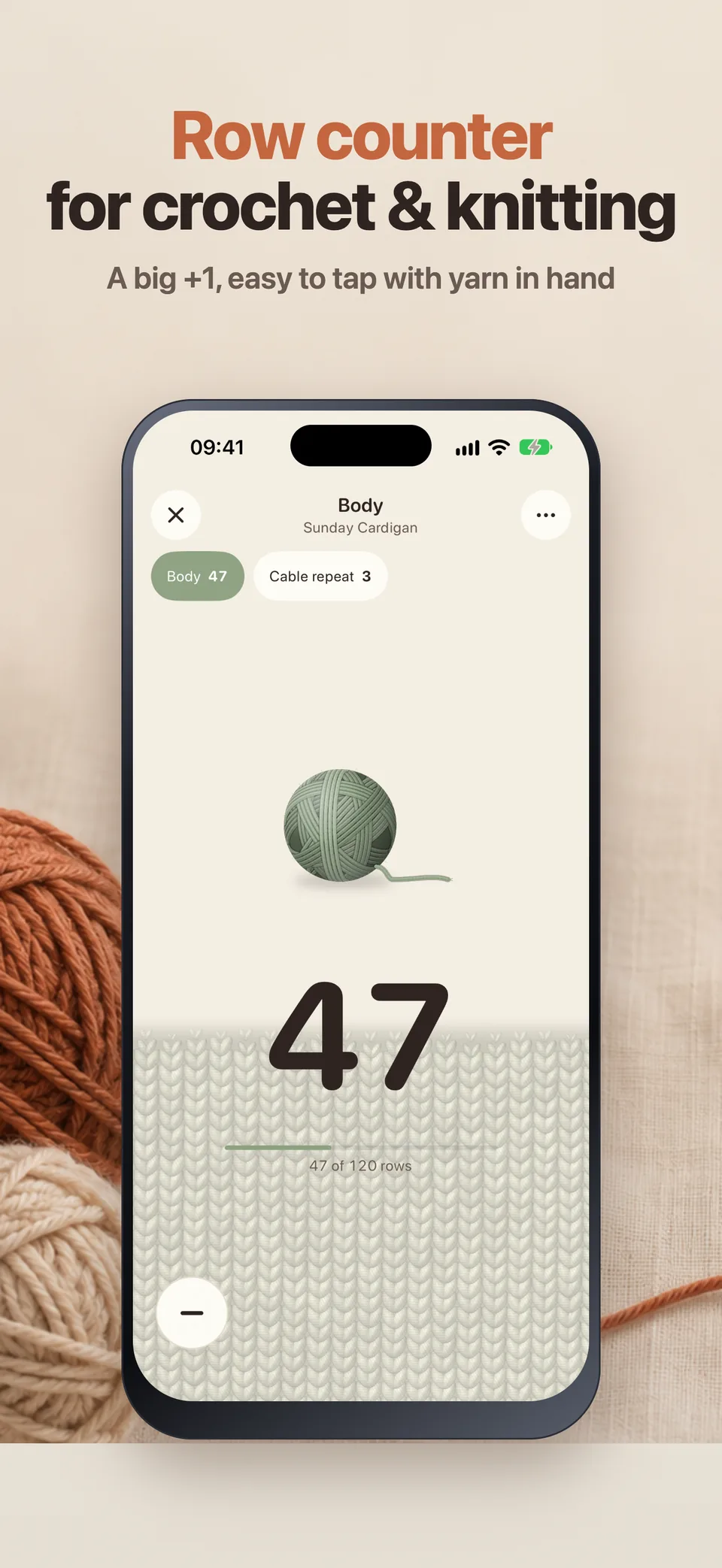
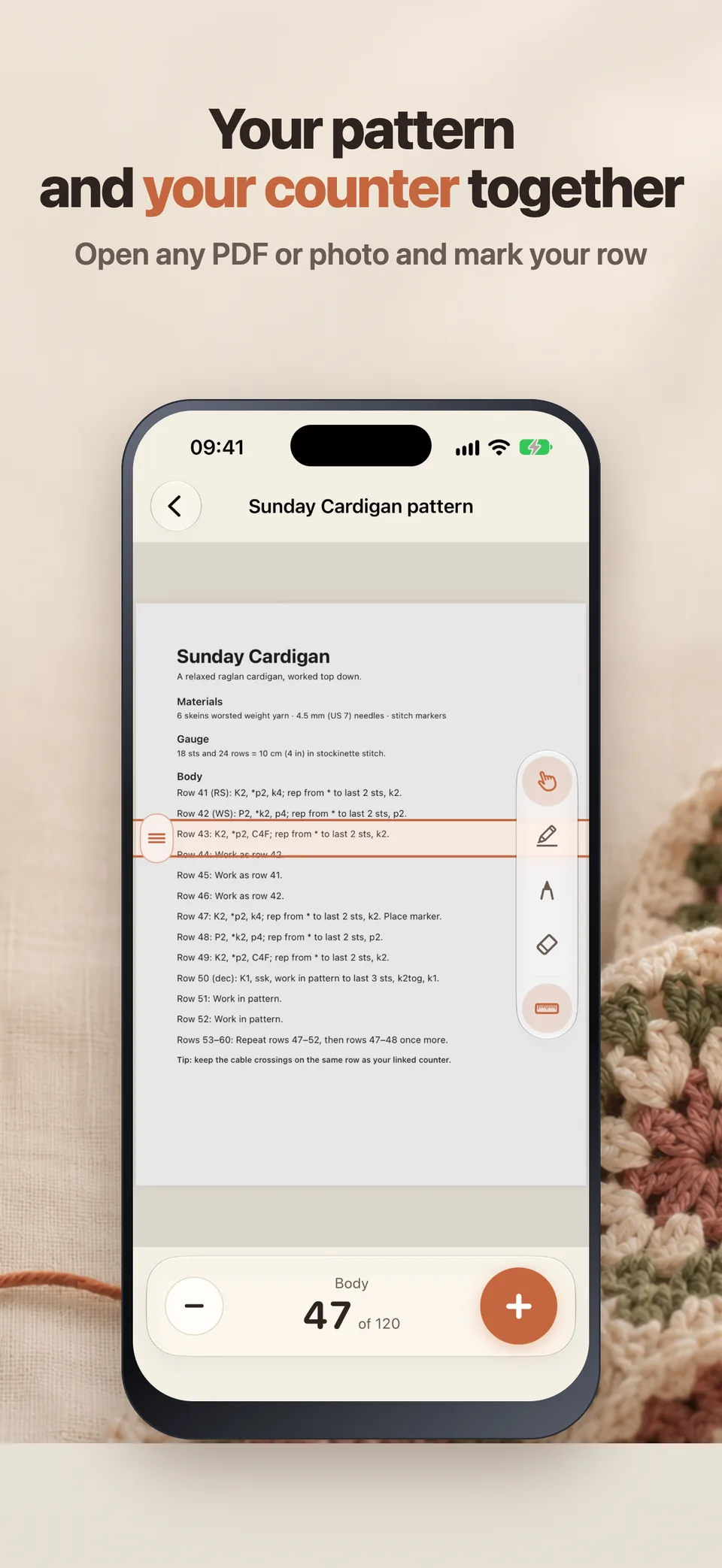
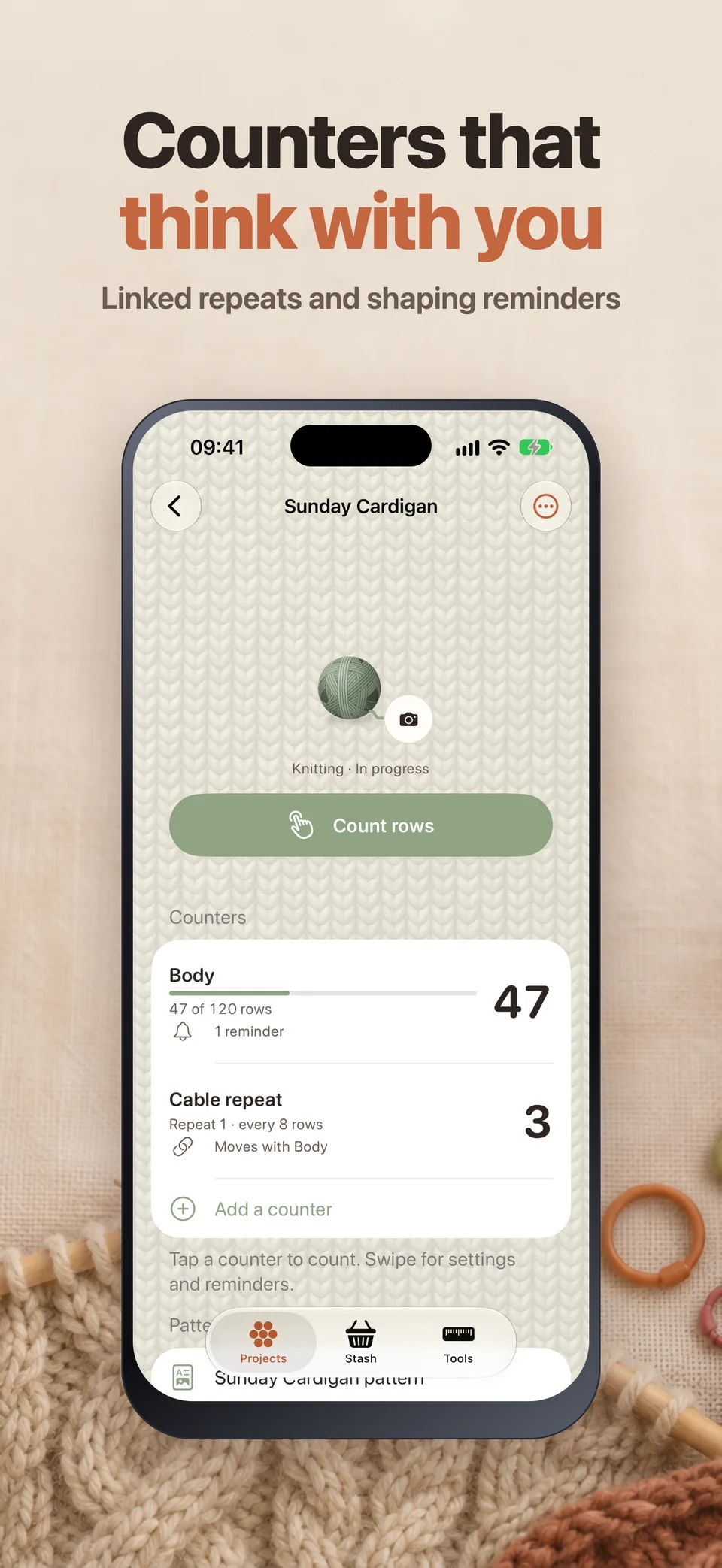
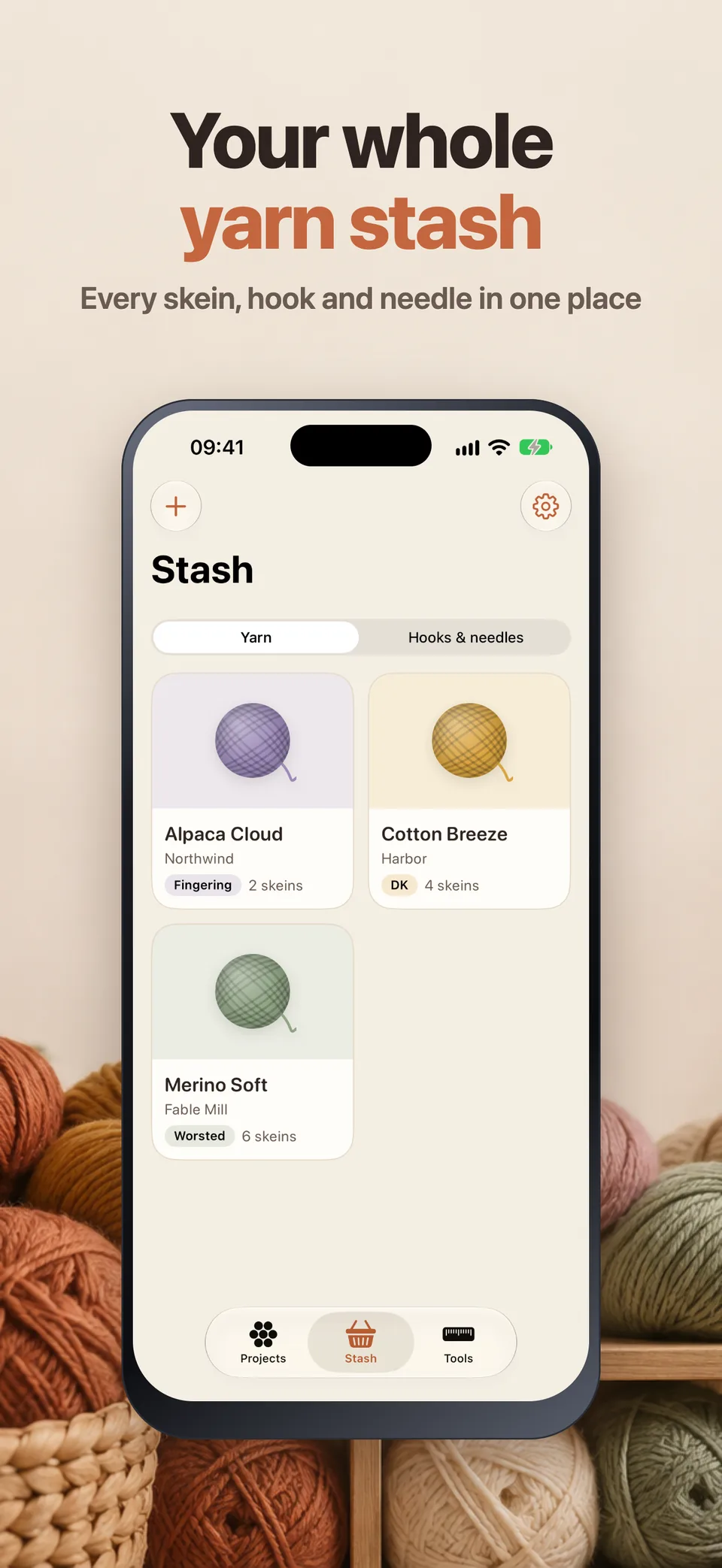
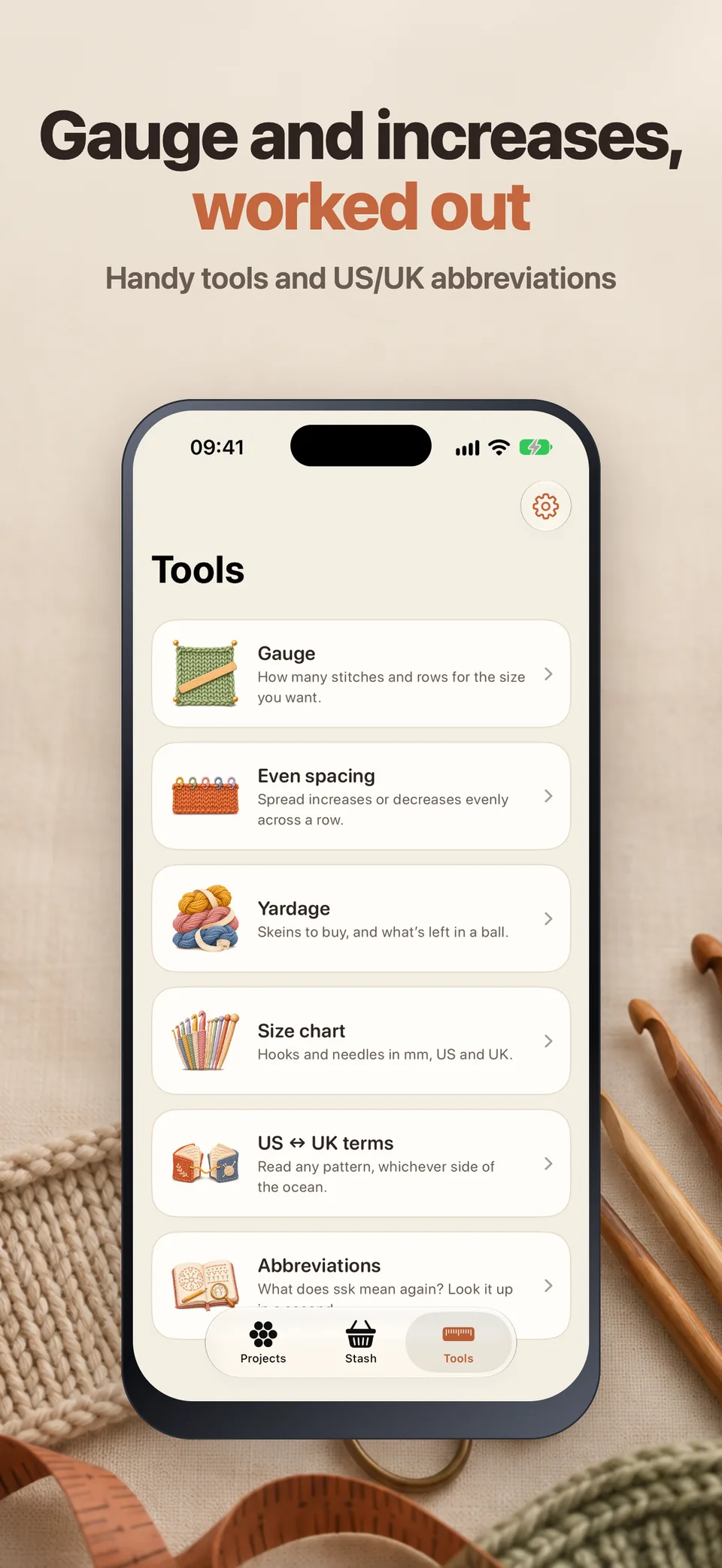
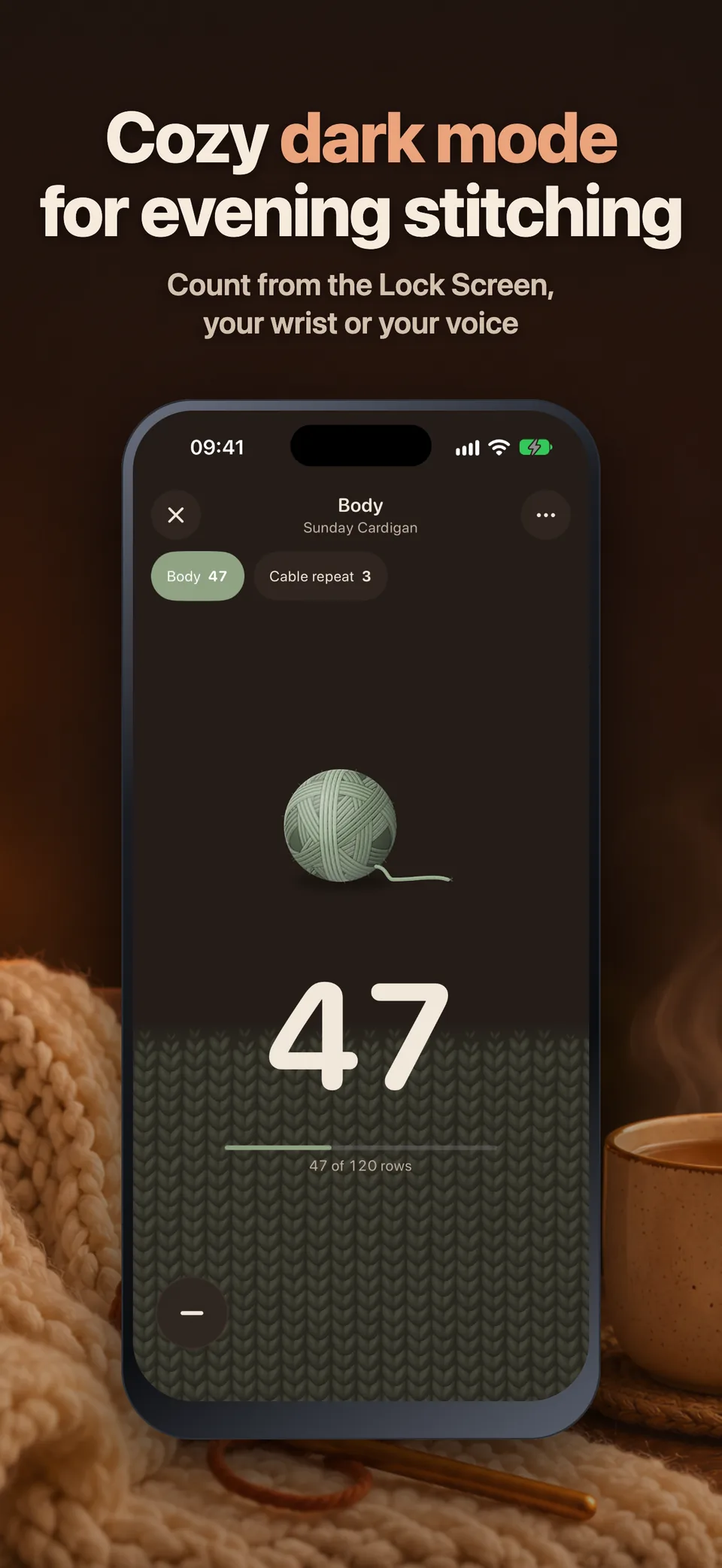
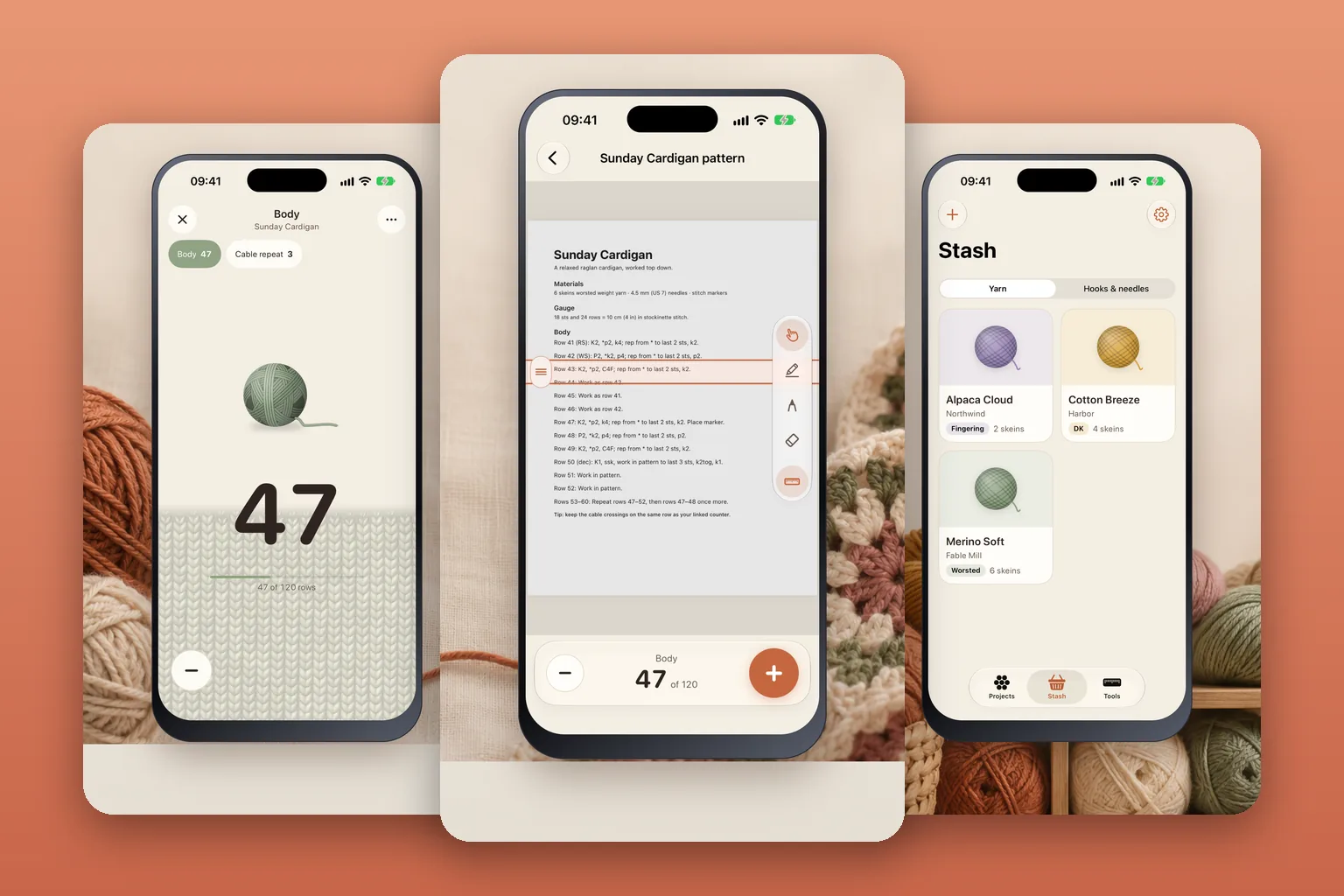
Screens from version 1.0
Illustrative screens. Features and appearance may vary by version.
Preview unavailable. Please try again.
What you can do
The cozy row counter for crochet and knitting: your pattern, your counters and your yarn, all in one place. Pelotte Pro is required to use the app.
A big +1 that’s easy to hit with yarn in your hands. Count from the Lock Screen, the Action button or Apple Watch; a Live Activity keeps your row in view.
Open any PDF or photo of a pattern, with a highlighter, a pen and a row ruler right on the page. Your counter sits under the pattern as you read.
Several linked counters per project, reminders like “decrease every 6 rows”, and every skein with its color, weight, fiber, photo and notes.
Available on the App Store. No ads, no account; your projects stay on your device.
Pelotte
Yes. Pelotte 1.0 is available on the App Store in France and the United States.
Rows, repeats and rounds, with several counters per project. Linked counters move together, and reminders like “decrease every 6 rows” flag shaping rows.
No. There is no account and no ads. Your projects stay on your device, and you can export them at any time, for free.
Pelotte Pro is required to use the app: a weekly plan with a free week for new subscribers, a yearly plan, or a one-time lifetime purchase. The App Store shows the price before you confirm.
Pelotte requires Pelotte Pro: a weekly plan with a free week for new subscribers, a yearly plan, or a one-time lifetime purchase. The App Store shows the price before you confirm.
This page is available in English and French. Check the App Store listing for app languages.
On iPhone, open Settings, tap your name, then Subscriptions. Select the app to review or cancel an active subscription. Deleting the app does not cancel a subscription.
Support
Include the app name, your iPhone model, iOS version and a description of the issue. Never include passwords or payment details.
Website privacyRow counter
Availability depends on your Apple account country; check the App Store.
Available on the App Store